Your next client is waiting, but the last session’s notes are in one app and the payment reminder is in another. Coaching client management software brings those records together so you can prepare, follow up, and run the practice from a consistent place. The right choice depends on which parts of that relationship you need to manage.
A booking tool may handle appointments well while leaving goals and progress in separate files. A coaching platform may connect those records but price its plans around active clients or team access. The comparison below helps you check those differences, and the selection steps after it show you how to run a practical trial.
TL;DR
Choose coaching client management software by the relationship you need to manage, then compare the tier that supports it. A coaching platform is useful when goals, session notes, and between-session actions need to stay connected. A business CRM may fit a practice driven by proposals, projects, and billing. Program-based tools are worth comparing when cohorts and learning activities are central. Price the software against your active-client or team-seat count, and check which features cost extra. Before committing, run a sample engagement from booking through follow-up, inspect the client view, and export a record you could use elsewhere.
Why You Need a Client Management Software for Coaching
Your client records should help you pick up the conversation where it ended, even when appointments move or your practice grows. A shared system reduces the need to piece together session notes, commitments, and payment history before every call.
With the right client management software, you can:
- Keep client details together. Store contact information, goals, and session notes in an organized client record.
- Make progress visible. Review agreed actions and changes over time with the client.
- Coordinate appointments. Connect booking pages, calendars, and reminders so changes reach the right people.
- Manage payments. Track invoices and package balances without relying on memory.
- Maintain continuity. Keep the relevant history available across sessions and longer engagements.
The distinction between CRM software for coaches and a coaching platform matters here. A sales CRM can organize leads and deals, while your delivery system also needs to hold the work you and the client agree to do.

Key Features to Look for in Client Management Software
Start with the tasks that currently require duplicate work, then check whether a platform connects them in a way your clients can use.
- Client database and communication. Keep contact details, session history, notes, and relevant messages together. Check which records the client can see.
- Automated scheduling and calendar sync. Let clients book available times and receive reminders. Test your actual calendar account, time zone, and rescheduling rules.
- Progress tracking and goal monitoring. Connect agreed goals with actions and check-ins, as dedicated progress tracking tools do. Activity records should support a conversation about progress, rather than substitute for one.
- Invoicing and payment processing. Check invoices, payment status, recurring charges, and package balances, the same checks you would run on standalone scheduling and invoicing software. Confirm supported currencies and processor fees for your location.
- Document management and e-signatures. Store agreements, forms, and shared materials where you can find them. Confirm how signed copies are retained and exported.
- Workflow automation. Use reminders and forms to support repeatable onboarding and follow-up. Check what triggers each step and whether you can pause or change it.
- Secure client portal. Give clients access to their appointments and shared work. Keep private notes separate and review the vendor’s access and security controls.
- Reporting and analytics. Distinguish engagement activity, client-reported progress, and business revenue. Decide what you need to share before choosing a dashboard.
- Custom forms and questionnaires. Collect intake information, such as your client intake questions, and feedback that fits your coaching approach. Use only questions you need and agree how responses will be used.
A coaching portal feature checklist can help you inspect the client side of these tasks. During a demo, ask to see the same appointment or shared form from both accounts, including what stays private.

ROI Breakdown
Estimate the value of software from your own workload, subscription cost, and adoption effort. Track the time you currently spend on scheduling, payments, and client records, then compare it with the same tasks during a trial.
For a hypothetical revenue example, ten additional sessions at $150 each would generate $1,500 in gross revenue. That calculation does not show that software creates those bookings, and it excludes the cost of delivering them. Recovered admin time may instead become preparation time or a shorter working day.
Include setup, migration, payment fees, and any extra team seats in the budget. Keep observed time savings separate from hoped-for revenue or retention gains so you can judge whether the subscription is worthwhile.
How We Chose These Platforms
What we compared: Nine platforms for professional coaching and service-based client work, ranging from coaching-specific systems to project and business CRMs.
How we chose them: Each supports an identifiable part of managing a client relationship. We compare its client tasks, intended user, and practical limitations rather than treating every feature list as equivalent.
Where the details come from: Vendor product and pricing pages inform the features and plan distinctions. Prices need their billing period and client or user limits to remain useful.
What we left out: Discontinued services and specialist medical-record or school-administration systems.
Before you choose: Check the plan that includes your required client tasks, then try it from the client’s side as well as your own.
9 Best Coaching Client Management Software
Coaching client management platforms serve different kinds of client work. Use this comparison of nine options to shortlist by fit before inspecting individual features.
Prices are in US dollars and were checked on 2026-10-21. Annual-billing figures are monthly equivalents, and payment-processing fees or taxes may apply. Paperbell’s price was checked on 2026-09-22.
| Software | Key features | Useful for | Starting price | Plan check |
|---|---|---|---|---|
| CoachVantage | Programs, portal, contracts | Coaching program administration | $35/month, billed annually | Clarity limits program pages and contract signatures. |
| Delenta | Client records, booking, payments | Solo practices adding services | $29/month, billed monthly | Starter has limited client portals; group coaching is on Pro. |
| upcoach | Programs, activities, community | Structured cohorts and programs | $49/month, billed annually | Starter includes 25 active participants and one team seat. |
| Simply.Coach | Goals, session work, forms, billing | Connected coaching and client records | US$9/month, billed annually | Starter supports up to 3 clients; choose the plan for your needs. |
| Paperbell | Packages, checkout, booking | Solo coaching package delivery | $57/month, billed monthly | Annual plan is $570/year; Paperbell adds no transaction fees of its own. |
| CoachAccountable | Actions, metrics, session records | Detailed client follow-through | $20/month | Entry tier covers two active clients. |
| Coaching.com | Engagements, programs, reports | Managed coaching engagements | Use the license calculator | Each license covers one active coach or administrator; group module costs extra. |
| HoneyBook | Proposals, contracts, client portal | Sales and project administration | $29/month, billed yearly | Scheduler and automations start on Essentials at $49/month, billed yearly. |
| Bonsai | CRM, projects, time tracking | Freelance and project-based practices | $9/user/month, billed annually | Essentials at $19/user/month adds billing, contracts, and portal. |
1. CoachVantage
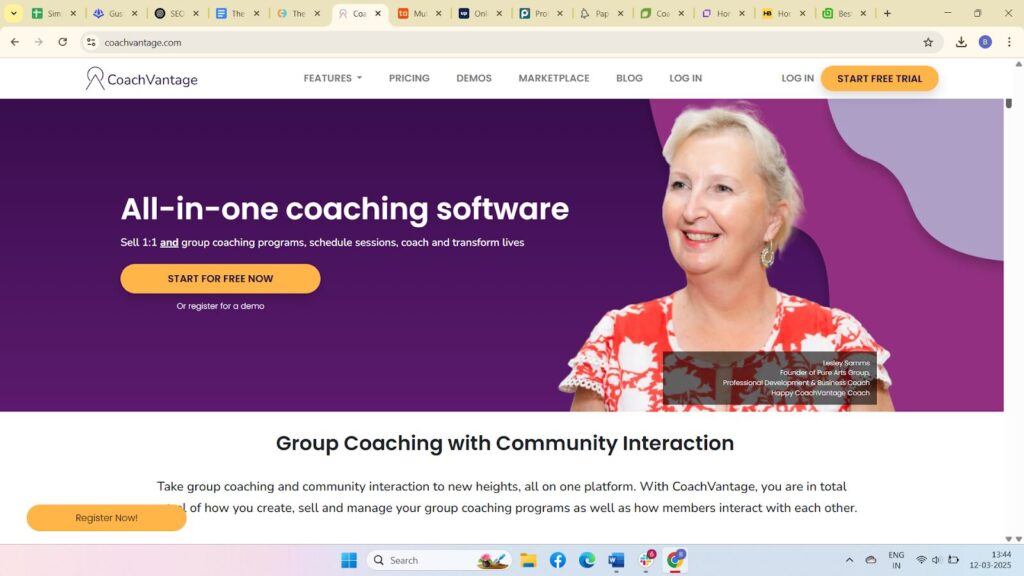
CoachVantage brings coaching programs, scheduling, and client records into one service. Its unlimited contact and engagement allowance is useful when a growing client list is your main pricing concern.
Key features:
- Coaching programs: Create and sell individual and group programs, with program and cohort options depending on your plan.
- Scheduling: Publish booking pages, sync external calendars, and set cancellation or rescheduling policies.
- Client portal: Share notes, files, goals, and forms while keeping the engagement organized.
- E-contracts: Send agreements for signature and retain an audit trail. Clarity limits monthly signature requests.
- Forms and templates: Collect intake information and feedback, and review aggregated form responses.
Pricing. Clarity starts at $35 per month billed annually. The plan has limits on program sales pages, booking pages, and contract signatures, even though contacts and coaching engagements are unlimited.
Best for. Coaches who want to sell programs and manage the resulting engagements together.
Not for: A business buying for several coaches before seeing its access needs demonstrated. Ask for a team demo rather than assuming unlimited contacts includes separate coach permissions.
2. Delenta

Delenta combines lead management, booking, and a client accountability portal. Its tiers give a solo practice a route toward group work, branded services, and a larger coaching team.
Key features:
- Lead capture: Use a profile landing page and intake forms to organize prospective clients.
- Availability publishing: Connect Outlook or Google calendars and let clients find available session times.
- Payment processing: Connect supported payment services and sell coaching offerings.
- Client accountability: Keep session notes, tasks, and goals in the client record.
- Group coaching: Pro adds group management and group sessions; higher plans expand branding and workflows.
Pricing. Starter costs $29 per month on monthly billing and includes limited client portals. Check Pro for group coaching and Premium when unlimited portals or more customization are required.
Best for. Solo coaches, consultants, and mentors who expect to add group programs or branded client experiences.
Not for: A practice expecting unlimited portals and advanced onboarding in the entry plan. Compare the tier that includes those needs.
3. upcoach
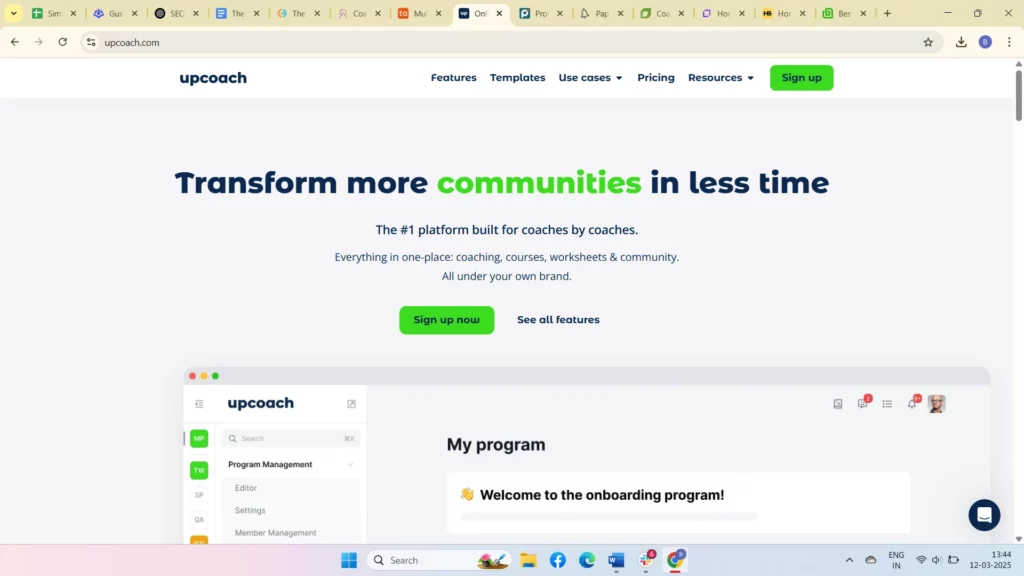
upcoach organizes coaching around structured programs and participant activity. It is a useful option when lessons, assignments, live events, and community interaction belong in the same program.
Key features:
- Program management: Build and run different program formats with lessons and reusable activities.
- Client progress tracking: Review check-ins, worksheets, tasks, and participant progress.
- Group coaching: Manage cohorts and community spaces alongside your program content, as other group coaching tools do.
- Resource library: Keep program materials available with the lessons and activities that use them.
- Events and integrations: Coordinate live events and booking, and confirm the meeting connection your program uses.
Pricing. Starter costs $49 per month billed annually for 25 active participants and one team seat. Larger participant allowances and additional team access require a different plan; transaction fees also vary.
Best for. Coaches whose main offer is a structured cohort, group program, or learning experience.
Not for: A coach seeking occasional private appointments with minimal program setup. Compare the work of building a program with your everyday session needs.
4. Simply.Coach
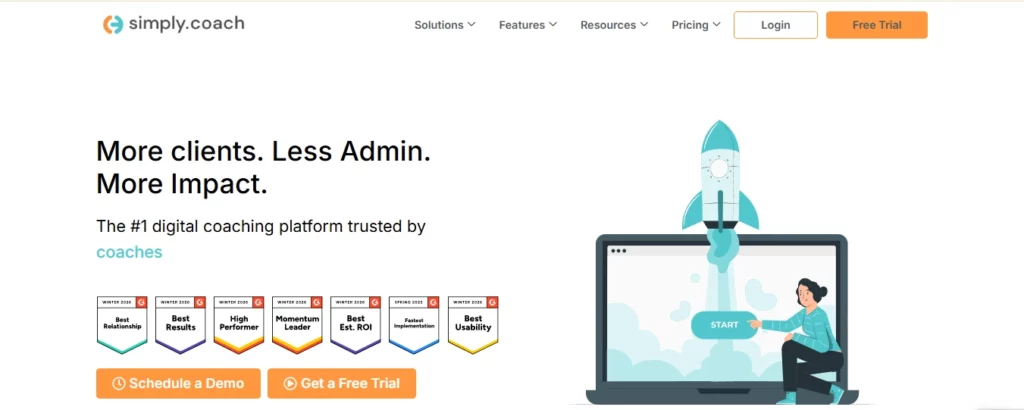
This digital coaching platform connects client goals, session work, and practice administration. This comparison is published by Simply.Coach. Its fit is strongest when you want the coaching record to remain connected across the engagement.
Key features:
- Goal setting: Record client goals and use check-ins to review progress.
- Session scheduling and calendar integration: Connect appointments with supported calendars and meeting services.
- Action plans: Link agreed tasks to goals and keep follow-up work visible.
- Progress tracking: Review engagement activity and client progress through reports.
- Client workspaces: Give clients access to shared goals, resources, and records.
- Invoices and payments: Send invoices and track payment status alongside client work.
- Contracts and e-signatures: Organize agreements and signatures in the engagement.
- Video conferencing: Connect virtual sessions with the platform; confirm the meeting option included in your plan.
- Showcase pages: Present coaching services and help prospective clients get in touch.
Pricing. The Starter plan costs US$9 per month billed annually for up to 3 clients. Client capacity, branding, recurring-session options, and other capabilities vary by plan, so compare the tier that supports your practice.
Best for. Coaches who want goals, actions, session records, and administration connected, with separate options for larger coaching businesses.
Not for: A team expecting multi-coach access at the solo Starter price. Review business roles and pricing when several coaches need access.
What customers say about Simply.Coach
Watch this video to hear what customers say about the platform.

5. Paperbell

Paperbell focuses on the steps around selling and delivering a coaching package. It belongs on a solo coach’s shortlist when checkout, agreements, and appointment booking are the main administrative jobs.
Key features:
- Scheduling: Review how clients choose appointments and how your calendar handles changes.
- Payments and checkout: Inspect the package purchase flow and the payment service connected to it.
- Contracts: Check where a client signs the agreement and how you retrieve the signed copy.
- Client management: Keep the package and appointment history connected to the client.
- Client portal: Walk through the client view of appointments and purchased services.
Pricing. Paperbell costs $57 per month, or $570 per year on annual billing, with all features included. It adds no transaction fees of its own; check your payment processor’s charges.
Best for. Solopreneurs who want a straightforward path from buying a package to booking its sessions.
Not for: A practice choosing mainly for long-term goal reports or complex coach assignments without seeing those tasks demonstrated. Include them in the demo before selecting a package-focused tool.
6. CoachAccountable
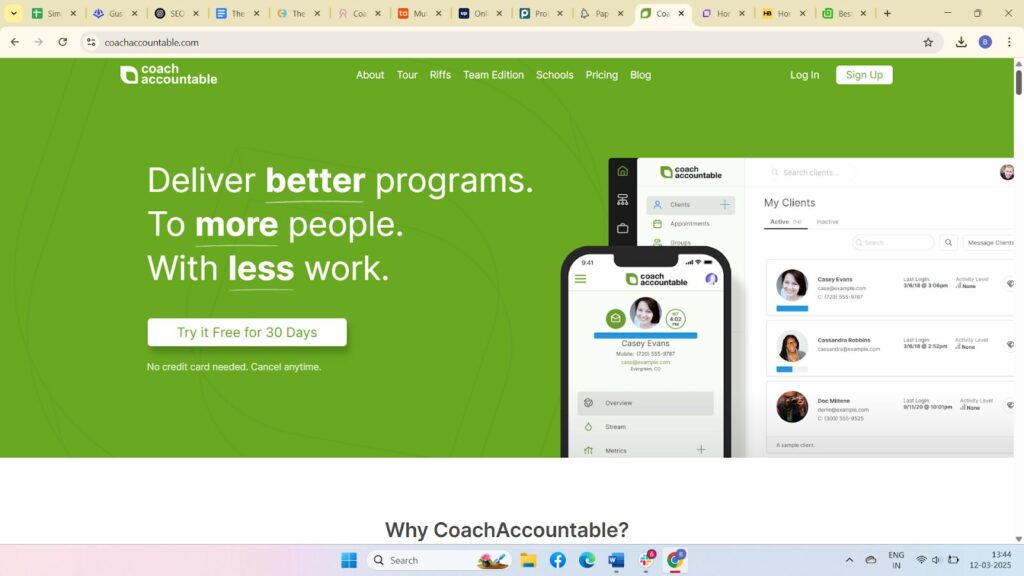
CoachAccountable gives client follow-through a prominent place in the coaching record. Actions, metrics, worksheets, and session notes help make between-session work visible to both coach and client.
Key features:
- Client management: Keep the engagement history alongside agreed actions and progress records.
- Scheduling: Manage appointments and calendar connections with automated reminders.
- Session access: Check the meeting link and calendar workflow you intend to use for virtual appointments.
- Payment processing: Use invoicing and supported payment connections for the business side of coaching.
- Agreements and records: Review agreement handling and business reports alongside the coaching tools.
Pricing. The entry tier costs $20 per month for two active clients. Plans scale with active-client count; the pricing page states that the feature set is included across tiers.
Best for. Coaches who want detailed action and metric tracking without buying higher tiers to access the core feature set.
Not for: A practice budgeting from the entry price while maintaining a large active roster. Compare the tier that covers your busy-season client count.
7. Coaching.com

Coaching.com organizes coaching engagements and programs with reporting for the people managing them. Its licensing makes the number of active coaches and administrators part of the purchase decision.
Key features:
- Client management: Manage engagements, sessions, notes, and shared resources.
- Program management: Coordinate coaching delivery and select the group module when needed.
- Analytics and reporting: Review engagement utilization and program information.
- Team collaboration: Check coach and administrator access for the way your business allocates work.
- Integrations: Inspect the calendar and communication connections used by your team.
Pricing. Pricing depends on your active-coach and administrator licenses, the optional group module, and implementation support. Use the calculator for the configuration you need, rather than comparing a single-license example with a complete team subscription.
Best for. Coaching businesses that need to coordinate engagements and report on delivery across a program.
Not for: A buyer choosing by a single advertised starting figure. Calculate the full license and module configuration, including group coaching when you need it.
8. HoneyBook
HoneyBook is a business CRM for managing the commercial relationship with a client. It is a strong fit when proposals, contracts, projects, and getting paid take priority over a detailed coaching-goal record.
Key features:
- Project management: Keep client communication, files, and project activity together.
- Invoicing and payments: Send invoices and accept payments within the client workflow.
- Scheduling: The Essentials tier adds the scheduler; distinguish it from the calendar included in Starter.
- Automation: Essentials adds automations for recurring business processes.
- Client portal: Give clients a shared place for project documents and communication.
Pricing. Starter costs $29 per month billed yearly. Essentials costs $49 per month billed yearly and adds the scheduler and automations, so it is the more relevant comparison when those features are required.
Best for. Coaches whose practice includes proposals, consulting projects, and repeatable business administration.
Not for: A practice buying mainly for structured coaching-goal tracking without trying that process. Project management alone does not establish that the coaching record will fit.
9. Bonsai
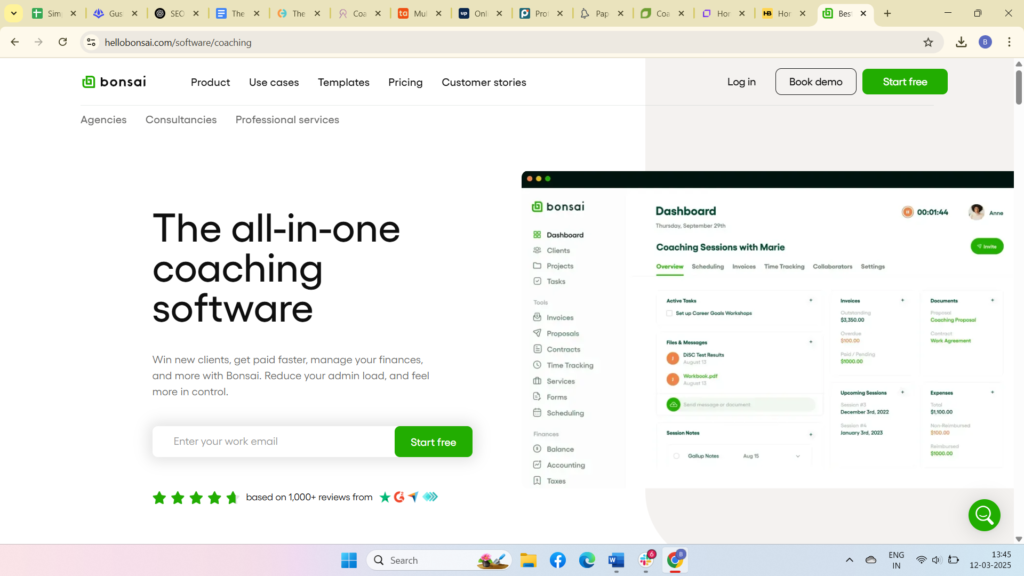
Bonsai combines client records with project management and time tracking. It suits freelance coaches who also deliver consulting projects or bill for work outside the coaching session.
Key features:
- Contracts and proposals: Essentials adds proposals, contracts, and templates for client work.
- Invoicing and payments: Essentials includes billing and online payment tools.
- Time tracking: Track time against client projects and inspect how it supports your billing process.
- Task and project management: Organize work, deadlines, and project activity.
- Client CRM: Keep client details in one place; check the tier needed for a client portal.
Pricing. Basic costs $9 per user per month billed annually for CRM, projects, and time tracking. Essentials costs $19 per user per month billed annually and adds invoices, payments, contracts, forms, scheduling, and a client portal.
Best for. Freelance coaches and small service businesses that combine coaching with project-based work.
Not for: A buyer expecting invoicing and a client portal in Basic. Use Essentials for that comparison and multiply the price by the users who need access.
How to Choose the Best Coaching Client Management Software for Your Business
Shortlist the platforms that support your real client workflow, then test the specific plan you would buy. A useful trial covers the work your busiest week creates, including changes and exceptions.
- Identify your coaching needs. List your individual clients, groups, and active programs. Include which people need their own access and what information each should see.
- Evaluate software features. Create a sample engagement with fictional information, an appointment, an agreement, and an action. Check that records stay connected when you change one part.
- Check scalability. Ask how the price changes with active clients, administrators, or coaches. Demonstrate separate coach assignments and permissions if you manage a team.
- Consider integrations and automation. Connect the calendar and payment service you actually use. Check what happens to reminders when a session is canceled or rescheduled.
- Review pricing and ROI. Compare the full workflow cost, including the billing term and required upgrades. Use your trial notes to estimate realistic time savings.
- Test before committing. Try the client view on a phone, download an example record, and check how you would leave the service. Start with a small migration before moving every client.

For a broader comparison of delivery formats, online coaching platforms differ in how they combine private sessions, programs, and community spaces. Keep the wider shortlist tied to the workflow you have already identified.
Choosing software for coaches also means deciding which system will hold the main client record. Give each piece of information a clear home so adding an app does not create another set of records to reconcile.

Still not sure which platform is right for you?
Watch Simply.Coach Overview to see how Simply.Coach helps you streamline client management, automate workflows, and grow your coaching business.
Conclusion
The best choice is the platform that helps you manage a client relationship consistently, from the first agreement through the work between sessions. Compare the plan you would actually use, with its billing period, client allowance, and required team access.
Simply.Coach is a practical option when goals, actions, session work, and administration need to stay connected. Use the same trial checks across your shortlist, then commit once the coach and client experience both fit the way you work during a real engagement.
Key Takeaways
- Start with work. Name the tasks that require duplicate effort before choosing a feature list, and keep that shortlist beside you during demos.
- Compare usable plans. A platform’s lowest price may exclude the portal, scheduler, or billing tools you need.
- Count active users. Client and team-seat pricing affect the cost as your practice grows.
- Check client access. Walk through shared records and private notes from the relevant accounts.
- Measure actual value. Separate observed time savings from hoped-for bookings or revenue.
- Connect the record. Consider Simply.Coach when goals and actions need to stay connected to session history and the administration of your practice.
- Move in stages. Check exports and migrate a small group before inviting the whole practice.
When client notes, goals, and follow-ups sit in separate places, preparing for the next session takes extra work. Simply.Coach brings those parts of the relationship together. Try its client management tools with your current coaching workflow, then choose the plan that fits your client load.
Frequently Asked Questions (FAQs)
Can coaching client management software handle both individual and group coaching in one platform?
Yes, several platforms support both formats, but the details depend on the plan. Check group scheduling, shared resources, participant permissions, and reporting separately from individual sessions. A product that supports groups may still charge for a group module or require a higher tier.
How do I migrate my current client data into coaching client management software?
Start by listing the records you need to move, including contacts, agreements, session history, and active commitments. Ask the vendor which formats it can import and what needs manual work. Export a backup and test a small set of fictional or appropriately authorized records before moving the full practice.
Can I use coaching client management software to build recurring revenue models?
Software can support packages, subscriptions, and recurring invoices where the plan includes those features. Check the payment connection, renewal terms, cancellation process, and session balances. Automated billing can administer a recurring offer, but demand and client renewal still depend on the service you deliver.
Do coaching client management platforms support automated client onboarding?
Many offer combinations of intake forms, agreements, booking, and reminders. The useful question is whether those steps connect in your chosen plan. Test a new client from invitation through the first appointment, including how you correct a missing form or a booking that changes.
Is it possible to track client progress and goals across sessions with these tools?
Yes. Coaching-focused tools such as Simply.Coach and CoachAccountable connect goals or metrics with actions and session records. Agree with the client what progress means and how you will review it. A completed task or frequent login is useful activity information, but it does not prove a coaching outcome.
What is the best coaching software?
Choose by the work you need to manage. A solo coach selling packages may prioritize checkout and booking, while another practice needs goals, forms, and session history connected. Compare the actual subscription tier, client allowance, and setup effort, then test the client view before committing.