You are halfway through a session and cannot remember your client’s last big win, or which goal they reset a month ago. A coaching tracker fixes that by keeping each client’s goals, progress and session history in one place. The right one depends on how you coach and how many clients you hold.
Tracking progress by hand across several clients is draining, and it takes time you could spend coaching. You will see what a tracking tool should hold, how each option handles goals, reminders and reports, and what each one costs. The side-by-side comparison near the end is where to narrow your shortlist.
TL;DR
A coaching tracker earns its place when it keeps one record per client, adds dated entries instead of overwriting old ones and lets each client see only their own progress. Coaching.com suits larger organizations on custom pricing, CoachAccountable suits solo coaches from $20 a month, and Upcoach suits group programs from $49 a month billed annually. Quenza fits wellness coaches who work through exercises, Delenta and Paperbell keep a small practice simple, and Bonsai suits coaches who mostly need contracts and invoicing. Simply.Coach brings goals, nudges, stakeholder feedback and progress reports together from $9 a month billed annually.
What Is a Progress Tracking Tool?
A progress tracking tool is software that helps you track your clients’ goals, measure their progress and keep them engaged from a single record. It takes routine tasks off your plate, so more of your week goes to coaching.

- Goal setting: set clear, actionable goals for each client, with milestones you can track over time.
- Accountability: automated reminders and task assignments keep clients on track between sessions, without you chasing them.
- Client engagement: each client gets a personal workspace to follow their progress, open resources and message you, which makes them more invested in the work.
- Automation: scheduling and follow-ups run on their own instead of filling your calendar with admin.
- Reporting: clear reports show each client’s progress, so you can measure outcomes and show the value of your coaching.
What Should a Coaching Tracker Hold?
How the record is built matters more than how the screens look. Three choices separate a coaching tracker from a notes file or a spreadsheet.
- One record per client. Each person has a record of their own that grows without a redesign, instead of a column in a shared sheet.
- A log that only grows. New entries are added with a date, and nothing quietly replaces what was written before.
- A boundary around each client. A client can open their own baseline, goal and session entries without seeing anyone else’s.
A record kept this way in coaching tracking tools is what turns tracking into proof of progress that a client or sponsor will accept. It also lets a colleague pick up a client’s history without you having to explain it.
| What breaks in a spreadsheet | Why it breaks | What a tracker holds instead |
|---|---|---|
| One tab or one column per client | Built for calculation, not a per-person history | A record for each person that grows without a redesign |
| An editable cell | Anyone can overwrite March’s answer in August | A dated entry that nothing quietly replaces |
| A shared file or nothing | The client sees the whole sheet or none of it | A view that shows each client only their own record |
| A manual export | The history exists only if someone remembers to save it | A complete record you can export on demand |
A spreadsheet works while you have one or two clients. Watch for the rows in the table as your roster grows, and move before the first one causes a problem.
How We Chose These Tools
Every tool below was judged on the same criteria, so you can compare the entries on equal terms.
- What we compared: eight coaching platforms that coaches use to track client goals and progress, from tools for a solo practice to platforms built for larger organizations.
- Where the details come from: each vendor’s own pricing and product pages, and the ratings each tool shows on G2 and Capterra.
- How we judged them: how each tool tracks goals and progress, how it keeps clients engaged between sessions, what its entry plan costs and which practices it suits.
- What we left out: Practice.do and Profi.io, which both shut down in late 2025. Coaches still moving their records can compare a Practice.do alternative or a Profi alternative instead.
8 Coaching Progress Tracking Tools for Your Practice
Each entry below covers what the tool does for progress tracking, its key features, its entry price and the kind of practice it suits best. Prices were read on each vendor’s own page on October 7, 2026.
1. Coaching.com
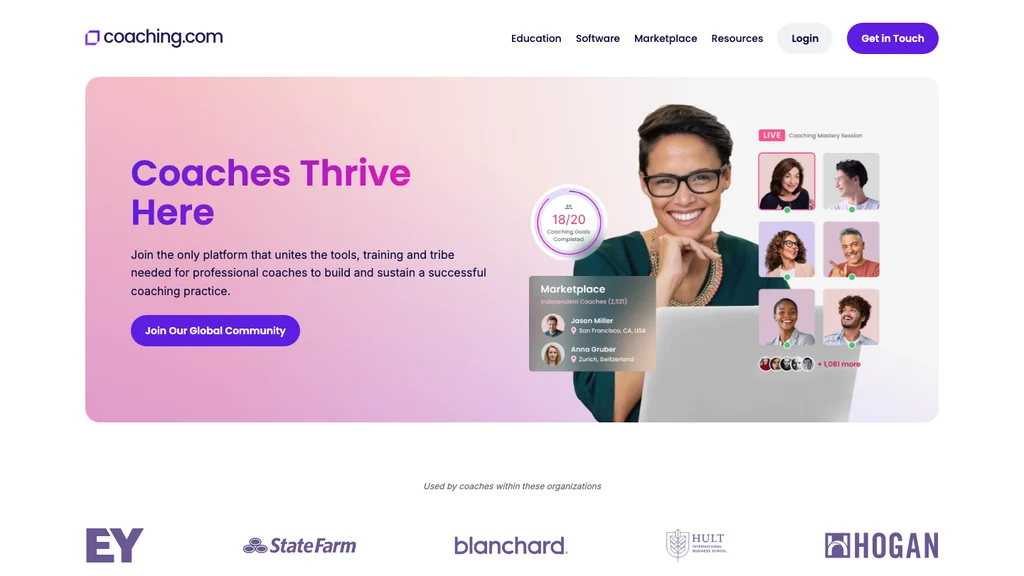
Coaching.com offers an enterprise-grade platform built for larger coaching organizations and teams that manage many clients. It gives you detailed progress tracking and suits coaches who want a structured approach.
Its pricing is set for businesses. If you are a solo coach or a small practice that does not need the full feature set, a Coaching.com alternative is worth comparing.
Key features:
- Goal setting and tracking: set clear goals and track progress with detailed reports, so clients stay on target throughout the engagement.
- Reporting and analytics: in-depth reports and insights help you judge client success and adjust your coaching approach.
- Stakeholder feedback: collect feedback from managers or team members for a fuller view of each client’s progress.
- Client engagement tools: keep communication going between sessions and share progress with clients.
| Category | Details |
|---|---|
| Pricing | Custom pricing for businesses |
| G2 rating | 4.7/5 |
| Capterra rating | 4.8/5 |
| Pros | • Enterprise-grade platform with a broad feature set • Advanced reporting and analytics • Handles large client rosters well |
| Cons | • Cost may not suit solo or small-scale coaches • Can feel like more than you need if you want a simple tool |
2. CoachAccountable
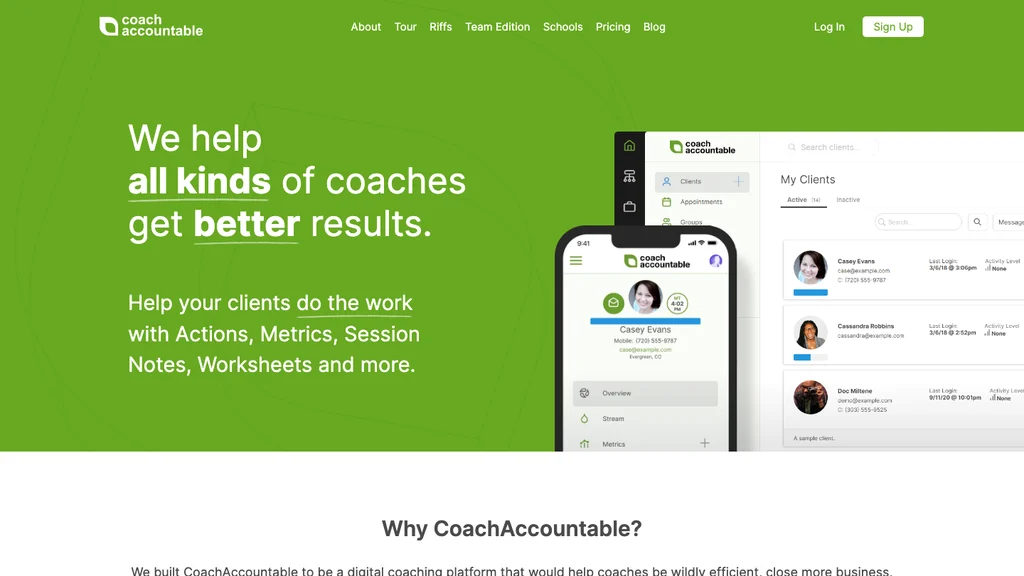
CoachAccountable is popular with solo coaches who need dependable tools for tracking client progress. It is known for detailed progress reports and accountability features, which keep clients on track with little effort from you.
It is not for a larger coaching organization that needs to scale across many coaches. Teams at that size are better served by a CoachAccountable alternative.
Key features:
- Progress reports: detailed reports track client milestones and show where to adjust your coaching.
- Goal setting and tracking: set specific, measurable goals and follow progress through visual indicators and progress bars.
- Automated reminders and nudges: reminders encourage clients to stay engaged and finish their tasks between sessions.
- Session management: manage session scheduling and notes, so the details you need are always at hand.
| Category | Details |
|---|---|
| Pricing | Starting at $20/month for 2 clients |
| G2 rating | 4.9/5 |
| Capterra rating | 4.8/5 |
| Pros | • Ideal for solo coaches • Strong progress reports and accountability tools • Easy-to-use interface |
| Cons | • Harder to scale for larger coaching organizations • Fewer customization options than enterprise tools |
3. Upcoach
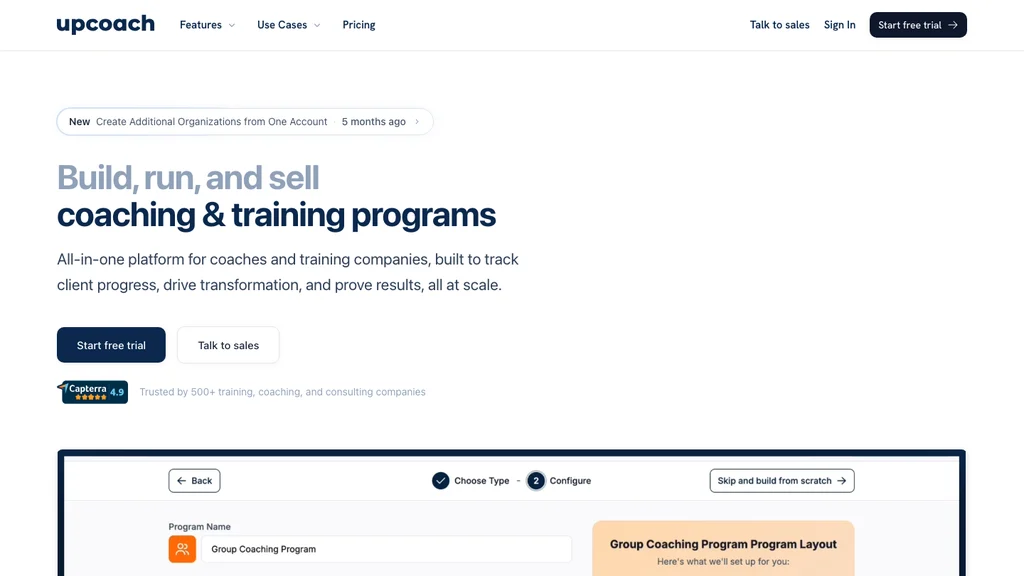
Upcoach is a collaboration-focused coaching platform with a clear, customizable dashboard for managing clients and their progress. It keeps goal tracking and communication between you and your clients simple.
It suits coaches who run programs for groups of clients at once and want an easy way to track progress while working closely together. Reporting is lighter than in enterprise tools, so if detailed progress reports matter most, look at an Upcoach alternative too.
Key features:
- Customizable dashboards: see client progress at a glance, with a clear overview of goals and milestones.
- Goal tracking and milestones: visual indicators and milestone markers keep clients moving toward their goals.
- Automated reminders: reminders keep clients focused and engaged between sessions.
- Progress reports: client reports show how each person is growing, so you can adjust your approach.
- Scheduling and management: schedule sessions, keep client notes and manage your calendar with built-in tools.
| Category | Details |
|---|---|
| Pricing | Starting at $49/month billed annually, for up to 25 active participants |
| G2 rating | 4.7/5 |
| Capterra rating | 4.8/5 |
| Pros | • Good collaboration tools • Customizable dashboards for easy progress tracking • Simple interface |
| Cons | • Limited advanced reporting features • Better suited to small and medium-sized practices |
4. Quenza
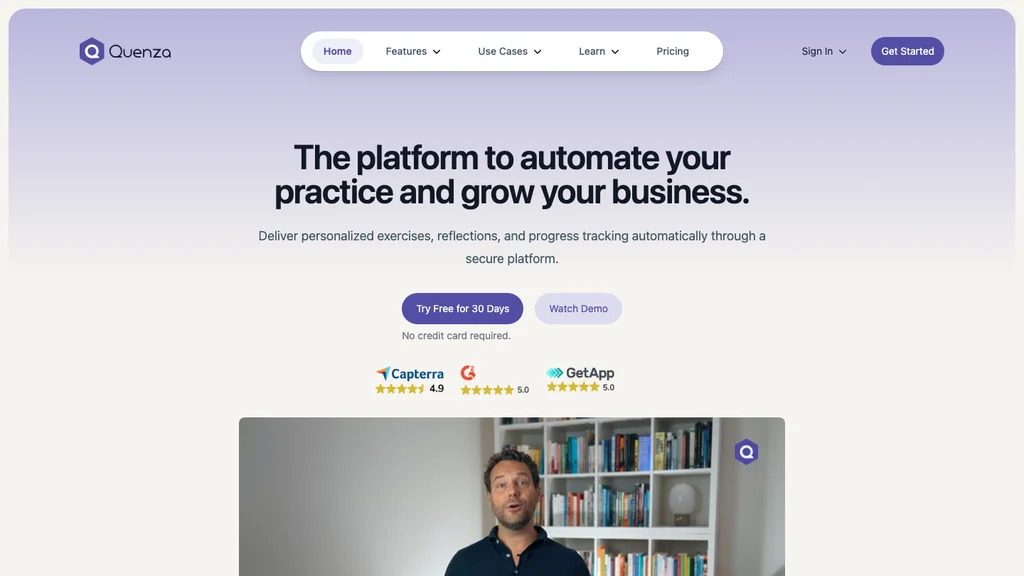
Quenza is built for coaches, especially in health and wellness, who create and manage digital exercises, custom forms and assessments. It suits coaches whose method relies on exercises and tasks between sessions.
If you work in wellness coaching, Quenza helps you deliver engaging, personalized client experiences. If you coach outside wellness and need broader business tools, a Quenza alternative is the better place to start.
Key features:
- Digital exercises and tasks: create and assign exercises, track how clients complete them and give feedback straight away.
- Customizable forms and assessments: design forms for intake, progress tracking and goal setting.
- Client workspaces: clients follow their tasks, view their progress and open resources made for their wellness work.
- Automated reminders and nudges: clients stay on top of their tasks and assignments.
- Security and compliance: health-related data is stored securely and in line with regulations.
| Category | Details |
|---|---|
| Pricing | Spark plan at $20/month billed annually or $25 billed monthly, for up to 10 clients |
| G2 rating | 4.8/5 |
| Capterra rating | 4.7/5 |
| Pros | • Excellent for health and wellness coaches • Customizable forms and exercises • Easy-to-use platform |
| Cons | • Fewer features for coaches outside wellness • The Spark plan stops at 10 clients |
5. Delenta

Delenta is a coaching platform designed for simplicity, which makes it a good fit if you are just starting out or prefer a tool that is easy to learn. It covers scheduling, progress tracking and client management without overwhelming you with complex features. Advanced progress tracking and reporting are limited, so coaches who need deeper reports can compare a Delenta alternative.
Key features:
- Scheduling and session management: schedule sessions, send reminders and manage your calendar with ease.
- Progress tracking: track client goals and progress with simple visual tools.
- Client management: keep client details, notes and session history in one place.
- Customizable forms: create forms for intake, goal setting and feedback.
- Payment integration: handle payments and invoicing inside the platform, so your finances sit beside your client records.
| Category | Details |
|---|---|
| Pricing | Starter plan from $29/month |
| G2 rating | 4.5/5 |
| Capterra rating | 4.6/5 |
| Pros | • Easy to use for beginners • Strong scheduling and client management features • Affordable entry plan |
| Cons | • Limited advanced progress tracking and reporting • Fewer customization options for advanced coaching needs |
6. Paperbell

Paperbell is a straightforward coaching platform for coaches who want an easy way to manage sessions and track client progress. It suits solo coaches and small practices that want a dependable tool without the complexity of larger platforms. Advanced progress tracking is limited, so larger or more complex practices may want a Paperbell alternative.
Key features:
- Session management: schedule and manage client sessions, with automatic reminders and confirmations.
- Progress tracking: track client goals and progress with visual indicators that are easy to update and share.
- Client management: keep client information, session notes and progress in one place.
- Payments and invoicing: take client payments inside Paperbell, with automated invoicing and subscription management.
| Category | Details |
|---|---|
| Pricing | One plan at $57/month, with unlimited clients and sessions |
| G2 rating | 4.8/5 |
| Capterra rating | 4.7/5 |
| Pros | • Simple interface that is easy to use • Effective for solo coaches and small practices • Includes payment processing |
| Cons | • Limited advanced progress tracking features • Less customizable for larger or more complex practices |
7. Bonsai
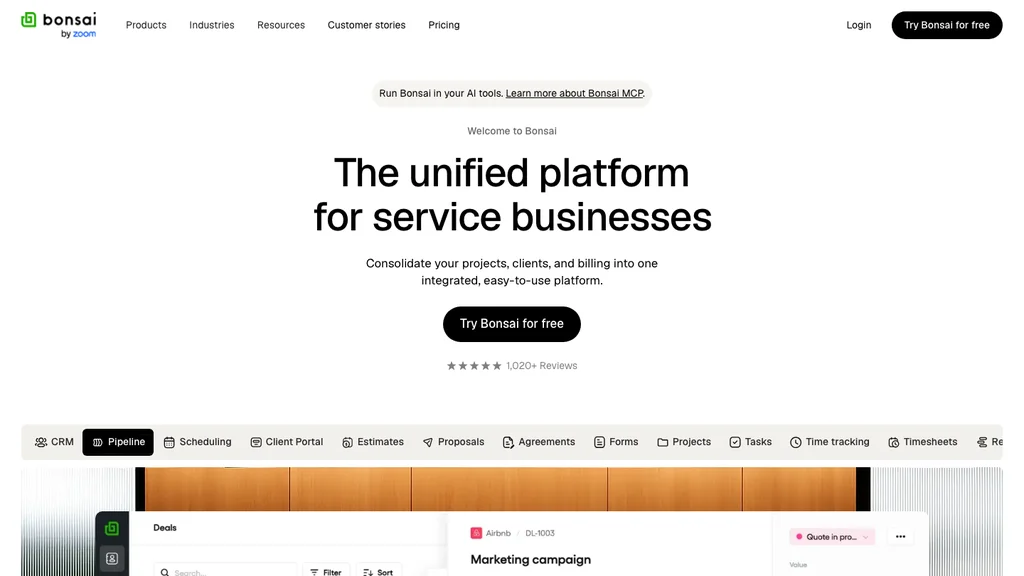
Bonsai is a business management platform that automates administrative work such as contracts, invoicing and time tracking. It focuses mainly on running the business, but it also offers simple tools for tracking client progress.
It suits coaches who want their admin and their client follow-up handled in the same place, but it is not ideal if you rely on nudges and automated reminders.
Key features:
- Contract and invoice automation: create and send contracts and invoices with less admin work.
- Progress tracking: simple tools give you a clear overview of each client’s achievements.
- Task management: assign tasks and follow-ups, so no client falls behind on goals or sessions.
- Time tracking: record the time spent on client work and bill accurately for it.
- Document storage: keep contracts, session notes and other documents secure and easy to find.
| Category | Details |
|---|---|
| Pricing | Starting at $9 per user/month, billed annually |
| G2 rating | 4.8/5 |
| Capterra rating | 4.7/5 |
| Pros | • Broad business management tools • Simple progress tracking • Ideal for admin such as contracts, payments and invoicing |
| Cons | • Basic progress tracking compared with specialized tools • Lacks advanced client engagement features such as nudges and automated reminders |
8. Simply.Coach
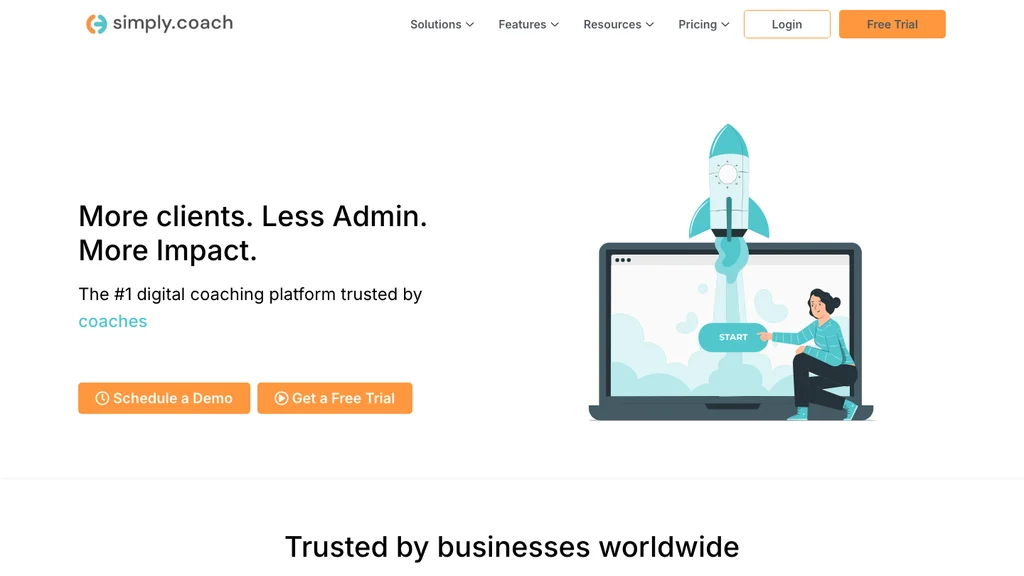
Simply.Coach is the platform we build, so it is the one we know best, and it sits in this list on the same terms as the others. It is a digital coaching platform that makes goal setting and progress tracking simpler, with automated reminders and real-time insight into how each client is doing.
It suits coaches who want to grow their practice while keeping clients engaged between sessions.
Key features:
- Goal and development planning: set clear, actionable goals and track progress over time, so you and your clients stay focused on concrete outcomes.
- Automated reminders and nudges: reminders and nudges keep clients on track between sessions, so you follow up less by hand.
- Real-time progress reports: detailed reports show each client’s progress, so you can adjust your coaching for better results.
- Client workspaces: clients get personal workspaces to follow their progress, open resources and work with you directly.
- Integrated scheduling: sync with Google and Microsoft calendars to avoid double bookings and plan sessions more easily.
- Stakeholder feedback: bring in feedback from managers or peers to see a client’s progress from several angles.
- Security and compliance: it is certified compliant with SOC 2, HIPAA and GDPR standards, so client data is stored and managed securely.
| Category | Details |
|---|---|
| Pricing | Starter plan from $9/month billed annually; custom pricing for businesses |
| G2 rating | 4.5/5 |
| Capterra rating | 4.7/5 |
| Pros | • Detailed tracking features for goal setting and reporting • Automated reminders keep clients accountable • Works with tools such as Zoom and Google Meet |
| Cons | • Learning curve for new users, eased by an onboarding call with the support team, product demos and a help center |
How Tracking Tools Help Scale Your Coaching Business
To grow your practice without losing track of anyone, you need tools that hold client records and handle routine tasks for you. Look for these features when you compare options:

- Automated admin: scheduling, invoicing and follow-ups that run on their own, so you spend less time on paperwork and more time coaching.
- Goal management and progress tracking: clear, actionable goals such as SMART goals, with visual dashboards that help you and your clients measure progress over time.
- Automated reminders and nudges: reminders keep clients on schedule for sessions and tasks, while nudges encourage steady progress without constant check-ins.
- Client workspaces: personal spaces where clients track progress, open resources and talk to you, which makes the work more collaborative.
- Subscriptions and payments: flexible payment models and session packages tied to a payment system, so revenue takes less manual tracking.
- Integrations: connections to your calendar (Google, Microsoft), video platforms (Zoom, Teams) and payment gateways, so your tools work together.
- Reporting and insights: data-driven reports show client progress as it happens and help you demonstrate the value of a program.
- Room to grow: as the practice grows, the right tool lets you manage more clients without losing the personal attention each one needs.
- Security and compliance: platforms that meet SOC 2, HIPAA and GDPR standards protect sensitive client data and maintain trust.
Tools with these features take routine admin off your desk and keep clients accountable as the practice grows. The best software for coaches starts from how your practice runs, so read the list above against your own week rather than against the longest feature list.
Comparing Simply.Coach with Other Leading Tracking Tools
The table below puts three of the tools above side by side on progress tracking, security, automation, integrations, scale and price.
| Feature | CoachAccountable | Upcoach | Simply.Coach |
|---|---|---|---|
| Progress tracking | Strong progress reports and goal setting | Customizable dashboards and simple progress tracking | Detailed, with automated nudges, progress reports and goal tracking |
| Security and compliance | Standard security measures | SOC 2 compliant | SOC 2, HIPAA and GDPR compliant |
| Automated reminders and nudges | Strong nudging features | Automated reminders available | Fully automated nudges and reminders |
| Integrations | Basic integrations | Google Calendar, Zoom, Stripe | Zoom, Google Calendar, Stripe, Microsoft Teams and more |
| Scalability | Suited to solo coaches | Easy to scale for small teams | Suits solo coaches and larger businesses |
| Client workspaces | Personalized workspaces | Client workspaces available | Personalized workspaces for clients |
| Pricing | Starting at $20/month for 2 clients | Starting at $49/month billed annually | Starter from $9/month billed annually; custom pricing for businesses |
Three features explain most of the difference in that last column:
- Automated nudges: reminders and nudges go out on their own, so clients stay accountable without manual follow-ups.
- Stakeholder feedback: collect feedback from managers, peers or others involved in the client’s growth, for a fuller view of their progress.
- Program builder: build and automate coaching programs for different client groups, so each session stays consistent and a program that works is easy to repeat.
Eva Martín, a coach and therapist, says she has “everything in the platform. And everything means everything!” Hear more about how she runs her practice in her full video testimonial.
Conclusion
A progress tracking tool pays off when it fits how you coach, not when it has the longest feature list. Shortlist two or three tools from the comparison, confirm each vendor’s current plan and try them with a few real client records before you move everyone across.
Whichever you choose, start with the records a coaching tracker should hold and let those decide. If you want goals, nudges, stakeholder feedback and progress reports to live together, Simply.Coach is built for that, from a solo practice to a multi-coach business.
Key Takeaways
- Fit beats feature count. The best tool matches how you coach and how many clients you hold.
- Check the record first. One record per client, dated entries and a private client view matter more than dashboards.
- Read the client limits. Two clients on CoachAccountable’s first tier or ten on Quenza Spark decide your real monthly cost.
- Confirm current prices. Vendors change plans often, so check the pricing page before you sign up.
- Plan for growth. A spreadsheet works for one or two clients and starts to break as the roster grows.
- Keep clients engaged. Reminders and client workspaces do more for progress between sessions than reports alone.
- Ask for outside views. Feedback from managers or peers gives a fuller picture of a client’s progress.
If your client goals and progress notes are spread across spreadsheets and email, every review starts with rebuilding the record. Simply.Coach is coaching and mentoring software that keeps goals, nudges, session notes and progress reports together, so each client’s progress is ready when you need it.
Frequently Asked Questions (FAQs)
What are the key benefits of using coaching progress tracking tools in 2026?
A good tool keeps one dated record per client, so you can show where a client stands without rebuilding months of notes. It also gives the client their own view of the goal and the agreed actions, which keeps commitments visible between sessions and makes a handover to a colleague possible.
How do coaching progress tracking tools integrate with other platforms?
Most connect to calendars such as Google Calendar and Microsoft Outlook for scheduling, and to payment services such as Stripe for billing. Many also link to Zoom or Microsoft Teams for virtual sessions. The list varies by plan, so check each vendor's integrations before you commit.
Are there coaching progress tracking tools suitable for group coaching?
Yes, many tools run group programs, but check that each participant still has a record of their own. A shared group page is useful for materials and dates, while goals, baselines and private notes should stay with the individual so nobody sees another person's progress.
What security measures do coaching progress tracking tools implement?
Look for encrypted storage and transfer, a login for each user rather than a shared password, and control over which records each client can see. Ask where data is stored and for a data processing agreement, and check health-data rules if you coach on medical topics.
Can coaching progress tracking tools be customized to fit specific coaching niches?
Most let you add fields, forms and templates for a niche, such as sales targets for a business coach or habits for a health coach. Customize the fields, but keep the basics fixed in every record: one record per client, a baseline that is not overwritten and dated entries.
What is the best coaching app for coaches?
There is no single best app, because practices need different things. Test any candidate on what it holds: one record per client, a fixed baseline, a dated history, a client view limited to that client's own record and an export you can run on the first day of a trial.
Is a coach tracker an app or device?
In sports and fitness, a coach tracker is usually a wearable device or a staff tracker. For a coaching practice, the phrase means software: a record of each client's baseline, goals and session history that both coach and client can open, rather than a physical device.
What should a coaching tracker include at minimum?
Start with three things: a record for each client, a baseline field that stays fixed once it is set and a dated log of what happened in each session. Everything beyond those three is a feature worth adding only once the basics are kept up every week.