Which tool should you use to run group coaching for career clients without drowning in admin? The best group coaching tools for career coaches handle scheduling, reminders, progress tracking and payments for a whole group, so you can coach several job seekers or career changers at once and still follow each person’s goals.
As a career coach, you juggle clients with different goals and timelines, and doing it by hand leaves little room for growth or even personal time. The tools below range from community and course platforms to coaching platforms built around client goals, with their features, prices and the coaches each suits. The section on choosing the right tool for your coaching practice turns the list into a decision.
TL;DR
Group coaching tools take the admin out of running career coaching groups: scheduling, reminders, client progress, communication and payments. Mighty Networks and Thinkific suit coaches who build a community or sell courses alongside live group calls. Paperbell, Bonsai and Delenta suit solo coaches who want simple booking, contracts and payments. Upcoach suits cohort programs with peer accountability, while CoachAccountable and Quenza suit coaches who want clients doing structured work between sessions. Prices run from $9 to $79 a month for the entry plans checked, and most tools offer a free trial. Choose by how you deliver career coaching, what your clients need between sessions and your budget.
Why a Group Coaching Tool Is Necessary for Career Coaches
As a career coach, you manage clients with different goals, challenges and timelines. Without a proper system, tracking progress, setting goals and scheduling sessions become a logistical burden that leaves little time for the coaching itself.
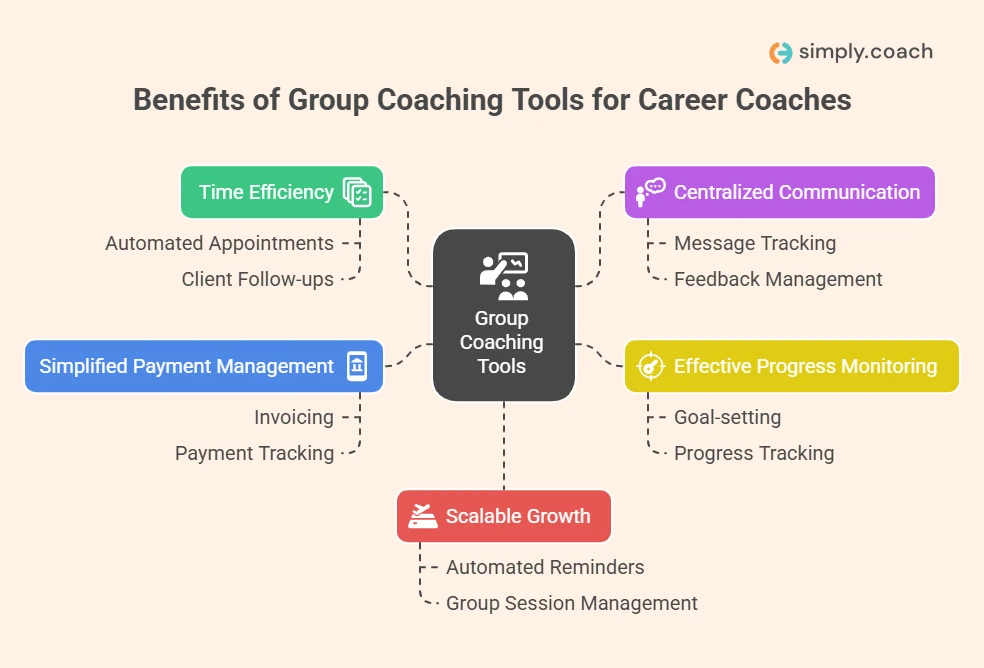
- Time efficiency: Booking appointments, following up and reviewing progress for many clients takes hours. A group coaching tool automates these tasks, so you spend that time coaching.
- Centralized communication: Career coaching involves many sessions, feedback and action steps. A group coaching tool keeps messages, feedback and client progress in one place.
- Effective progress monitoring: Career coaching revolves around client goals over time. A group coaching tool shows where each client stands, with goal setting, progress tracking and action plans.
- Simplified payment management: Collecting payments from many clients gets messy. Many group coaching tools include invoicing and payment tracking, so you never miss a payment.
- Scalable growth: As your client base grows, managing each client by hand stops working. Automated reminders, group sessions and progress tracking let you take on more clients without lowering the quality of your coaching.
The coaching itself is worth protecting. In a study that compared coached medical students with a group still on a waitlist, a series of one-to-one career coaching sessions reduced career decision-making stress. Good tools give you more of your week for that kind of work.
Tools for running the practice sit beside the exercises you use with clients. These career coaching tools for clarity cover the exercises side, from values work to career mapping.

Key Features to Look for When Selecting Group Coaching Software
The right group coaching software changes how you manage clients and grow your practice. As a career coach, you need tools that run the business side and support the coaching itself. These are the features to compare.
| Feature | Description |
|---|---|
| Client management tools | Track client progress, set goals and keep detailed client records in one dashboard. |
| Automated scheduling and reminders | Connect calendars, let clients book sessions and send automatic reminders to avoid conflicts. |
| Progress tracking and reporting | Follow client goals, milestones and action items, with progress reports for easy review. |
| Communication and collaboration tools | Offer group chats, direct messages and discussion spaces to keep clients engaged and informed. |
| Payment integration | Handle invoicing, recurring billing and payment tracking. |
| Customizable coaching frameworks | Build programs that fit your approach and your clients’ needs. |
| Security and data protection | Protect communication and stored files, and meet data protection rules. |
| Scalability | Add more clients, groups and features as your practice grows. |
| Ease of use | Keep the software simple to learn and to use. |
| Integrations with other tools | Connect email marketing, scheduling apps and video calls. |
Many coaches use their platform for little more than the basics. The 2025 ICF Global Coaching Study found that coaches who use digital coaching platforms rely on them mainly for virtual sessions and for scheduling and client management. For group programs, progress tracking and communication matter just as much.
How We Chose These Group Coaching Tools
Every tool on this list was held to the same points, so you can see why it is here and what it leaves out.
- What we compared: nine tools, from community and course platforms to business tools for solo coaches and coaching platforms built around client goals.
- How we chose them: each can serve several clients at once and handles at least one of scheduling, client progress or payments for a career coaching practice.
- Where the details come from: each vendor’s own website and pricing page. Where a pricing page could not be read, no price is quoted.
- What we left out: review-site star ratings, because they change often and could not be checked at the source. Profi is also out because it has shut down. Coaches still moving their records can compare a Profi alternative instead.
- Before you choose: trial your top pick with one real group before you move every client.
Top 9 Group Coaching Software for Career Coaches in 2026
The right group coaching software helps career coaches stay organized and deliver better results. The tools below help you manage several clients at once, track progress and automate routine tasks, so you can spend more time coaching. Prices were checked on each vendor’s pricing page on October 20, 2026.
| Platform | Key features | Suits | Starting price |
|---|---|---|---|
| Mighty Networks | Community spaces, courses, events, paid memberships | Coaches building a community around their programs | $79 a month, billed annually |
| Thinkific | Course builder, live cohorts and coaching, communities | Coaches selling courses alongside group coaching | $40 a month, billed annually |
| Paperbell | Scheduling, payments, client management | Solo coaches with simple packages | Not shown to our check |
| Bonsai | Contracts, time tracking, invoicing, client portal | Freelance career coaches running a service business | $9 a month per user, billed annually |
| Simply.Coach | Group sessions, client workspaces, nudges, invoicing | Coaches who want client work and business admin in one place | US$9 a month, billed annually |
| CoachAccountable | Action plans, metrics, group sessions, reports | Coaches focused on accountability | $20 a month for 2 clients |
| Delenta | Booking, packages, payments, group sessions | Coaches running one-to-one and small group sessions | $29 a month |
| Upcoach | Cohorts, community feeds, progress dashboards | Coaches running group programs | $49 a month, billed annually |
| Quenza | Exercises, programs, tasks, mobile app | Coaches who want structured work between sessions | $20 a month, billed annually |
1. Mighty Networks
Mighty Networks is a platform for coaches who want an active community around their coaching programs. You create spaces where clients connect, share and learn together, and its community and course tools help keep clients involved for longer.
Best for: Career coaches who want peer support and ongoing learning to be part of the program.
Not for: Coaches who need goals, notes and reports for each client, since the platform is built around community, courses and events.
Key features:
- Community spaces: Create spaces for specific coaching programs or client cohorts.
- Paid access: Charge subscriptions or one-time payments for access to your community and courses.
- Courses and events: Host courses and events inside your coaching community.
- Engagement prompts: Keep members talking with polls, questions and themed challenges.
- Integrations: Connect tools such as Zapier, Kit and Google Analytics on the higher plans.
Pricing: The Launch plan is $79 a month, billed annually ($950 a year). Scale is $179 a month and Growth is $354 a month.
2. Thinkific
Thinkific lets you deliver online courses alongside group coaching sessions. It suits career coaches who want a structured learning path with personal guidance in groups, combining course content with live group coaching.
Best for: Career coaches who sell courses and add live group coaching to them.
Not for: Coaches who mainly need client goals, notes and session records, since Thinkific is built around courses.
Key features:
- Drag-and-drop course builder: Build courses visually from lessons and chapters, without technical skills.
- Live cohorts and coaching: Run Zoom sessions with bookable calendars from the Start plan.
- Communities: Give students a shared online learning space and discussions.
- Quizzes and assignments: Grade student work and open new lessons as students progress.
- Email automation: Send automated emails to drive and recover sales.
Pricing: Basic is $40 a month, billed annually ($54 billed monthly). Start is $82 and Grow is $164 a month, billed annually.
3. Paperbell
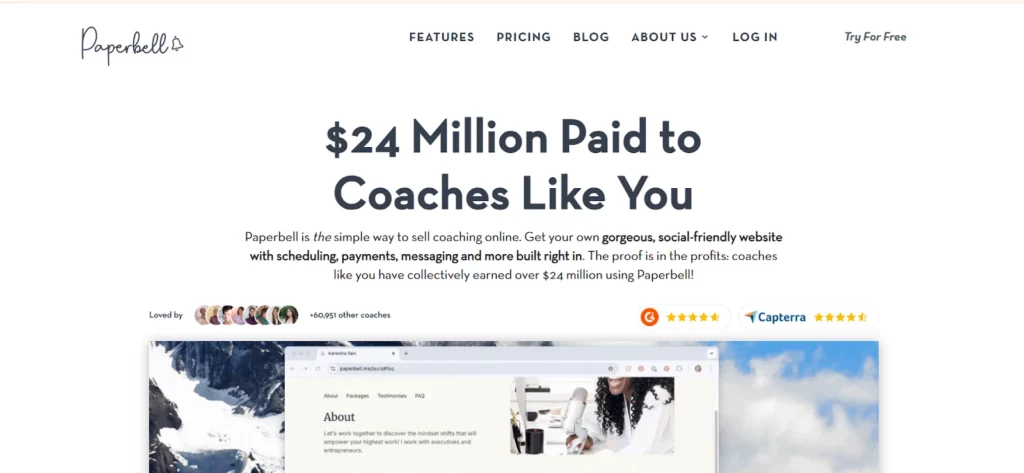
Paperbell simplifies the daily running of a coaching business, from client scheduling to payments, so you can focus on coaching. Its homepage describes a website with scheduling, payments and messaging built in.
Best for: Career coaches who mainly work one to one and sell packages or monthly coaching.
Not for: Coaches who run large cohorts and need group progress tracking.
Key features:
- Scheduling: Clients book sessions from your availability without the back-and-forth.
- Payments: Sell packages and take payments for your coaching.
- Client management: Keep client records, session history and notes in one place.
- Client onboarding: Handle intake forms, contracts and payments when a client signs up.
- Messaging: Message clients from the same platform.
Pricing: Paperbell’s pricing page could not be read for our check on October 20, 2026, so no price is quoted.
4. Bonsai
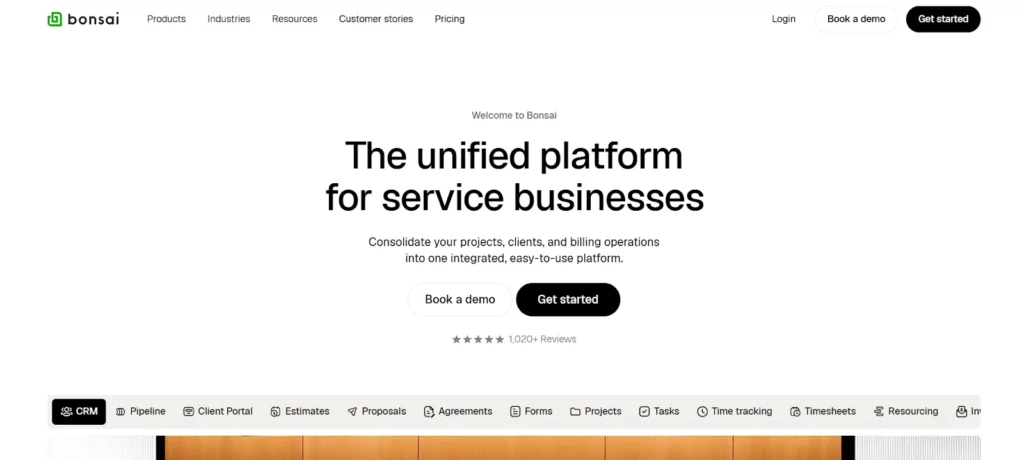
Bonsai simplifies the business side of coaching, with tools for contracts, payments and time tracking. For career coaches who work on a freelance basis or serve many clients, it keeps the practice organized in one platform.
Best for: Freelance career coaches who need contracts, invoices and time tracking.
Not for: Coaches who want coaching features such as client goals and nudges, since Bonsai is built for service businesses in general.
Key features:
- Proposals and contracts: Send proposals and agreements from templates, on the Essentials plan and above.
- Time tracking: Track the time you spend on each client or task, on every plan.
- Invoices and payments: Send invoices and take payments, on the Essentials plan and above.
- Client management: Keep client records in a CRM, with a client portal on Essentials.
- Pipeline: Track potential clients from first contact to signed deal.
Pricing: Basic is $9 a month per user, billed annually ($15 monthly), and Essentials, which adds invoices, contracts and scheduling, is $19 billed annually ($25 monthly).
5. Simply.Coach
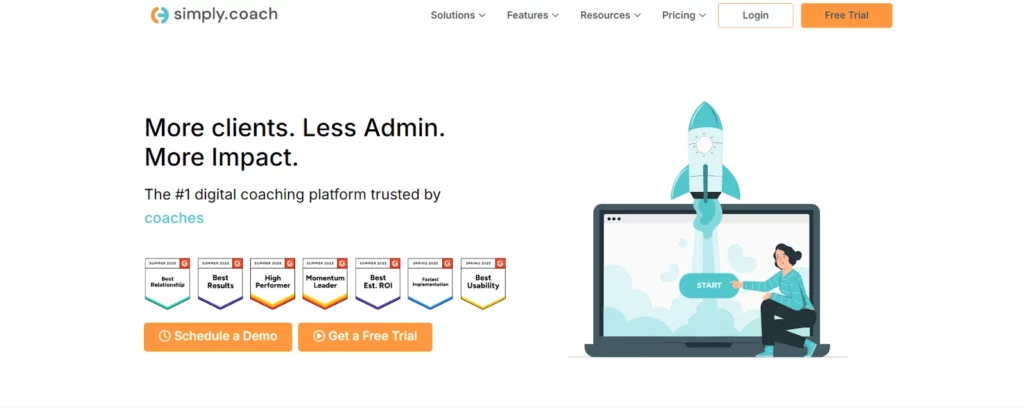
Simply.Coach is the platform we build, and it is held here to the same criteria as every other tool on the list. It is a career coaching platform for running individual and group programs, with client engagement and the business side in one interface.
Best for: Career coaches who want client goals, group sessions and business admin in one place.
Not for: Coaches whose business is mainly a paid community or a course library.
Key features:
- Automated reminders and pre-session forms: Send time-based and session-based nudges, and forms before each session, so clients arrive prepared.
- Video conferencing integration: Run sessions through Zoom, Google Meet, Microsoft Teams or Cisco Webex from inside the platform.
- Client workspaces and progress tracking: Clients see their goals, progress and action steps in their own workspace.
- Invoicing and payments: Create invoices, mail them automatically and send payment reminders.
- Customizable coaching programs: Design programs, set up coach matching and take payment before a program starts.
- Stakeholder feedback: Collect feedback from people such as a client’s manager or peers to see the full picture of their development.
- Reusable program templates: Turn your coaching approach into reusable program templates, then adjust them for each client.
- Showcase page: Publish a profile with your credentials and testimonials, and take bookings from it.
- Compliance and security: The platform has been audited and certified compliant for SOC 2, HIPAA and GDPR.
Pricing: Simply.Coach’s Starter plan costs US$9 a month paid annually for up to 3 clients, includes group coaching and comes with a 14-day free trial.
6. CoachAccountable
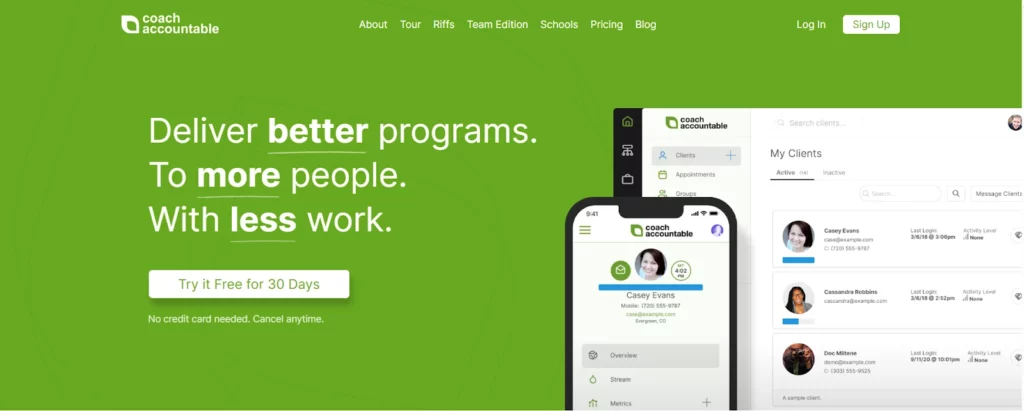
CoachAccountable helps coaches keep clients accountable, individually and in groups. It tracks client actions and progress and keeps engagement up across group sessions, which helps during long job searches and career moves.
Best for: Career coaches who want detailed accountability between sessions.
Not for: Coaches who want a community feed or course platform at the center of the program.
Key features:
- Action plans and metrics: Track client actions and metrics, with reports on follow-through.
- Reminders: Send SMS and email reminders so clients complete their actions between sessions.
- Notes and session forms: Keep private and shared notes, and send automated forms before and after sessions.
- Group coaching: Run group sessions, group projects and group metrics toward a shared goal.
- Activity history: See each client’s activity in one place.
Pricing: CoachAccountable costs $20 a month for 2 clients, $40 for 5 and $70 for 10, with a 30-day free trial. Only active clients count.
7. Delenta
Managing client relationships and daily operations takes time. Delenta brings booking, packages, payments and client records into one platform, for individual sessions and small groups.
Best for: Career coaches who mainly run one-to-one sessions or small groups.
Not for: Coaches who need group coaching on the entry plan, since groups start on Pro.
Key features:
- Group video sessions: Run group video sessions on the Pro plan, with Zoom, Google Meet and Microsoft Teams integrations.
- Booking and scheduling: A booking calendar that syncs with Outlook and Google.
- Payments and invoicing: Take PayPal and Stripe payments, with automatic billing and renewals.
- Client management: Keep session notes, tasks, goals and coaching logs for each client.
- Onboarding forms and contracts: Use intake forms and e-sign contracts.
- Packages and subscriptions: Create and sell packages, with subscriptions on the Premium plan.
Pricing: Starter is $29 a month, Pro $49 and Premium $79, or $229, $469 and $699 a year paid annually, with a 14-day free trial.
8. Upcoach
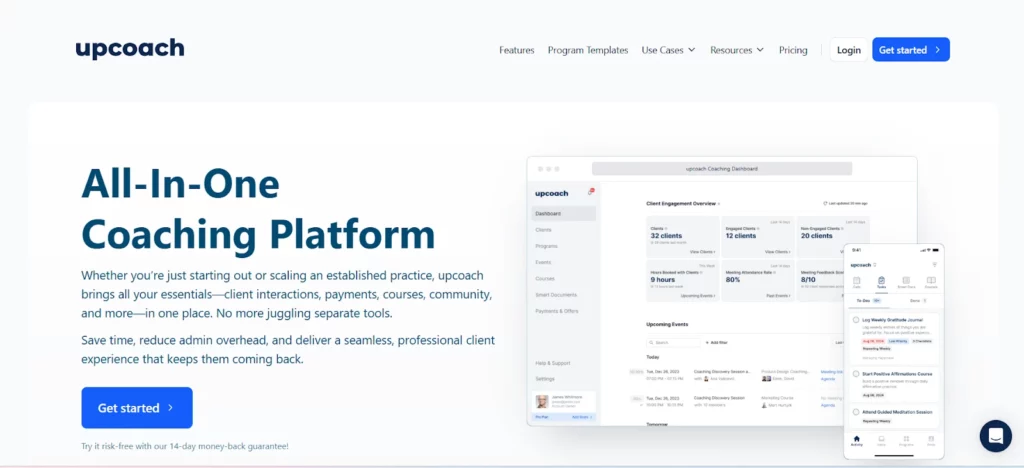
Upcoach is built for coaches who run group programs. If you coach several clients at once, for example in career transition or leadership programs, it helps you run the group sessions and keep each person accountable.
Best for: Career coaches who lead cohort programs and want peer accountability.
Not for: Coaches with a few one-to-one clients, since plans are priced by active participants.
Key features:
- Program types: Run cohorts, masterminds, bootcamps and one-to-ones.
- Events and scheduling: Live events, bookable sessions, reminders and calendar sync.
- Community: Feeds, channels and peer accountability inside each program.
- Progress dashboards: See who is on track and who needs attention, with AI insights.
- Worksheets and lessons: Share worksheets, check-ins, tasks and lessons with participants.
Pricing: Starter costs $49 a month billed annually for 25 active participants, Pro $99 for 100 and Business $199 for 250, with a 14-day free trial.
9. Quenza
Quenza keeps clients engaged and motivated between sessions. For career coaches, it offers exercises and programs you can fit to each client’s path, whether they are changing careers, moving into leadership or looking for work.
Best for: Career coaches who want clients doing structured exercises between sessions.
Not for: Coaches who need groups on the entry plan, since groups start on Growth.
Key features:
- Programs: Create step-by-step programs your clients follow.
- Activities: Send ready-made or custom science-based exercises between sessions.
- Tasks and notes: Assign tasks and share session notes and reflections.
- Groups and file sharing: Run groups and share files from the Growth plan.
- Mobile app: Clients use Quenza on iOS and Android.
Pricing: Spark costs $20 a month billed annually ($25 monthly) for 10 clients, and Growth, which adds groups, $40 billed annually ($50 monthly), with a 30-day free trial.
The tool supports the method, not the other way round. These career coaching strategies and techniques cover the coaching methods your platform should support.
Choosing the Right Tool for Your Coaching Practice
The right group coaching tool fits your goals and how you coach. These four steps help you assess the options and choose.
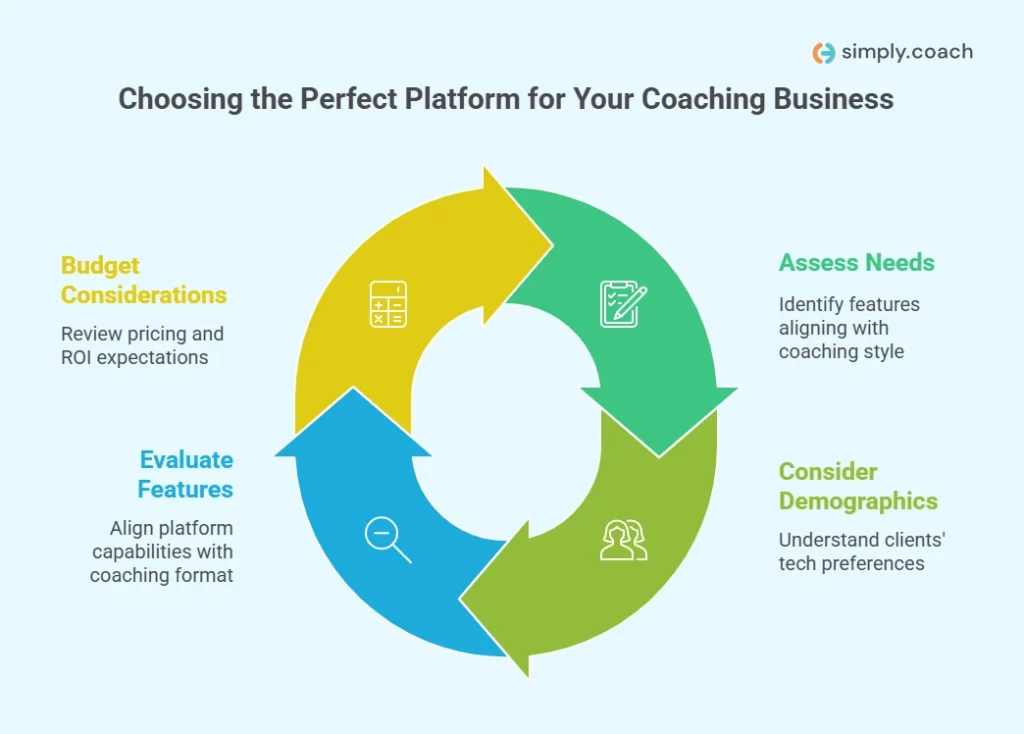
1. Assess Your Needs
Start with the features that matter most to your practice. Do you need advanced scheduling, automated reminders, progress tracking or client management? Your list of must-haves points you to the platforms worth a closer look.
2. Consider Client Demographics
Think about your clients and how they use technology. Some professionals want a simple tool with no fuss, while others like in-depth resources, programs and a community. Choose the platform that fits your clients’ comfort with digital tools.
3. Evaluate Features
Make sure the software fits your coaching objectives. If you run group programs, focus on platforms built for groups. If you mainly coach one to one, look for strong client management and progress tracking.
4. Budget Considerations
Finally, check the cost. Many platforms price by tier, so pick the plan that covers the tools you need without paying for extras you will not use.
If you are building a practice from scratch, the steps to start a career coaching company cover the business decisions around the software. Coaches who also serve business owners can compare the group tools for business coaches as well.
Conclusion
The right group coaching tool helps career coaches run more clients without losing the personal attention each one needs. It takes over scheduling, reminders, progress tracking and payments, so your time goes to the coaching and to the clients who need you most between sessions.
Choose by how you deliver career coaching and what your clients need between sessions. For career coaches who want goals, group sessions, reminders and invoicing in one place, Simply.Coach brings them together, so you can run individual and group programs from one platform.
Key Takeaways
- Automate the admin. Scheduling, reminders, progress tracking and payments should run without you, so your hours go to coaching.
- Match the tool to your model. Communities, courses, cohorts and one-to-one practices each need a different kind of platform.
- Track each client in a group. Group programs still need goals and progress for every person.
- Keep communication in one place. Messages, feedback and action steps belong next to the client record.
- Check what each plan includes. Groups, invoices and contracts often sit on higher tiers.
- Trial with a real group. Run one cohort on your top pick before you move every client, and ask the group what they used.
- Protect client data. Career clients share salaries, job searches and plans, so check each platform’s security before you move records.
Career coaching groups take more admin than one-to-one work, from booking and intake to follow-ups and invoices. Simply.Coach’s career coaching software keeps goals, group sessions, nudges and invoicing in one platform, so you can coach more clients without losing track of anyone’s goals.
Frequently Asked Questions (FAQs)
What are some effective tools for career coaching?
Career coaches use two kinds of tools: exercises such as values assessments, career maps and goal plans, and software that runs the practice, from scheduling and reminders to progress tracking and payments. Group coaching software brings the second kind together when you coach several clients at once.
Why use automated client communication tools?
They keep clients on track without you sending every message by hand. Automated reminders, nudges and pre-session forms mean clients turn up prepared, complete their actions between sessions and stay in touch, while you spend the saved time on coaching.
What features should I look for in career coach software?
Look for client management with goals and progress tracking, scheduling with reminders, group sessions, communication in one place, payments and invoicing, and strong data security. For group programs, check that you can still follow each person's goals inside the group.
Can I run one-to-one sessions and group workshops on the same platform?
Yes. Upcoach runs cohorts and one-to-ones side by side, Delenta adds group sessions from its Pro plan, CoachAccountable runs individual and group sessions on every plan, and Simply.Coach includes group coaching from its Starter plan. Check which plan you need before you commit.
What are good client intake tools for career coaches?
Most coaching platforms include intake forms you send when a client signs up. Delenta has intake lead forms, CoachAccountable sends automated pre-session forms, Paperbell handles intake forms and contracts at sign-up, and Simply.Coach sends forms before each session. Ask about the career goals, timeline and constraints you need first.
Are there free group coaching tools for career coaches?
Most offer a free trial rather than a free plan. CoachAccountable and Quenza give 30 days, and Delenta, Upcoach and Simply.Coach give 14 days. Use the trial to run one real group session and send one invoice before you decide.
How much do group coaching tools cost?
Entry plans on this list run from $9 a month for Bonsai and US$9 for Simply.Coach, both billed annually, to $79 a month for Mighty Networks billed annually. Group features often sit on higher tiers, so price the plan you will actually need.