You lose time when you juggle many business tools for client work, billing, and delivery. Consultants increasingly rely on software to manage projects and client needs. In 2025, nearly 55% of consulting firms reported that digital tools improved client delivery and project speeds.
Fragmented systems make you switch screens, re-enter data, and fix errors. That distracts you from advising clients and driving outcomes. Integrated consulting platforms reduce manual work and reveal project insights in real time.
You need software that supports client experience, project delivery, and business operations together. Tools that connect scheduling, proposals, billing, and reporting help you serve clients consistently and accurately.
This blog covers the top business consulting software you can use to manage clients, delivery, billing, and reporting. You’ll see which tools fit your consulting workflow and when an integrated platform makes more sense.
Key Takeaways
- A business consulting software is a centralized platform that manages clients, projects, billing, and reporting in one system, replacing fragmented tools and improving workflow efficiency.
- Key features to look for include client management, project/task tracking, billing and invoicing, progress reporting, document organization, scheduling, automated notifications, security compliance, and integration with existing tools.
- Leading software options for 2026 include Simply.Coach, HubSpot CRM, Zoho CRM, Asana, ClickUp, Bonsai, Salesforce, PandaDoc, and monday.com, each designed for specific consulting workflows and team sizes.
- When choosing software, consider your consulting needs, ease of use, integrations, scalability, security, support, pricing vs. value, and try free trials or demos before committing.
- Simply.Coach stands out as an all-in-one solution, combining client management, session tracking, billing, reporting, templates, and secure client portals in a single platform, ideal for independent consultants and multi-coach programs.
What is Business Consulting Software
Business consulting software is a centralized system that manages clients, engagements, delivery tasks, billing, and performance reporting in one place. It connects client communication, project execution, contracts, invoices, and progress tracking within a structured workspace. You use it to replace disconnected tools that create delays, billing errors, and limited visibility across consulting engagements.
Why business consulting software is necessary for consultants
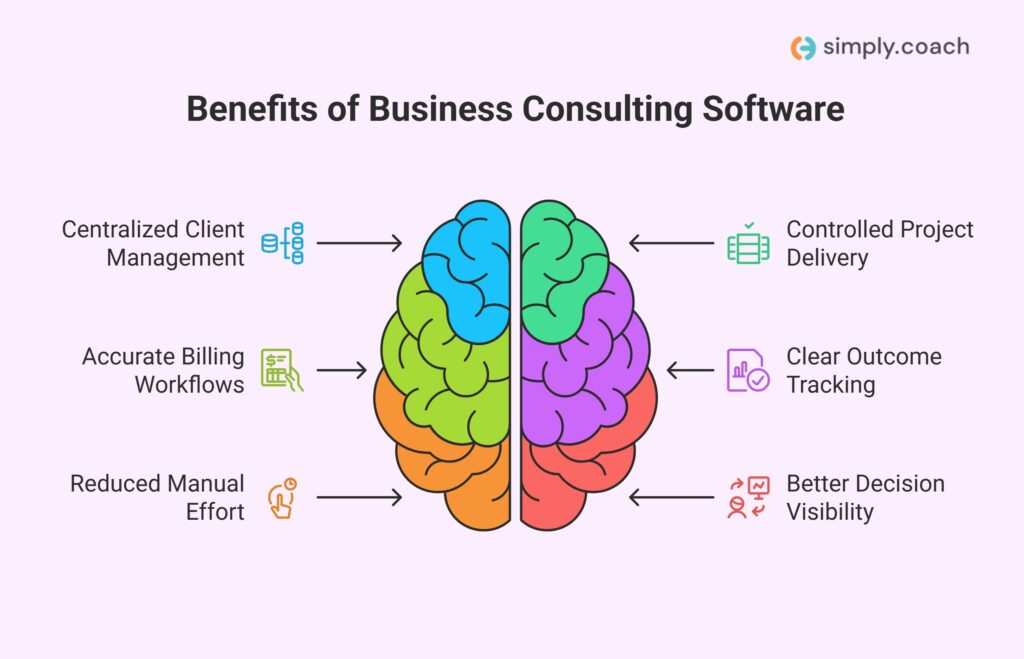
Your consulting practice needs structure and visibility to deliver work consistently and manage clients without operational gaps. A comprehensive business consulting software offers:
- Centralized client management: You store client data, engagement history, and communication records in one searchable location.
- Controlled project delivery: You track tasks, milestones, and deadlines clearly, reducing missed commitments and delivery confusion.
- Accurate billing workflows: You create invoices, manage contracts, and track payments without switching between financial systems.
- Clear outcome tracking: You monitor progress and results using structured reports during reviews and renewal discussions.
- Reduced manual effort: You avoid repeated data entry across tools, which lowers errors and saves operational time.
- Better decision visibility: You see engagement status, revenue data, and delivery risks without relying on manual updates.
Business consulting software gives you control over delivery, finances, and client relationships as your consulting workload grows.
Also read: 7 Best CRM Softwares for Consultants
Top Features to Look for in Business Consulting Software in 2026
As a business consultant, you need software that not only organizes your client information but also streamlines project delivery, billing, and reporting. The right system helps you save time, reduce errors, and deliver measurable results for every client engagement.
Choosing a platform with the right features ensures you can manage multiple clients, track deliverables, and monitor outcomes without juggling multiple tools or spreadsheets.

- Client management: Store every client detail, engagement note, and communication record so you can access it instantly during meetings.
- Project and task tracking: Track deadlines, milestones, and action items for each client project to keep your delivery on schedule.
- Billing and invoicing: Generate contracts, send invoices, and monitor payments directly in the software, avoiding missed billing or double entries.
- Progress reporting: See clear dashboards showing client outcomes, project status, and financial performance to make informed decisions.
- Document and resource management: Organize proposals, templates, and reference materials so you can quickly pull what you need for each client.
- Scheduling and calendar integration: Sync sessions, follow-ups, and meetings in one place to prevent conflicts and missed appointments.
- Automated notifications and reminders: Receive alerts for project deadlines, client check-ins, or overdue tasks so nothing slips through the cracks.
- Data security and compliance: Keep client information encrypted and compliant with regulations, giving both you and your clients peace of mind.
- Integration capabilities: Connect the software with tools you already use, like email, video conferencing, or accounting platforms, for smooth workflow continuity.
By selecting software with these features, you ensure your consulting practice runs efficiently, your client delivery stays consistent, and you can focus on producing tangible results.
Also read: Best Time Tracking and Invoicing Software for Consultants
Top 9 Business Consulting Software in 2026
Managing a consulting practice becomes easier when you use the right software for client management, project delivery, billing, and reporting. This section highlights the top nine business consulting tools that can help you run your consulting work efficiently and serve your clients with clarity and consistency.
| Software Name | Key Features | Best For | Starting Price | G2 Rating | Capterra Rating |
| Simply.Coach | Client engagement, session scheduling, contracts & billing, progress tracking, client portals | Independent consultants, multi-coach programs | $9/month | 4.8/5 | 4.6/5 |
| HubSpot CRM | Contact & lead management, deal pipelines, email tracking & templates, meeting scheduling, sales automation | Solo consultants, small firms | Free plan; Paid $15/user/mo | 4.4/5 | 4.5/5 |
| Zoho CRM | Lead & contact tracking, sales pipeline visibility, workflow automation, dashboards, integrations | Cost-conscious consultancies | Free plan; Paid $14/user/mo | 4.1/5 | 4.3/5 |
| Asana | Task & project organization, multiple views, timeline/Gantt charts, workflow automation, integrations | Task & delivery coordination | Free plan; Paid $10.99/user/mo | 4.4/5 | 4.5/5 |
| ClickUp | Task management, docs & knowledge base, dashboards, time tracking, views & customization | Internal project management | Free plan; Paid $7/user/mo | 4.7/5 | 4.6/5 |
| Bonsai | Client CRM & projects, proposals & contracts, time & expense tracking, invoicing, client portal | Freelancers, independent consultants | $9/user/mo | 4.3/5 | 4.6/5 |
| Salesforce | Lead & opportunity management, contact & account organization, forecasting, automation, AppExchange | Consultants, larger firms | Free for 2 users; Paid $25/user/mo | 4.4/5 | 4.4/5 |
| PandaDoc | Document creation, e-signature & approvals, CRM integrations, templates & branding, document analytics | Consultants needing proposal & contract management | Free plan; Paid $19/user/mo | 4.7/5 | 4.5/5 |
| monday.com | Customizable workflows, multiple views, automations, integrations, time tracking | Consultants managing projects & teams | Free plan; Paid $12/user/mo | 4.7/5 | 4.6/5 |
Now, let’s dive deeper and explore the features of each software elaborately so you can choose the right tool for your consulting practice.
1.Simply.Coach
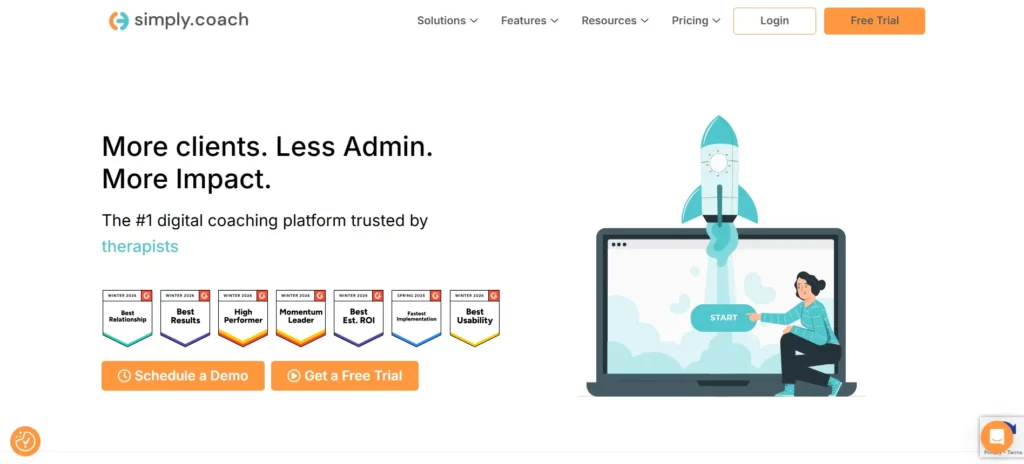
Simply.Coach is an all‑in‑one business consulting and client management platform designed to help you run your consulting practice from one place. It combines client engagement, progress tracking, billing, and reporting in a single system so you can focus on client work instead of switching between tools. Many consultants choose it because it supports both independent practices and multi‑coach or enterprise programs with structured workflows and outcome visibility.
Key features
- Client engagement tools: You track goals, sessions, action plans, and shared resources for each client engagement.
- Session and scheduling management: You schedule sessions, sync calendars, and automate session reminders.
- Contracts and billing: You create contracts, generate invoices, manage subscriptions, and track payments without external tools.
- Progress tracking and reporting: You view structured progress, impact, and ROI reports to show clients results over time.
- Digital tools and templates: You access forms, assessments, and templates for coaching and consulting workflows.
- Secure and compliant: The platform is SOC2, HIPAA, and GDPR compliant to protect your client data.
- Client portals: You give clients a centralized workspace to view goals, tasks, and shared materials.
- Integration support: You connect with other systems via Zapier for scheduling, email, and payment workflows.
Pricing
Simply.Coach offers a 14‑day free trial so you can explore full features without commitment first. After the trial, plans start at $9 per month for the Starter tier, which includes core consulting and client management tools. Higher plans such as Essentials, Growth, and Leap increase client capacity, branding options, and deeper engagement features.
Simply.Coach stands out because it bundles core consulting operations in one system, reducing the need for multiple apps and giving you a unified view of your consulting practice performance.
2. HubSpot CRM
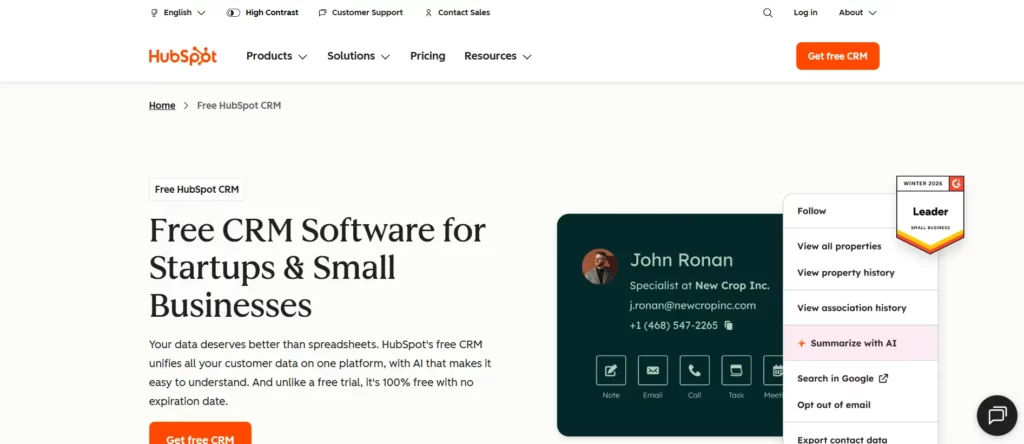
HubSpot CRM is a customer relationship management platform that helps you manage leads, contacts, and deal pipelines from one dashboard. You use it to unify prospect interactions, track sales activities, and automate basic marketing and sales tasks without complex setup. Solo consultants and small firms often start with the free tier and then expand into paid features as their revenue and workloads grow.
Key features
- Contact and lead management: You store lead and client information, interaction history, and communication threads in one place.
- Deal pipeline tracking: You view and manage deals in visual pipelines so you can prioritize opportunities.
- Email tracking and templates: You monitor email opens and clicks and reuse templates to save time.
- Meeting scheduling: You schedule meetings with prospects directly from the CRM and sync with your calendar.
- Basic sales automation: You automate repetitive tasks like follow‑ups and alerts without needing additional tools.
Pricing
HubSpot CRM offers a free plan with core contact, lead, and pipeline features. Paid plans start at $15 per user per month when billed annually, with more advanced capabilities unlocked at higher tiers.
3. Zoho CRM
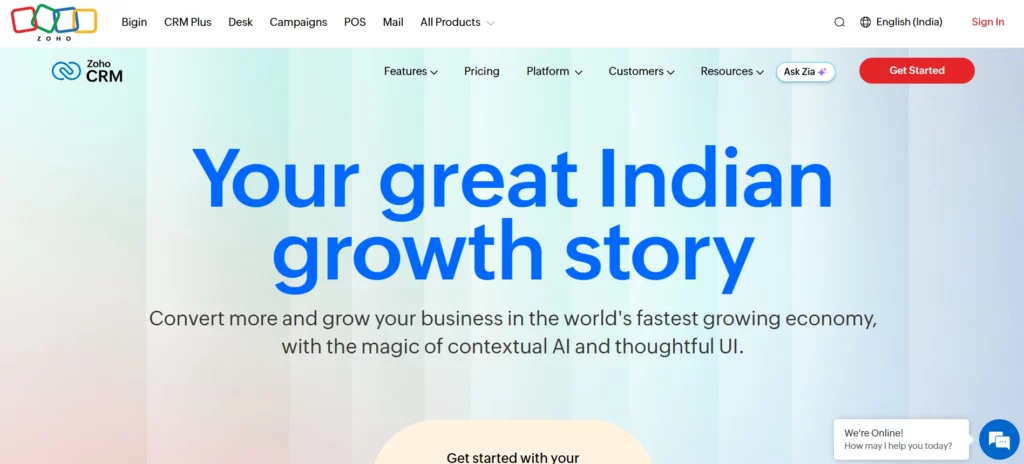
Zoho CRM is a customizable customer relationship management solution that helps you manage sales pipelines, leads, and client interactions with flexible workflows. You tailor it to match your process and integrate it with other Zoho apps for expanded functionality. Cost‑conscious consultancies often pick it for its low entry price and breadth of features.
Key features
- Lead and contact tracking: You capture leads, manage contact details, and view engagement history in one place.
- Sales pipeline visibility: You monitor deal stages and forecast revenue to plan your client strategy.
- Workflow automation: You automate rules for task assignments, reminders, and updates to reduce manual work.
- Reporting and dashboards: You access dashboards that show key metrics and performance trends.
- Third‑party integrations: You link with tools like Google Workspace and Microsoft 365 for smoother workflows.
Pricing
Zoho CRM offers a free plan for up to three users, and paid plans start at $14 per user per month when billed annually. More advanced tiers are also available for larger teams and added capabilities.
4. Asana
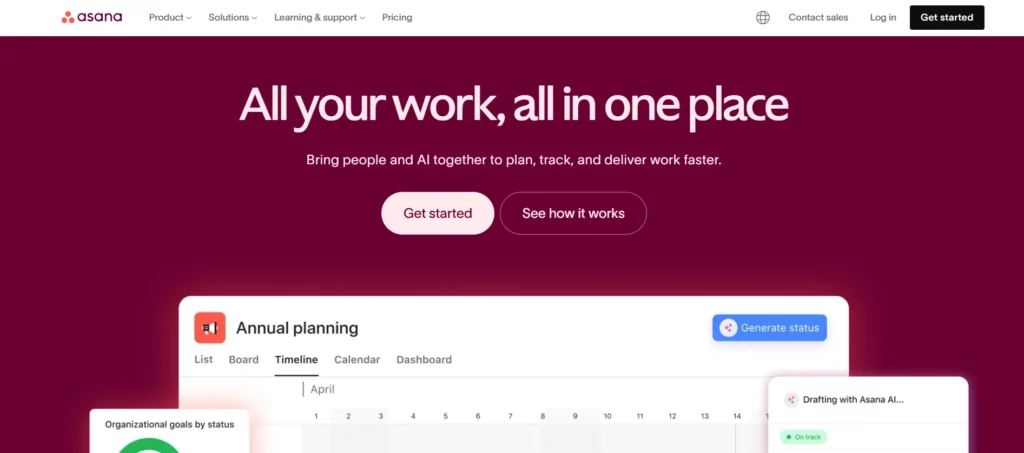
Asana is a project management platform that helps you plan, track, and manage work from start to finish. You use it to organize tasks, visualize timelines, and keep teams aligned on deliverables. Consultants often adopt Asana to coordinate tasks across client engagements and internal work without juggling spreadsheets or disconnected lists. It is best for task and delivery coordination rather than direct client engagement or billing management.
Key features
- Task and project organization: You break work into tasks with clear owners and due dates so nothing is missed.
- Multiple project views: You switch between list, board, calendar, and timeline views to track progress.
- Timeline and Gantt charts: You map task dependencies and schedules for clearer deliverable plans.
- Workflow automation: You create automated rules to reduce routine work and save time.
- Integrations: You connect with tools like Slack, Google Workspace, and others to keep work flowing.
Pricing
Asana offers a free plan with basic task and project management tools. Paid plans start at $10.99 per user per month when billed annually for the Starter tier, and higher tiers unlock advanced views, automation, and reporting.
5. ClickUp
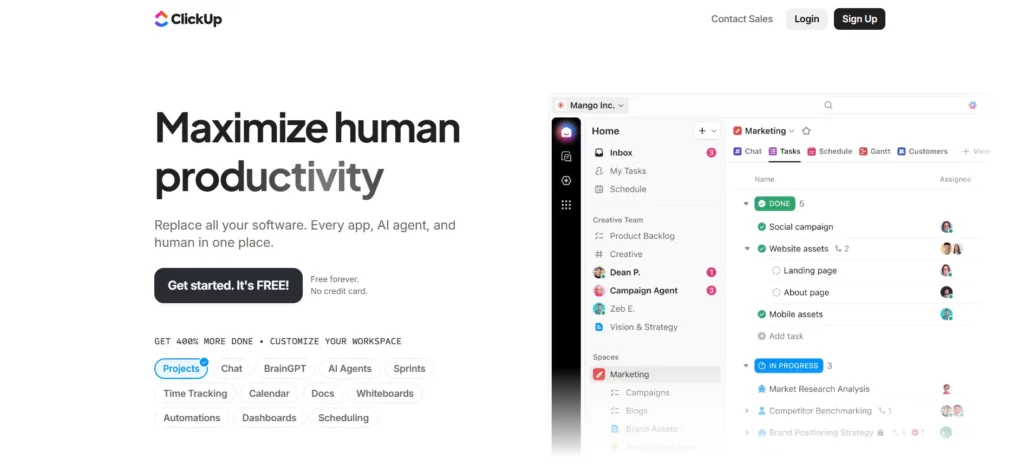
ClickUp is a unified productivity platform that combines tasks, docs, dashboards, and time tracking in one workspace. You use it to centralize project work, collaborate with teams, and keep your planning and execution visible. It is strong for internal workflows but not built specifically for consulting outcomes or client journey tracking.
Key features
- Task management: You create tasks with detailed properties and assign work across clients or projects.
- Docs and knowledge base: You write structured documents and share reference material without using separate apps.
- Dashboards and reporting: You view project metrics and performance data in custom dashboards.
- Time tracking: You log time directly within tasks, which helps estimate consulting effort.
- Views and customization: You switch between boards, lists, timelines, and calendars to organize work your way.
Pricing
ClickUp has a Free Forever plan with unlimited users and basic features. Paid plans start at $7 per user per month for the Unlimited tier and $12 per user per month for the Business tier when billed annually.
6. Bonsai
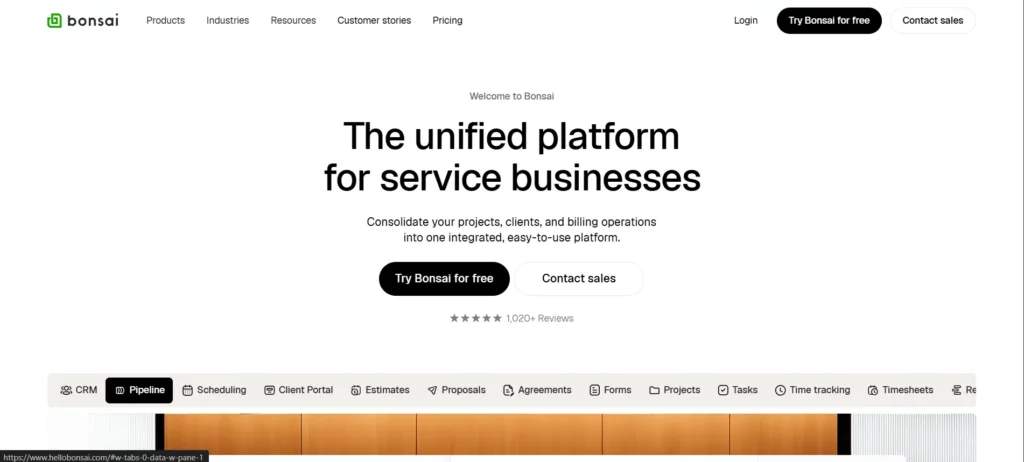
Bonsai is a business management platform that helps you run proposals, contracts, time tracking, invoices, and client workflows in one place. You use it to reduce the administrative tasks that slow down consulting work and maintain clear client records from start to finish. Freelancers, independent consultants, and small teams pick Bonsai because it bundles core business operations into a single workspace.
Key features
- Client CRM and project tracking: You manage client details, projects, and tasks in a unified system without scattered spreadsheets.
- Proposals and contracts: You create professional proposals and legally binding contracts from templates.
- Time and expense tracking: You track billable hours and expenses so you can invoice accurately.
- Invoicing and payments: You generate invoices, accept payments, and monitor cash flow without separate billing software.
- Client portal: You provide clients with a space to view their documents, tasks, and agreements.
Pricing
Bonsai’s plans start at $9 per user per month when billed annually for the Basic tier. Higher tiers are also available with expanded features for client engagement, financial reporting, and team management.
7. Salesforce
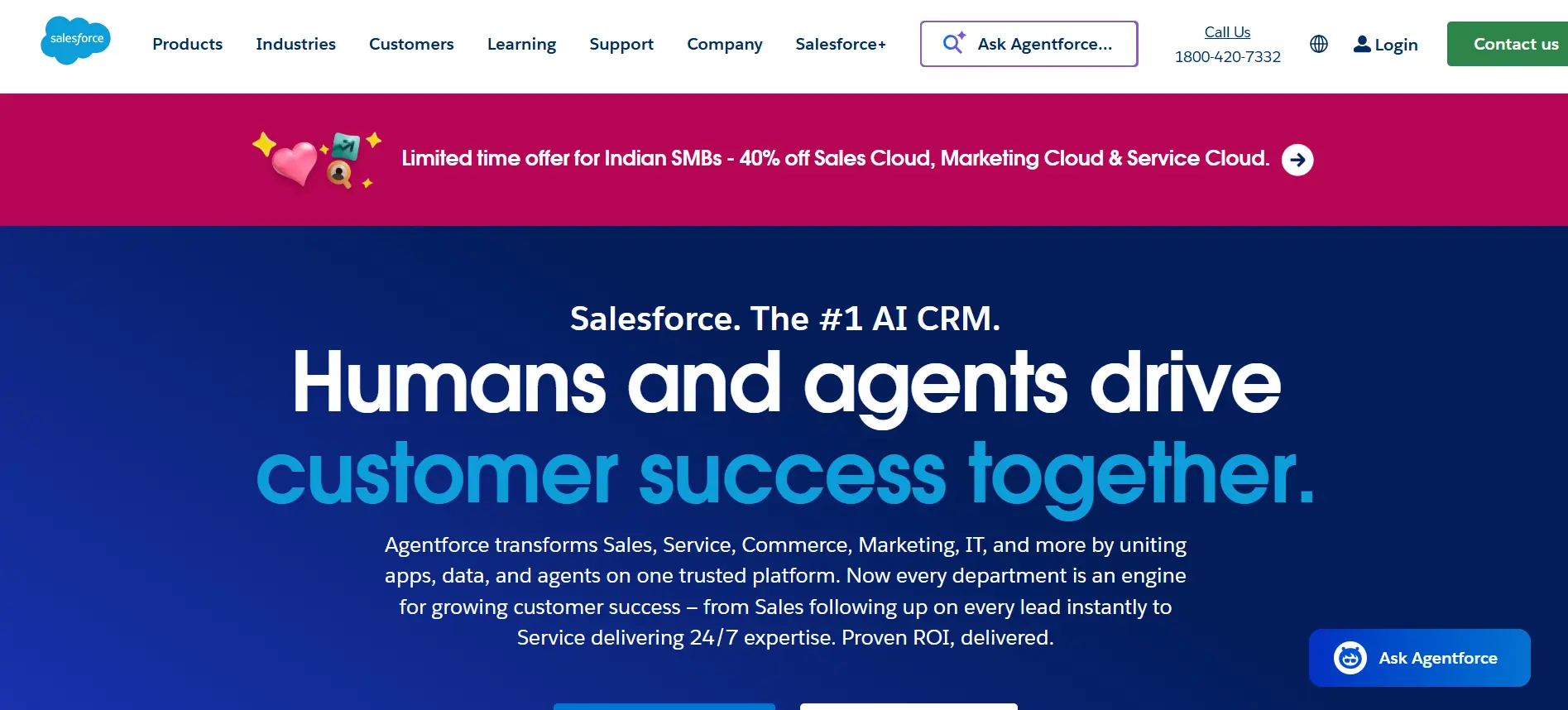
Salesforce is a comprehensive customer relationship management (CRM) platform that helps you track leads, accounts, and opportunities across your consulting sales and client pipelines. You use it to centralize contact data, manage follow‑ups, automate key processes, and connect various teams through integrated dashboards. Consultants and larger consulting firms adopt Salesforce to unify sales, service, marketing, and analytics in one scalable system.
Key features
- Lead and opportunity management: You capture, track, and route leads so you can avoid losing prospects.
- Contact and account organization: You store and segment client details for targeted communication.
- Sales forecasting and dashboards: You view real‑time sales data, trends, and projections to plan your consulting business growth.
- Custom automation and workflows: You automate repetitive sales and service tasks to focus more on client strategy.
- AppExchange integrations: You connect additional tools, apps, and industry features through an extensive marketplace.
Pricing
Salesforce CRM offers a free suite for up to two users with basic lead and contact management. Paid plans start at $25 per user per month for the Starter tier, which includes sales, service, and marketing basics. More advanced suites with deeper automation and forecasting start at higher monthly rates per user.
8. PandaDoc
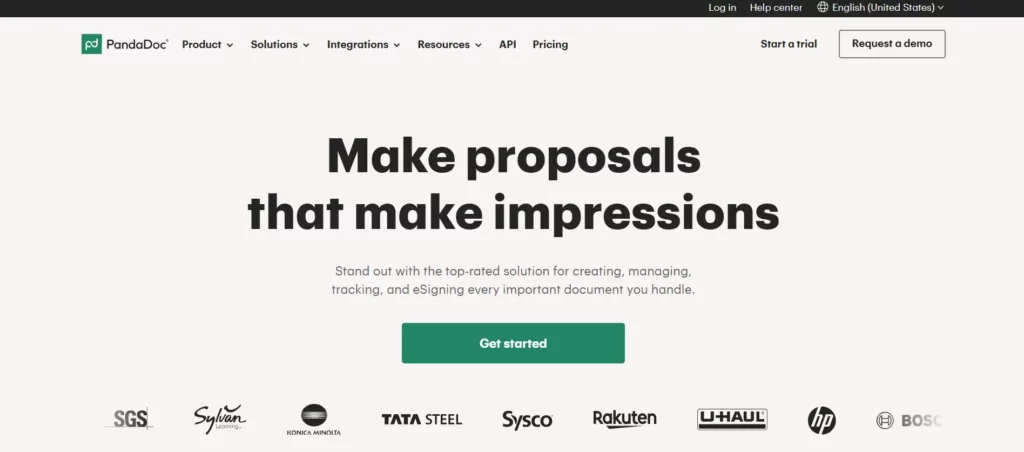
PandaDoc is a document workflow platform that helps you create, send, and track proposals, contracts, and agreements. You use it to produce polished documents, collect e‑signatures, and monitor recipient activity in real time. Consulting professionals lean on PandaDoc to speed up proposal creation and secure signed client agreements without manual paperwork.
Key features
- Document creation: You build proposals, quotes, and contracts with a drag‑and‑drop editor.
- E‑signature and approvals: You collect legally binding signatures and track approval status quickly.
- CRM integrations: You connect PandaDoc to your CRM to sync client details and speed up document generation.
- Content library and branding: You store templates and apply your branding to all client documents.
- Document analytics: You see when clients view, comment, or sign documents so you can plan timely follow‑ups.
Pricing
PandaDoc offers a Free plan with basic document creation and limited e‑signatures. Paid plans start at $19 per user per month for more document capabilities and unlimited e‑signatures, with higher tiers available for business workflows and collaboration tools.
9. monday.com
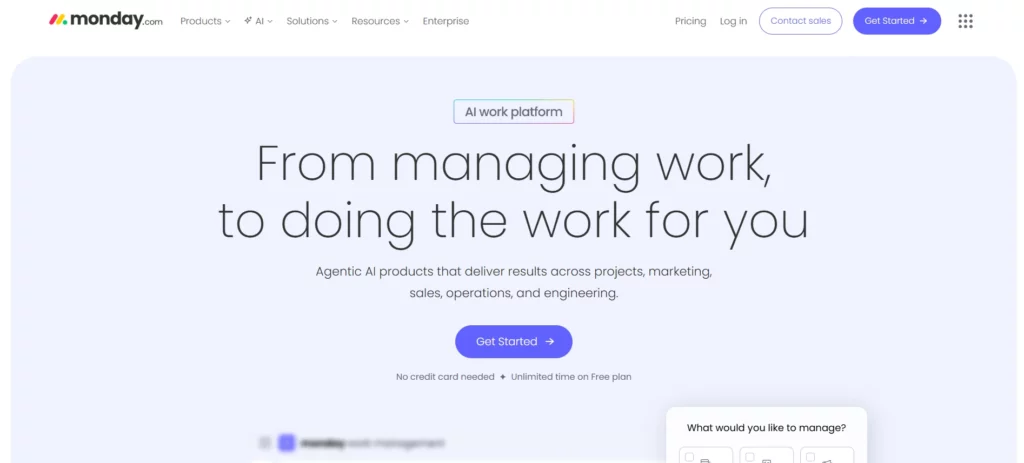
monday.com is a work operating system that helps you organize tasks, projects, and team collaboration from one customizable platform. You use it to plan work, visualize timelines, and coordinate tasks across clients and internal teams. Consultants often adopt monday.com to keep project delivery clear and structured, though it is not a dedicated consulting outcome tool. Its flexibility lets you build workflows that match your consulting processes.
Key features
- Customizable workflows: You design boards and workflows that match your consulting project needs.
- Multiple project views: You switch between list, timeline, calendar, and Gantt views to track progress clearly.
- Automations: You set rules that automate repetitive actions and status updates.
- Integrations: You connect with tools like email, calendars, and file storage to centralize work.
- Time tracking: You monitor how long tasks take so you can estimate effort and plan future work.
Pricing
monday.com offers a free plan for up to two seats with basic boards and templates. Paid plans start at $12 per user per month for Standard, and $19 per user per month for Pro when billed annually, depending on features you choose.
How to Choose the Right Business Consulting Software
Choosing the right software can make your consulting practice more efficient, save time, and reduce errors. Consider these key points when evaluating options:
- Define your consulting needs: Identify the workflows, client management tasks, and reporting requirements the software must handle. Be specific about the problems it should solve for your practice.
- Evaluate ease of use: Pick a tool that you and your team can learn and adopt quickly. Avoid platforms that are overly complex or require extensive training.
- Check integration capabilities: Ensure it connects seamlessly with your existing tools like email, calendar, CRM, and accounting systems to reduce manual work and duplication.
- Consider scalability: Choose software that can grow with your consulting business, handling more clients, team members, and advanced features as your practice expands.
- Assess security and compliance: Look for SOC2, GDPR, or HIPAA compliance to protect sensitive client data and maintain trust.
- Review support and training: Reliable customer support, onboarding guides, and tutorials help you implement the software smoothly and resolve issues quickly.
- Compare costs against value: Evaluate pricing against the features and benefits offered, ensuring it delivers a clear return on investment through time savings, accuracy, or improved client outcomes.
- Try before you commit: Use free trials or demos to experience the software firsthand and confirm it fits your workflow and consulting processes.
By carefully considering these factors, you can select software that not only meets your current needs but also supports your growth and improves client satisfaction over time.
Conclusion
Choosing the right business consulting software can transform the way you manage clients, projects, and business operations. The right tool reduces errors, saves time, and gives you clear visibility into your consulting workflows. Comparing options helps you understand which platforms align with your practice and client needs. Investing in software that fits your workflow ensures consistent, measurable results for every engagement.
Simply.Coach stands out as an all‑in‑one consulting platform built for independent consultants and multi-coach programs. It combines client management, session tracking, billing, and reporting in a single workspace. With built-in client portals, templates, and secure compliance, it replaces multiple tools and keeps your practice organized. By focusing on outcomes, Simply.Coach lets you deliver measurable results while saving hours of administrative work.
FAQs
1. What is the difference between CRM and business consulting software?
CRM focuses on managing client contacts, communication, and sales pipelines. Business consulting software goes further, combining CRM with project management, billing, scheduling, and reporting to support consulting workflows.
2. Can business consulting software replace multiple standalone tools?
Yes. It centralizes client management, project tracking, invoicing, and reporting in one system. This reduces the need for spreadsheets and multiple apps, saving time and preventing errors.
3. Do small consulting firms benefit from using consulting software?
Absolutely. Small firms and solo consultants can streamline client tracking, automate repetitive tasks, and gain clear visibility into their projects and business performance.
4. How can consulting software improve billing accuracy?
By linking time tracking, project milestones, and expenses directly to invoices, consulting software ensures accurate billing. This minimizes manual errors and guarantees you capture all billable work.
5. Are there consulting software options with free plans?
Yes. Many platforms like HubSpot CRM, Asana, ClickUp, and PandaDoc offer free tiers with essential features. These are ideal for small teams to start managing clients and projects without upfront costs.
6. How long does it take to implement consulting software?
Implementation depends on platform complexity. Simple tools can be set up in a few days, while systems with custom workflows, data migration, or team onboarding may take several weeks.