
As a therapist, managing your schedule can feel like building a house of cards; a single change or postponement and the planning for the entire day can come crashing down! Back-to-back sessions, last-minute cancellations, and no-shows not only drain your time but also disrupt the therapeutic flow you work so hard to maintain. Each missed appointment isn’t just lost revenue; it’s a missed opportunity to make progress with your clients.
In 2026, the demand for therapy scheduling software is surging as more therapists look for ways to streamline their practices and reduce administrative burdens. The therapy management software market is projected to hit $20.19 billion this year, driven by a rising need for tools that cut down on manual tasks and keep sessions on track.
This guide will walk you through the top 20 therapy appointment scheduling software options, each designed to help you minimize no-shows, stay organized, and reclaim your time, so you can focus on what matters most to your clients – providing a safe, focused space for healing and growth.
Key Takeaways
- Therapy scheduling software reduces admin load by automating appointments, reminders, and cancellations so therapists can focus more on clinical work, not workflow management.
- Client self-booking improves accessibility by allowing clients to schedule, reschedule, or cancel sessions 24×7 within therapist-defined rules, reducing back-and-forth communication.
- HIPAA-compliant scheduling tools increase data security through encryption, BAAs, secure portals, and controlled access to client information across your mental health practice.
- Automated reminders reduce no-shows with timely email, SMS, or in-app notifications that prevent missed appointments and keep schedules predictable.
- Calendar and telehealth integrations streamline operations by syncing with Google Calendar, Outlook, Zoom, Google Meet, and practice management platforms.
- Built-in payments and invoicing simplify billing with options like card-on-file, session packages, automated receipts, and superbills for insurance reimbursement.
- Choosing the best therapy scheduling software depends on your practice needs such as team size, security requirements, telehealth workflows, documentation, and budget.
What is Therapy Scheduling Software?
Therapy appointment software is a digital scheduling tool that automates bookings, reminders, client communication, and administrative tasks in a secure, HIPAA-compliant platform.
For therapists, managing appointments while keeping up with client needs can quickly turn into a constant juggling act. A therapy scheduling system simplifies that workload by using an appointment automation engine, client portal, and optional EHR integrations to keep your practice running smoothly.
Who needs it?
This software is designed for:
- Solo therapists who want to cut down admin time, reduce no-shows, and manage all scheduling from one place.
- Therapists in small or mid-sized group practices who need multi-provider calendars, shared availability, and synchronized client communication.
What problems does it solve?
Therapy appointment software helps therapists handle:
- High no-show rates
- Manual scheduling and rescheduling
- Back-and-forth communication
- Calendar conflicts
- Multi-therapist coordination
- Secure client data management
Key benefits of therapy appointment software:

When your days are packed with back-to-back sessions, juggling calls, reschedules, and payments can wear you down. Therapy appointment software takes that load off – freeing up your schedule, cutting no-shows, and keeping everything organized in one place. Here’s how it helps
- Save time: Automate bookings, cancellations, and rescheduling to free up hours in your week for client sessions.
- Reduce no-shows: Send automated SMS and email reminders to keep your clients on track and minimize missed appointments.
- Streamline payments: Facilitate payments seamlessly with built-in billing features that simplify invoicing and payment collection.
- Enhance client experience: Allow clients to self-book and reschedule, giving them more control while keeping your schedule organized.
- Ensure data security: Protect sensitive client information with HIPAA-compliant encryption, maintaining confidentiality and trust.
Also read: How to Create Effective Therapy Schedule Templates
Key Features to Look for in Therapy Scheduling Software

When evaluating therapy scheduling software, make sure it includes the essential features that streamline your workflow and improve the client experience:
- Smart appointment automation: Automated reminders, waitlists, confirmations, and recurring sessions help reduce no-shows and keep your schedule running smoothly.
- HIPAA-compliant client portal: A secure portal lets clients self-book, complete intake forms, and access telehealth links while maintaining full confidentiality.
- Unified calendar management: Real-time syncing with Google, Outlook, and mobile calendars ensures your availability stays accurate across all devices.
- Integrated telehealth tools: One-click telehealth access or built-in video sessions make virtual appointments seamless for both you and your clients.
- Built-in billing and payments: Automated invoicing, online payments, session packages, and superbills simplify your financial workflow.
- Documentation and note-taking support: Features like SOAP notes, progress notes, and treatment plan templates help you complete documentation efficiently.
- Multi-provider scheduling: Group practices benefit from features like provider calendars, role-based permissions, and room scheduling.
- Customizable workflows: Flexible booking rules, intake forms, reminders, and service settings let you adapt the system to your practice.
- Analytics and reporting: Insights into attendance, cancellations, revenue, and client activity help you make data-driven improvements.
By focusing on these key features, you can choose scheduling software that supports your clinical needs, reduces admin time, and delivers a smoother experience for your clients.
Also read: Appointment Reminder Email Templates for Therapists: Best Practices and Key Tips
Best Therapy Appointment Scheduling Software Comparison for 2026
Here’s a clear, at-a-glance comparison of the top 20 therapy appointment scheduling software for 2026, including who each tool is best suited for, HIPAA compliance, real user ratings, and pricing. Use this table to quickly evaluate which platform fits your clinical workflow and practice needs.
| S.No | Software | Best For | Compliance | Ratings (G2 & Capterra) | Pricing |
| 1. | Simply.Coach | Coaches, Therapists, Consultants, Psychologists | HIPAA, SOC2, GDPR | G2: 4.8/5, Capterra: 4.6/5 | Starts at $9/month |
| 2. | SimplePractice | Therapists, Counselors, Psychologists | HIPAA | G2: 4.1/5, Capterra: 4.6/5 | Starts at $14.70/month |
| 3. | Ensora Mental Health (TheraNest) | Therapists, Psychologists | HIPAA | G2: 4.5/5, Capterra: 4.4/5 | Starts at $29/month |
| 4. | TherapyNotes | Mental Health Professionals | HIPAA | G2: 4.4/5, Capterra: 4.6/5 | Starts at $69/month |
| 5. | Acuity Scheduling | Solo Therapists, Group Therapy | HIPAA | G2: 4.7/5, Capterra: 4.8/5 | Starts at $16/month |
| 6. | Calendly | All Therapists, Virtual Sessions | N/A | G2: 4.7/5, Capterra: 4.7/5 | Free plan available, paid plans from $10/month |
| 7. | Setmore | Solo Therapists, Small Practices | HIPAA | G2: 4.5/5, Capterra: 4.6/5 | Free plan available, paid plans from $5/month |
| 8. | SimplyBook.me | Multi-location Practices, Wellness | HIPAA | G2: 4.4/5, Capterra: 4.3/5 | Free plan available, paid plans from $9.90/month |
| 9. | Picktime | Solo Therapists, Small Practices | N/A | G2: 4.8/5, Capterra: 4.8/5 | Free plan available, paid plans from $3/month |
| 10. | Trafft | Telehealth, Wellness Practices | HIPAA | G2: 4.7/5, Capterra: 4.8/5 | Starts at $19.80/month |
| 11. | Valant | Mental Health Professionals, EHR | HIPAA | G2: 3.2/5, Capterra: 4.1/5 | Pricing upon request (enterprise pricing) |
| 12. | AdvancedMD | Mental Health Practices, Clinics | HIPAA | G2: 3.6/5, Capterra: 3.6/5 | Pricing upon request |
| 13. | PracticeFusion | Solo Practitioners, Therapy Clinics | HIPAA | G2: 3.8/5, Capterra: 3.7/5 | Starts at $199/month |
| 14. | Healthie | Therapists focused on wellness, nutrition, or health coaching | HIPAA | G2: 3.9/5, Capterra: 4.4/5 | Starts at $19/month |
| 15. | ClinicSource | Solo Therapists, Counselors | HIPAA | G2: 3.4/5, Capterra: 3.8/5 | Starts at $79.95/month |
| 16. | Bookedin | Solo Therapists, Freelancers | N/A | G2: 4.7/5, Capterra: 4.6/5 | Free plan available, paid plans from $19/month |
| 17. | Jane | Multi-disciplinary Practices, Wellness | HIPAA | G2: 4/5, Capterra: 4.8/5 | Starts at $54/month |
| 18. | CounSol.com | Solo Therapists, Client-focused Practices | HIPAA | G2: 4.4/5, Capterra: 4.7/5 | Starts at $49.95/month |
| 19. | Zanda (Power Diary) | Multi-location Practices, Group Therapy | HIPAA | G2: 4.7/5, Capterra: 4.6/5 | Starts at $9.50/month |
| 20. | Sign In Scheduling (10to8) | All Therapists, Virtual Sessions | HIPAA | G2: 4.6/5, Capterra: 4.6/5 | Starts at $600 per site/year |
Now, let’s take a closer look at each of these therapy appointment scheduling software options and explore their key features, pros, and cons to help you decide which one fits your practice best.
1. Simply.Coach
Simply.Coach is a comprehensive, HIPAA-compliant therapy appointment softwaredesigned with you, the therapist, in mind. It helps you manage appointments, billing, and client interactions smoothly, so you can focus on delivering quality care.
With seamless telehealth integration, automated reminders, and secure payment processing, you’ll keep your practice professional and efficient.
Key features
- Integrated scheduling: Let your clients easily book, reschedule, or cancel appointments, keeping your calendar organized and up-to-date without extra effort.
- Calendar integration: Connect your Google, Apple/iCloud, and Microsoft calendars to keep all your appointments perfectly synchronized.
- HIPAA compliance: Protect sensitive client information with secure data encryption and role-based access, ensuring you stay compliant with privacy regulations.
- Automated reminders: Reduce no-shows with SMS and email reminders sent automatically to your clients.
- Advanced payment processing: Simplify your billing with global payment options and streamlined invoicing.
- Session management: Create personalized programs with session notes, goal tracking, and progress reports for each client.
| Pros | Cons |
| An all-in-one platform that handles your scheduling, billing, and client management in one place. | The platform’s many features might take some time to get familiar with. However, the customer support team of Simply.Coach is rated highly for easing the whole onboarding process. |
| Smooth integrations with Zoom, Microsoft 365, and Google Calendar to support your telehealth sessions. | |
| Responsive customer support and continuous updates based on your feedback. | – |
2. SimplePractice

SimplePractice is a popular, HIPAA-compliant therapy appointment software designed specifically for you—the therapist. It helps you streamline your scheduling, billing, and client management with an intuitive interface that supports both in-person and virtual sessions, making your practice run more smoothly.
Key features
- Scheduling: Let your clients easily book, reschedule, or cancel appointments to keep your calendar full and organized.
- Telehealth: Conduct secure video sessions directly within the platform, so you can offer virtual therapy without switching tools.
- Automated reminders: Cut down on no-shows with SMS and email notifications sent automatically to your clients.
- Billing and invoicing: Simplify payments and insurance claims with built-in billing tools.
- Client portal: Give your clients a secure space to complete paperwork and access documents.
- Therapy documentation: Use easy templates to document sessions and track treatment plans.
| Pros | Cons |
| You get a full practice management system built for therapists. | The pricing may be high if you’re just starting out. |
| Telehealth is seamlessly integrated for smooth virtual care. | Setting up the billing system can be tricky at first. |
| The interface is user-friendly, saving you time and frustration. | Some features can feel overwhelming if you prefer simplicity. |
3. Ensora Mental Health (TheraNest)
Ensora Mental Health (TheraNest) is built with therapists like you in mind. It’s a HIPAA-compliant, all-in-one platform that simplifies your scheduling, billing, and client documentation, helping you spend less time on admin and more time focusing on your clients’ progress.
Key features
- Scheduling: Manage appointments with calendar syncing and automatic reminders, so your day runs without surprises.
- Telehealth: Host secure virtual sessions without leaving the platform.
- Billing and invoicing: Easily handle payments, insurance claims, and generate financial reports.
- Client records: Keep detailed notes and treatment plans organized and accessible.
- Group scheduling: Coordinate group therapy or workshops with ease.
- Reports: Get clear insights into your clients’ progress and your practice’s finances.
| Pros | Cons |
| Affordable pricing that fits solo and small group practices. | The user interface feels a bit outdated compared to newer platforms. |
| Combines scheduling, billing, and notes for smoother workflows. | Customer support can sometimes be slow to respond. |
| You can manage individual and group sessions all in one place. | Some users report a learning curve when getting started. |
4. TherapyNotes

TherapyNotes is designed specifically for you, the mental health professional, to manage scheduling, billing, and clinical documentation in one secure, HIPAA-compliant platform.
It keeps your practice organized so you can focus more on your clients and less on paperwork.
Key features
- Integrated scheduling: You can easily manage appointments and send automated reminders to reduce no-shows.
- Comprehensive EHR: Keep all your therapy notes, treatment plans, and client records in one place for quick access.
- Billing & insurance: Simplify your billing process and handle insurance claims without leaving the platform.
- Telehealth: Conduct secure online sessions without juggling multiple apps.
- Progress tracking: Monitor your clients’ progress clearly and efficiently.
| Pros | Cons |
| Combine notes, scheduling, and billing so you stay organized. | The interface can feel overwhelming if you’re new to technology. |
| Integrated telehealth lets you conduct sessions smoothly. | Pricing may be steep if you’re just starting your practice. |
| HIPAA compliance ensures your clients’ data stays safe. | Billing and insurance workflows can be complex to master. |
5. Acuity Scheduling
Acuity Scheduling lets you customize your booking process so you can run your therapy practice your way. It’s HIPAA-compliant and automates reminders, helping you reduce no-shows and save time.
Key features
- Custom booking pages: Create a booking experience that reflects your practice and meets your clients’ needs.
- Multiple calendar sync: Keep all your appointments synced across Google, Outlook, iCloud, and more.
- Payment integration: Collect deposits or full payments upfront to protect your income.
- Automated reminders: Send SMS and email reminders automatically to keep clients on schedule.
- Client intake forms: Gather important information before sessions start.
| Pros | Cons |
| Highly customizable to fit your specific therapy workflow. | It has a steeper learning curve compared to simpler tools. |
| Syncs well with multiple calendars so you never double-book. | Some powerful features require higher-tier plans. |
| Built-in payment processing secures your revenue upfront. | Pricing may feel high if you’re just getting started. |
6. Calendly
Calendly is a simple scheduling tool designed to make booking therapy sessions easy for you and your clients. While it doesn’t offer therapy-specific features, it integrates smoothly with your calendar and helps reduce no-shows with automated reminders.
Key features
- Simple scheduling: Let your clients book appointments during your available times without back-and-forth messaging.
- Calendar integration: Sync with Google, Outlook, and Office 365 calendars to keep everything in sync.
- Automated reminders: Automatically send email and text reminders to cut down on no-shows.
- Time zone detection: Automatically adjust for clients in different time zones.
- Group scheduling: Manage workshops or group therapy appointments with ease.
| Pros | Cons |
| Very easy to set up and use, saving you time. | Doesn’t have therapy-specific tools like note-taking. |
| Syncs seamlessly with your existing calendar. | No built-in payment or billing features. |
| Free plan available for basic needs. | Limited customization compared to therapy-specific platforms. |
7. Setmore
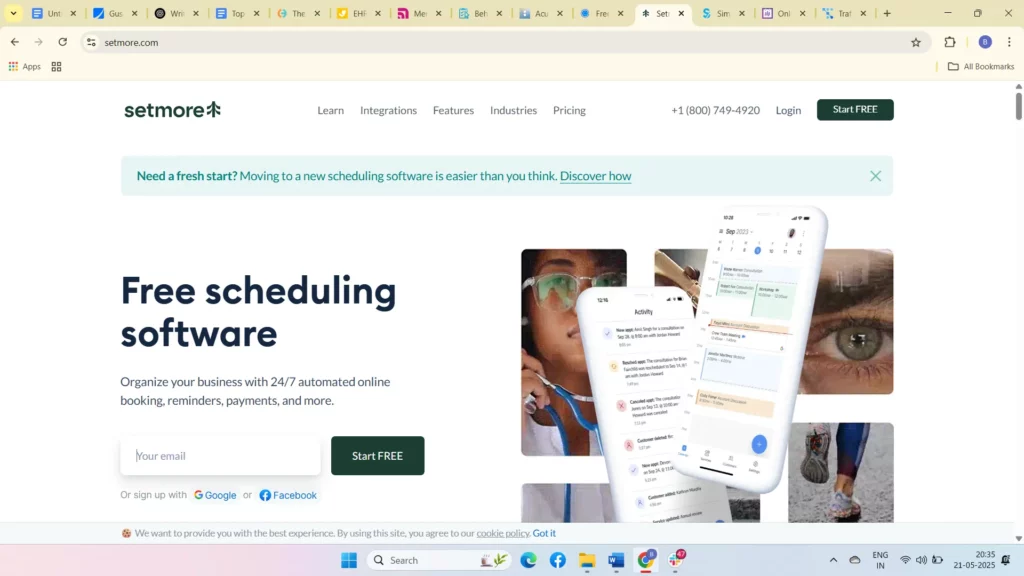
Setmore is a user-friendly scheduling tool designed to simplify appointment management for you as a therapist. It offers easy online booking, automated reminders, and supports both individual and group sessions, helping you keep your calendar full and your practice running smoothly.
Key features
- Online booking: Let your clients schedule appointments 24/7 through a personalized booking page.
- Automated reminders: Reduce no-shows with automatic SMS and email notifications.
- Telehealth integration: Conduct virtual therapy sessions using Zoom integration.
- Multiple calendar sync: Keep your schedule organized by syncing with Google and Outlook calendars.
- Recurring appointments: Manage ongoing therapy sessions with ease.
| Pros | Cons |
| Easy to set up and use, perfect for solo therapists. | The free plan has limited features; upgrades needed for more options. |
| Includes telehealth integration for virtual sessions. | Reporting and analytics are basic compared to other tools. |
| Automated reminders help you reduce no-shows effortlessly. | Customization options can be limited on lower-tier plans. |
8. SimplyBook.me
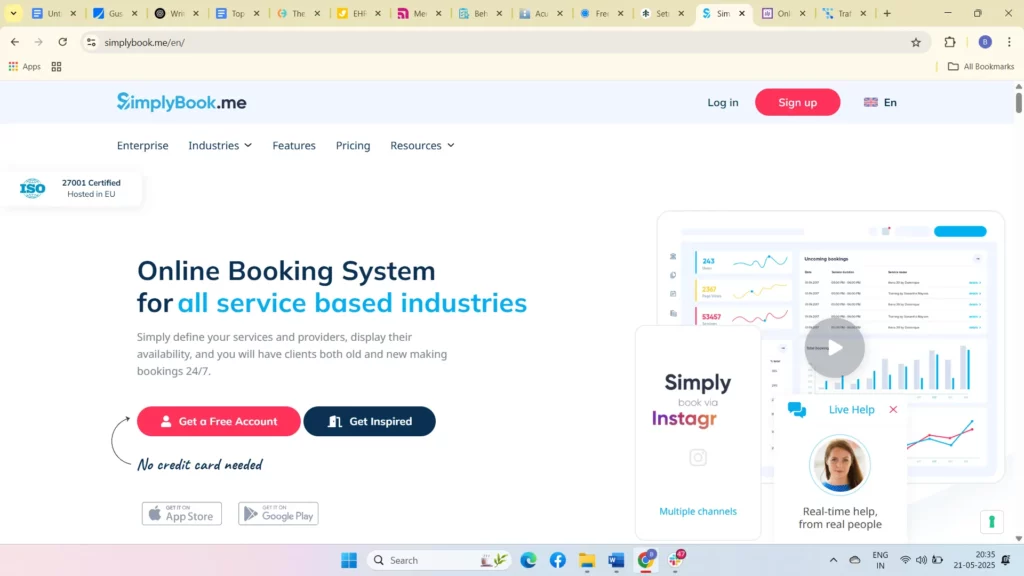
SimplyBook.me gives you a customizable scheduling solution that fits your therapy practice. With branding options, payment integrations, and automated reminders, it helps you create a professional and efficient client booking experience.
Key features
- Custom booking pages: Brand your booking page to match your practice’s look and feel.
- Payment processing: Accept payments through popular gateways like PayPal and Stripe.
- Automated reminders: Keep clients on track with SMS and email notifications.
- Integration: Sync with Google, Outlook, and other calendars plus marketing tools.
- Client management: Track appointments and client data in one place.
| Pros | Cons |
| Highly customizable booking pages that reflect your brand. | Some key integrations are only available in premium plans. |
| Supports multiple payment gateways for easy billing. | The interface can be overwhelming if you’re new to tech. |
| Automated reminders reduce no-shows and save your time. | Free plan features are limited for growing practices. |
9. Picktime
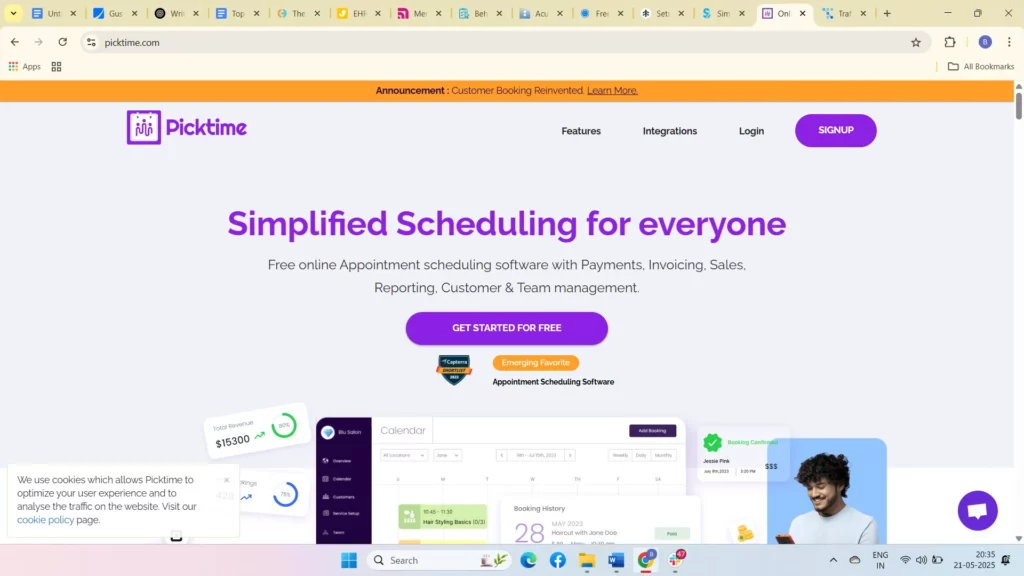
Picktime is a straightforward, free scheduling tool that makes managing your therapy appointments simple and convenient. It offers basic booking features with calendar syncing and automated reminders to help you stay organized and reduce no-shows.
Key features
- Online booking: Clients can book appointments anytime with your real-time availability.
- Calendar sync: Sync with Google, Outlook, and iCal to avoid scheduling conflicts.
- Automated reminders: Reduce no-shows with SMS and email notifications.
- Multi-user support: Manage multiple therapists or rooms if needed.
- Customizable booking: Set different appointment types and durations.
| Pros | Cons |
| Free to use with essential scheduling features. | Lacks advanced practice management features. |
| Easy calendar integration keeps you organized. | No built-in payment processing or telehealth options. |
| Simple interface that’s easy to navigate. | Limited customization compared to paid software. |
10.Trafft
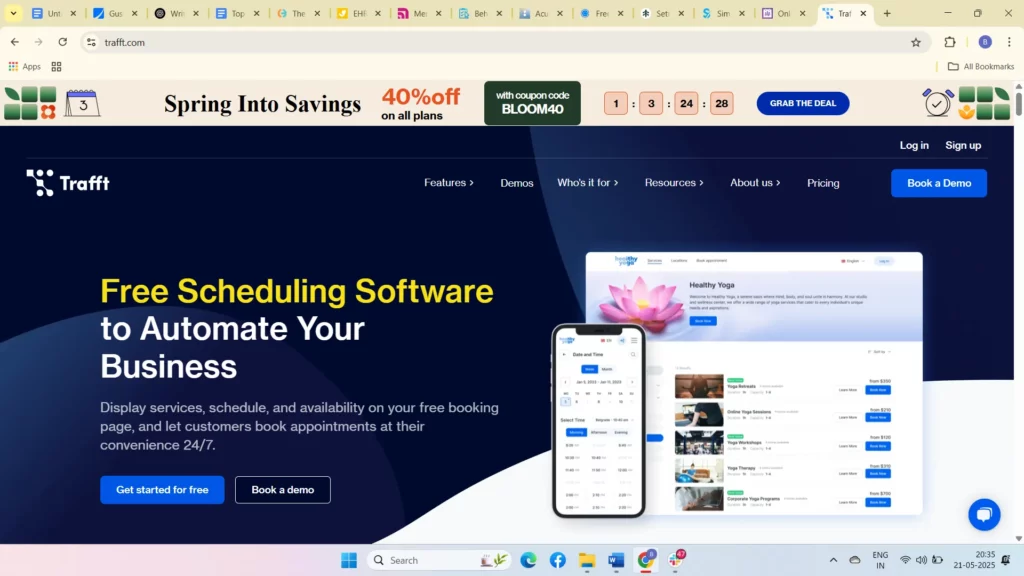
Trafft is designed to simplify your scheduling and client management while supporting telehealth and wellness practices. It offers a flexible platform that helps you save time, reduce no-shows, and streamline payments.
Key features
- Online booking: Allow clients to book appointments anytime through a user-friendly interface.
- Telehealth integration: Conduct secure virtual therapy sessions without leaving the platform.
- Automated reminders: Send SMS and email reminders to keep clients on track.
- Payment processing: Accept payments and deposits easily through integrated gateways.
- Customizable services: Set different appointment types, durations, and prices to match your practice.
| Pros | Cons |
| Easy to use with good telehealth and payment integration. | May lack some advanced features found in larger platforms. |
| Automated reminders help reduce no-shows effectively. | Customization options can be limited for complex practices. |
| Affordable pricing for small and growing therapy practices. | Limited third-party integrations compared to competitors. |
11. Valant

Valant is a powerful, HIPAA-compliant EHR and practice management system built for mental health professionals like you. It combines scheduling, clinical documentation, and billing into a single platform tailored for therapy practices.
Key features
- Comprehensive EHR: Manage client records, therapy notes, and treatment plans seamlessly.
- Scheduling: Easy appointment booking with calendar sync and reminders.
- Billing & insurance: Streamline claims and payments with integrated financial tools.
- Telehealth: Conduct secure video sessions within the platform.
- Reporting: Access detailed financial and clinical reports for better practice insights.
| Pros | Cons |
| Combines EHR, scheduling, and billing in one powerful system. | Higher price point that may challenge smaller practices. |
| Designed specifically for mental health professionals. | Interfaces can feel complex if you prefer simplicity. |
| Offers robust reporting to help you track your practice’s health. | Customer support response times can vary. |
12. AdvancedMD

AdvancedMD offers a comprehensive practice management solution tailored for mental health clinics and therapists who manage larger or multi-provider practices. It provides scheduling, billing, and clinical tools designed to streamline your workflow.
Key features
- Scheduling: Coordinate appointments with calendar sync and automated reminders.
- Billing and claims: Efficiently manage insurance claims and patient payments.
- Clinical documentation: Maintain detailed notes, treatment plans, and EHR functionality.
- Telehealth: Secure virtual sessions integrated within the platform.
- Patient portal: Enable clients to manage appointments and payments online.
| Pros | Cons |
| Comprehensive solution suitable for multi-provider practices. | Pricing is high, best suited for larger or growing clinics. |
| Robust billing and claims management saves time and effort. | May be overwhelming for solo therapists or small practices. |
| Integrated telehealth and patient portal improve client experience. | Setup and learning curve can be steep. |
13. PracticeFusion
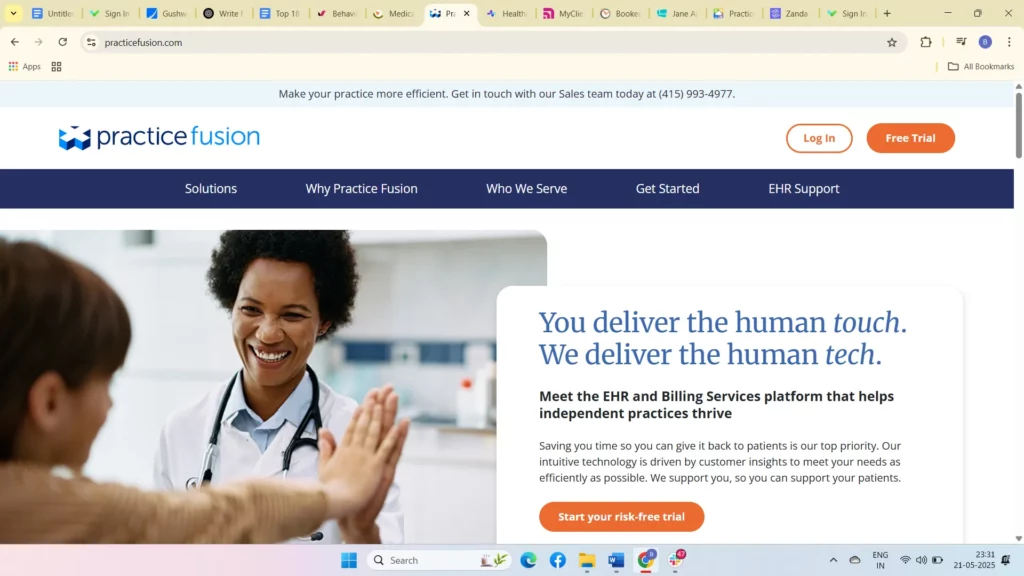
PracticeFusion offers a free, cloud-based electronic health record (EHR) platform that helps you manage your therapy practice efficiently. It’s designed for solo practitioners and small clinics, giving you easy scheduling, charting, and billing tools all in one place.
Key features
- Scheduling: Easily book and manage appointments with calendar syncing.
- EHR and charting: Create and store therapy notes securely in the cloud.
- Billing: Simplify invoicing and insurance claims management.
- Patient portal: Allow clients to request appointments and access documents online.
- Reporting: Generate reports to monitor practice performance.
| Pros | Cons |
| Free to use with essential EHR and scheduling features. | Limited advanced features for larger or growing practices. |
| Cloud-based access means you can work from anywhere. | Customer support options can be limited. |
| Easy to use interface designed for small therapy practices. | Some users find customization options lacking. |
14. Healthie

Healthie is a comprehensive scheduling and client management platform built for wellness professionals, including therapists like you, who integrate health coaching into their practice. With HIPAA-compliance, telehealth tools, and integrated billing, it’s especially useful if your focus includes nutrition, wellness, or holistic therapy.
Key features
- Telehealth integration: Conduct secure virtual therapy or wellness sessions right from the platform.
- Appointment scheduling: Manage your bookings and client calendar with ease.
- Health tracking: Monitor client goals, habits, and progress between sessions.
- Automated reminders: Keep your clients engaged and reduce no-shows.
- Billing & payments: Streamline your revenue with built-in invoicing and secure payment processing.
| Pros | Cons |
| Great if your therapy includes wellness or health coaching. | Not specifically built for mental health therapy workflows. |
| Built-in payments make billing quick and seamless. | Pricing can feel high if you run a small or solo practice. |
| Fully HIPAA-compliant to protect your clients’ privacy. | Lacks deep customization for therapy-specific needs. |
15. ClinicSource
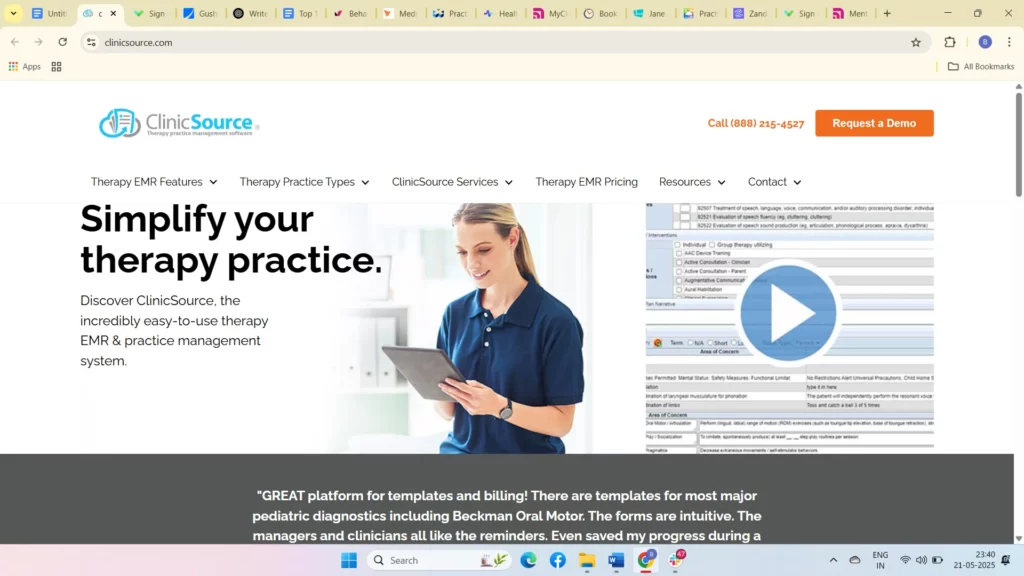
ClinicSource is a therapy-specific practice management software designed to simplify your scheduling, billing, and documentation all within one platform. If you want an all-in-one tool built just for therapy practices, ClinicSource helps you manage sessions, client records, and billing efficiently.
Key features
- Therapy-specific scheduling: Easily manage your appointments with tools tailored to your practice needs.
- Integrated billing: Streamline insurance claims and payment processing without extra hassle.
- Detailed documentation: Keep comprehensive therapy notes and client records organized and accessible.
- Telehealth support: Conduct secure virtual sessions directly through the platform.
| Pros | Cons |
| Built specifically for therapy practices with specialized tools. | Pricing can be high, especially if you’re a solo or small practice. |
| Fully HIPAA-compliant to keep your client data secure. | The interface feels outdated compared to newer software. |
| Integrated billing simplifies insurance claims and payments. | It may take some time to get comfortable if you’re new to the platform. |
16. Bookedin

Bookedin is a simple and affordable scheduling tool designed to help you manage your therapy appointments with ease. It supports video calls and automated reminders, making it a good option for solo therapists and freelancers looking for basic, reliable scheduling.
Key features
- Unlimited scheduling: Allow clients to book unlimited appointments through an intuitive booking system.
- Video call integration: Conduct virtual sessions using Zoom or other platforms.
- Automated reminders: Reduce no-shows with email and SMS notifications.
- Client management: Track session history and notes in one place.
- Multiple calendar sync: Sync with Google and Outlook calendars to avoid double bookings.
| Pros | Cons |
| Affordable with a free plan to get you started. | Lacks advanced therapy-specific features like detailed notes. |
| Easy to use with built-in video call support. | No HIPAA compliance, which may be a concern for privacy. |
| Automated reminders help keep your schedule on track. | The free plan limits access to payment processing and telehealth. |
17. Jane

Jane is designed to support multi-disciplinary therapy practices like yours, providing flexible scheduling, billing, and telehealth features in one HIPAA-compliant platform. It’s ideal if you manage a variety of therapy services or run a group practice.
Key features
- Flexible appointment types: Schedule one-on-one sessions, group therapy, and workshops.
- Built-in telehealth: Conduct secure virtual therapy directly on the platform.
- Billing and insurance: Manage payments and insurance claims efficiently.
- Client records: Maintain detailed notes, treatment plans, and session history.
- Multi-provider support: Coordinate schedules across therapists and team members.
| Pros | Cons |
| Great for practices offering diverse therapy services. | Pricing can be steep if you’re a solo therapist starting out. |
| Telehealth is built in for easy virtual sessions. | Setup can be complex if you’re new to multi-provider systems. |
| Supports billing, scheduling, and documentation in one place. | Occasional connectivity issues reported during telehealth. |
18. CounSol.com

CounSol.com is designed for solo therapists and small practices who want a secure, client-focused platform that simplifies scheduling, communication, and billing. It offers a HIPAA-compliant environment to help you protect your clients’ privacy.
Key features
- Secure client portal: Clients can book, reschedule, and manage appointments easily.
- Customizable intake forms and notes: Tailor forms and documentation to your practice.
- Online payments: Facilitate easy payment processing and invoicing.
- Appointment reminders: Automated notifications reduce no-shows.
- HIPAA compliance: Keeps client data secure with strong privacy protections.
| Pros | Cons |
| Secure, easy-to-use client portal enhances the client experience. | Pricing is higher compared to basic scheduling tools. |
| Customizable forms help you gather detailed client info. | Limited third-party integrations with other software. |
| Reliable HIPAA compliance protects your clients’ data. | Interface can feel outdated for some users. |
19. Zanda (Power Diary)
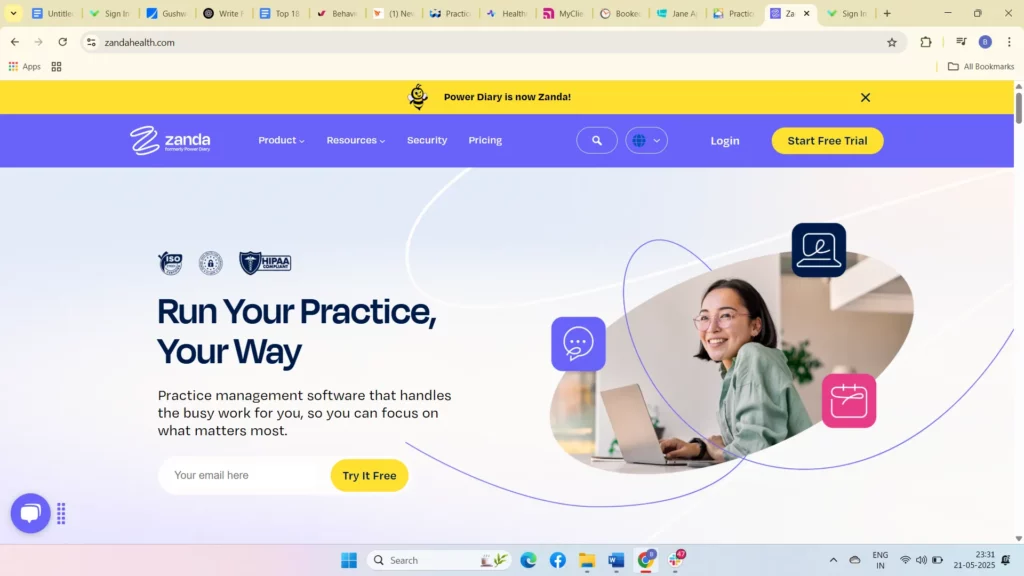
Zanda is designed to help you manage multi-location therapy practices and group sessions with ease. Its HIPAA-compliant platform offers scheduling, billing, and client management tools that keep your practice running smoothly, no matter the size.
Key features
- Customizable scheduling: Tailor appointment types and durations to fit your therapy services.
- Automated SMS reminders: Reduce no-shows by sending friendly reminders to your clients.
- Telehealth integration: Conduct secure online therapy sessions within the platform.
- Detailed client management: Keep thorough notes, treatment plans, and session histories.
- Billing and invoicing: Streamline payments and insurance claims processing.
| Pros | Cons |
| Highly customizable scheduling and reminder system to suit your practice. | Pricing can add up, especially for larger practices. |
| Integrates telehealth for smooth virtual therapy sessions. | The user interface may feel complex for solo therapists. |
| Comprehensive client management tools keep you organized. | Some users report limited reporting features. |
20. Sign In Scheduling (10to8)

Sign In Scheduling is a HIPAA-compliant scheduling software built to simplify your therapy appointments and improve client communication. With automated reminders and telehealth integrations, it helps you keep your schedule full and your clients engaged.
Key features
- HIPAA compliance: Keep client data safe and confidential.
- Automated reminders: Send SMS and email notifications to reduce no-shows.
- Telehealth integration: Connect with Zoom and other video platforms for virtual sessions.
- Online booking: Clients can book appointments easily via a user-friendly interface.
- Calendar sync: Sync with popular calendars like Google and Outlook.
| Pros | Cons |
| Strong security with HIPAA compliance for client confidentiality. | Reminder customization options are limited compared to competitors. |
| Automated reminders effectively reduce missed appointments. | The interface can be less intuitive for new users. |
| Easy telehealth integration supports virtual therapy. | Reporting and analytics features are basic. |
Also read: Top 10 HIPAA-Compliant Software for Therapists & Counselors
How to Choose the Best Therapy Scheduling Software

Choosing the right therapy scheduling software comes down to understanding your workflow, clinical requirements, and the features that directly reduce your administrative load. Here’s a clear, decision-focused checklist to help you evaluate the best option for your practice.
1. Confirm HIPAA compliance and data security
Always check for HIPAA compliance, secure data encryption, access controls, and a protected client portal. If it’s not fully secure, it’s not suitable for therapy practices.
2. Look for robust appointment automation
Make sure the software supports automated reminders, cancellations, rescheduling, waitlists, and recurring appointments. Strong automation is the key to reducing no-shows and saving hours every week.
3. Evaluate ease of use for you and clients
Your calendar, client portal, and booking pages should be intuitive. Clients should be able to self-book without confusion, and you should be able to update your schedule in seconds.
4. Check integration with your existing tools
Look for integrations with telehealth (Zoom, Google Meet), calendars (Google, Outlook), EHR/EMR systems, and billing platforms. Smooth integration reduces manual entry and keeps your workflow consistent.
5. Assess billing and payment features
If you charge per session, offer package billing, or manage invoices, choose software with built-in billing, automated receipts, and online payment options.
6. Consider solo vs group practice needs
Solo therapists often need simple scheduling and reminders, while group practices require multi-provider calendars, room scheduling, team permissions, and centralized reporting.
7. Read verified user reviews
Ratings on G2, Capterra, and Google Reviews help you spot real-world strengths and weaknesses, especially for customer support, reliability, and learning curve.
8. Compare pricing against feature depth
Higher cost doesn’t always mean better fit. Identify what features you will genuinely use (telehealth, documentation, billing, automation) and pick the plan that covers them without unnecessary extras.
By following this checklist, you’ll be able to identify software that not only fits your clinical workflow but also supports long-term practice growth without adding unnecessary complexity.
Also read: Managing Late Clients and Cancellations: Effective Strategies for Therapists
Conclusion
Managing your therapy practice efficiently means spending less time on admin and more time with your clients. The right therapy appointment software can transform how you handle scheduling, billing, and client management, making your day smoother and your clients happier.
Simply.Coach stands out as a leading therapy practice management platform designed with therapists like you in mind. It offers seamless scheduling with integrated calendar syncing, secure HIPAA-compliant data handling, and robust telehealth video conferencing.
Automated reminders help reduce no-shows, while advanced payment processing makes billing effortless. Plus, with personalized session management tools, you can track client goals and progress, all from one easy-to-use platform.
FAQs
1. Is scheduling software for therapy safe and HIPAA-compliant?
Yes, many therapy scheduling tools support HIPAA compliance, provide data encryption, role-based access, and a protected client portal to ensure sensitive client information stays secure. Always verify the vendor’s HIPAA certification or Business Associate Agreement (BAA) before signing up.
2. Can clients book or reschedule their therapy sessions by themselves?
Absolutely. Most modern therapy scheduling platforms let clients self-book appointments 24/7, cancel or reschedule within your defined rules, and even join a waitlist — reducing your back-and-forth admin work.
3. Will a scheduling tool integrate with my existing calendar and telehealth setup?
Yes. Good therapy scheduling software supports two-way calendar sync (e.g., Google Calendar, Outlook) and integrates with telehealth platforms like Zoom or Google Meet, so you don’t need to switch between multiple tools.
4. How does scheduling software help reduce no-shows and missed appointments?
Automated reminders (via email, SMS, or WhatsApp), confirmations, and follow-up messages help reduce no-shows. Some platforms also let you set up custom reminders or automatic cancellation/rescheduling flows to minimize empty slots.
5. What payment and billing features should I expect from a therapist scheduling system?
A robust scheduling tool will offer built-in payment processing, automated invoicing, session packages, superbills, and client credit/card-on-file options. These features help streamline billing and reduce time spent chasing payments.