
As a coach working with Learning & Development (L&D) professionals, you’ve likely faced the challenges of managing schedules manually. From coordinating appointments to tracking progress, the administrative load can be overwhelming. You know the drill: back-and-forth emails, last-minute changes, and the constant juggling of schedules. This not only wastes valuable time but can also cause frustration for both you and your clients.
The solution? Automating your scheduling. With the right scheduling tools, you can streamline the entire process, eliminate conflicts, and ensure that every session is set up for success. This means less time spent on logistics and more focus on what truly matters in delivering impactful coaching and driving client results.
In this blog, we’ll take a look at the best automating scheduling tools for L&D professionals. We’ll explore how these tools can help reduce administrative burdens, enhance client experience, and allow you to scale your coaching practice with ease.
Key Takeaways
- Automating your scheduling process using the right tools helps save time and reduce administrative tasks.
- Scheduling tools streamline workflows, improving both your efficiency and client experience.
- Key features to look for in scheduling tools include integration with calendars, automated reminders, customizable scheduling, and payment integration.
- Popular tools like Simply.Coach, Calendly, and Acuity Scheduling are ideal for L&D professionals to manage client appointments effectively.
- Implementing the right scheduling tool enhances client satisfaction, helps track progress, and reduces scheduling conflicts.
- Choose a tool that fits your specific needs, whether for one-on-one coaching or group programs.
The Challenges of Manual Scheduling in L&D Coaching
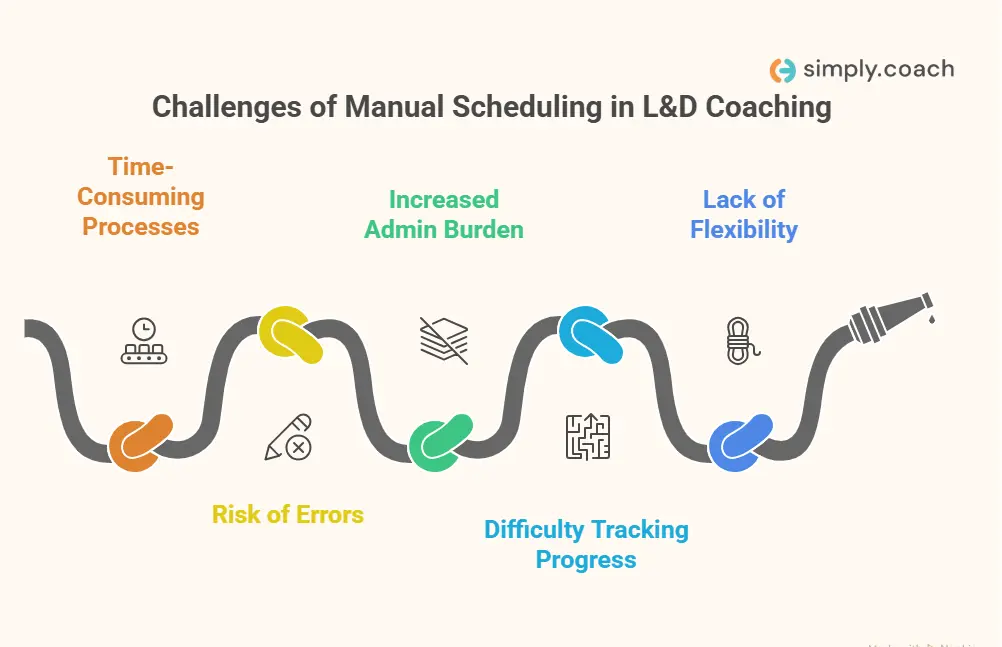
Manual scheduling in Learning & Development coaching often becomes a roadblock to efficiency, leaving you with less time to focus on the core aspects of your work. It’s not just about organizing appointments, but also managing the back-and-forth communication, which can lead to missed opportunities and client dissatisfaction.
- Time-consuming processes: Managing schedules manually means endless emails, phone calls, and constant adjustments. This time-consuming process takes you away from coaching and delays the actual work with your clients.
- Risk of errors: Manual systems open the door for common mistakes like double bookings, missed sessions, or incorrect timing. Even a small mistake can lead to confusion and disrupt your entire schedule.
- Increased administrative burden: Constantly updating calendars, confirming appointments, and sending reminders takes up a significant portion of your day. This added workload can feel overwhelming, especially when managing a large client base.
- Difficulty in tracking progress: When schedules are manually organized, it’s harder to track client milestones, session outcomes, or any follow-ups. A disorganized schedule makes it difficult to maintain a clear overview of your clients’ journey.
- Lack of flexibility: With manual systems, last-minute changes or reschedules become time-consuming and frustrating. Flexibility is key in coaching, and manually managing these adjustments can cause unnecessary delays.
- Impact on client experience: Scheduling issues, such as missed appointments or delayed responses, create a frustrating experience for your clients. When clients feel their time isn’t being respected, it can damage the relationship and hinder progress.
These are some of the common challenges you face when relying on manual scheduling. It’s time to consider a more efficient, automated approach to enhance both your workflow and client experience.
Also read: Top 10 Appointment Scheduling Softwares to Use in 2025
Key Features to Look For in Scheduling Tools
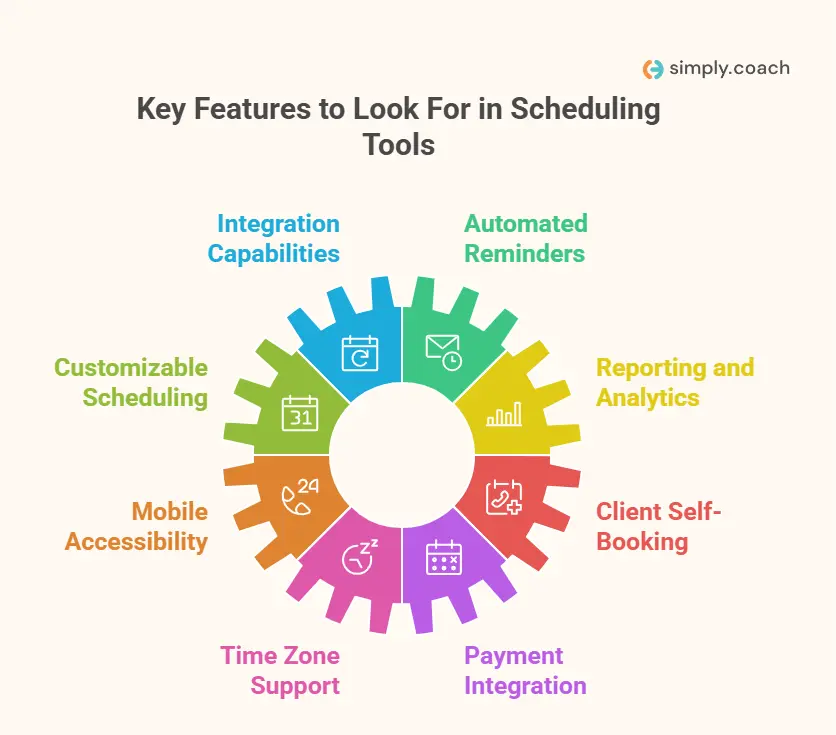
Selecting the right scheduling tool is crucial for enhancing efficiency and client satisfaction in L&D coaching. Here are essential features to consider:
- Integration capabilities: Ensure the tool seamlessly syncs with your existing calendars and platforms, such as Google Calendar or Microsoft Outlook, to prevent double bookings and streamline scheduling.
- Automated reminders: Look for tools that send automatic email and text reminders to clients before sessions, reducing no-shows and ensuring timely attendance.
- Customizable scheduling: Choose a tool that allows flexibility in setting availability, accommodating different coaching formats like one-on-one sessions, group workshops, or webinars.
- Reporting and analytics: Opt for tools that provide insights into scheduling patterns, client engagement, and session effectiveness, aiding in data-driven decision-making.
- Mobile accessibility: A mobile-friendly interface ensures you and your clients can manage schedules on-the-go, enhancing convenience and responsiveness.
- Client self-booking: Allow clients to book, reschedule, or cancel sessions independently, reducing administrative workload and empowering clients to manage their appointments.
- Time zone support: Essential for coaches working with clients across different regions, this feature ensures accurate scheduling without confusion.
- Payment integration: Incorporate tools that facilitate payments for sessions, streamlining the financial aspect of your coaching business.
Read more: 12 Best Online Scheduling Softwares for Billing & Invoicing [2025]
Top 8 Scheduling Tools for Coaches Working with L&D Professionals
As a coach working with Learning & Development (L&D) professionals, your time is incredibly valuable, and streamlining your scheduling process can help you focus more on your clients. Whether you’re managing individual sessions, group coaching, or corporate programs, the right scheduling tool can significantly enhance your efficiency.
This section explores the top 8 scheduling tools available, designed to help you manage appointments, reduce administrative work, and improve the overall client experience.
| Software Name | Key Features | Pricing | G2 Rating | Capterra Rating |
| Simply.Coach | Calendar integration, reminders, customizable scheduling, reporting, goal tracking, mobile access, payment integration | $9–$69 | 4.8/5 (144 reviews) | 4.7/5 (41 reviews) |
| Calendly | Calendar integration, reminders, customizable scheduling, mobile access | $10–$15,000/year | 4.7/5 (2,541 reviews) | 4.7/5 (4,050 reviews) |
| Clockwise | AI calendar optimization, focus time protection, team scheduling, calendar sync | $6.75–$11.50 | 4.8/5 (74 reviews) | 4.4/5 (54 reviews) |
| HubSpot Meetings | Calendar sync, customizable booking links, automated reminders, group & round-robin scheduling | Free–$752/month | 4.4/5 (14,467 reviews) | 4.4/5 (4,432 reviews) |
| Doodle | Group polls, 1:1 scheduling, booking pages, calendar integration | $6.95–$8.95 | 4.5/5 (20,67 reviews) | 4.4/5 (1,836 reviews) |
| Picktime | Unlimited appointments, booking page, calendar sync, reminders, payment integration | $3+ | 4.8/5 (58 reviews) | 4.1/5 (11 reviews) |
| Acuity Scheduling | Custom booking pages, client management, payment integration, reminders, calendar sync | $16–$49 | 4.7/5 (406 reviews) | 4.8/5 (5,724 reviews) |
| Sign In App | Automated reminders, calendar sync, payment integration, booking pages, visitor/staff sign-in | $600–$1,800/year | 4.6/5 (223 reviews) | 4.7/5 (11 reviews) |
1. Simply.Coach
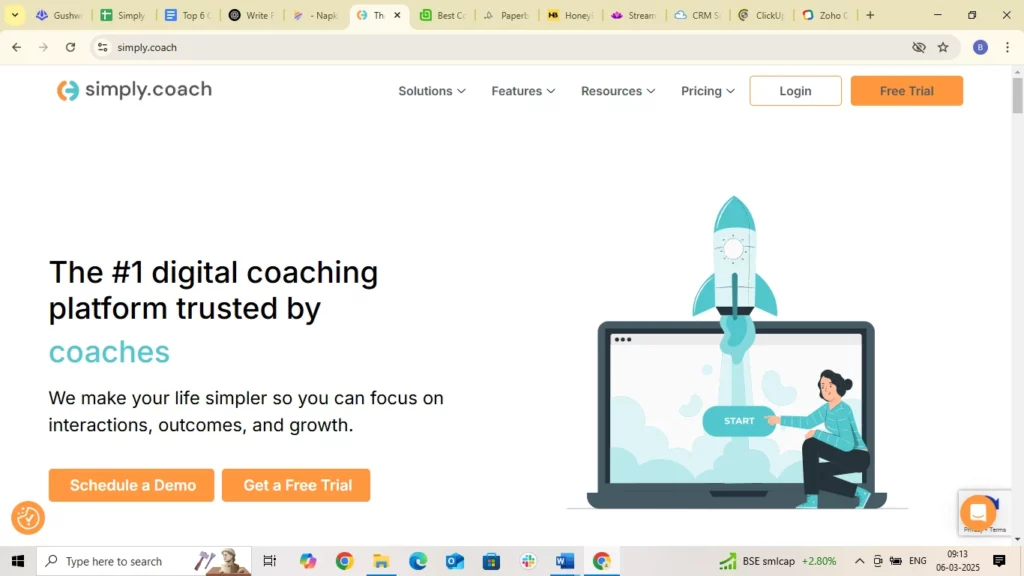
As a coach working with L&D professionals, you need a solution that goes beyond basic scheduling and truly supports the way you work. Simply.Coach is an all-in-one digital coaching platform designed to streamline your entire coaching business. It brings together powerful scheduling tools, goal tracking, client management, and in-depth reporting into one seamless experience. With features like cohort-based journeys, automated reminders, and comprehensive reporting, Simply.Coach lets you focus on delivering impactful coaching, while the platform takes care of the logistics.
Whether you’re managing individual sessions or large-scale corporate programs, Simply.Coach adapts to your needs. The platform’s flexibility and customization allow you to create a tailored coaching experience that supports both you and your clients every step of the way.
Key Features
- Integration capabilities: Seamlessly syncs with Google, Microsoft and/or Apple iCal calendars, Zoom, and email platforms, ensuring smooth scheduling and communication.
- Automated reminders: Sends automated email and text reminders to clients, reducing no-shows and ensuring timely attendance.
- Customizable scheduling: Offers flexible scheduling options, including recurring sessions and buffer times between appointments, to accommodate various coaching formats.
- Reporting and analytics: Provides detailed reports on client progress, session effectiveness, and ROI, helping you measure the impact of your coaching.
- Goal setting and tracking: Allows clients to set and track their goals, with automated check-ins and progress updates.
- Mobile accessibility: Enables both coaches and clients to access the platform on-the-go, enhancing convenience and engagement.
- Payment integration: Facilitates secure payments through Stripe, supporting one-time and recurring billing options.
Pricing
Simply.Coach offers a range of pricing plans to suit different needs:
- Starter: $9/month
- Essentials: $29/month
- Growth: $49/month
- Leap: $69/month
For more details on features included in each plan, visit the Simply.Coach pricing page.
Ratings
- G2: 4.8/5 (Highly rated for customer support and ease of use)
- Capterra: 4.7/5 (Praised for its all-in-one functionality and value for money)
2. Calendly
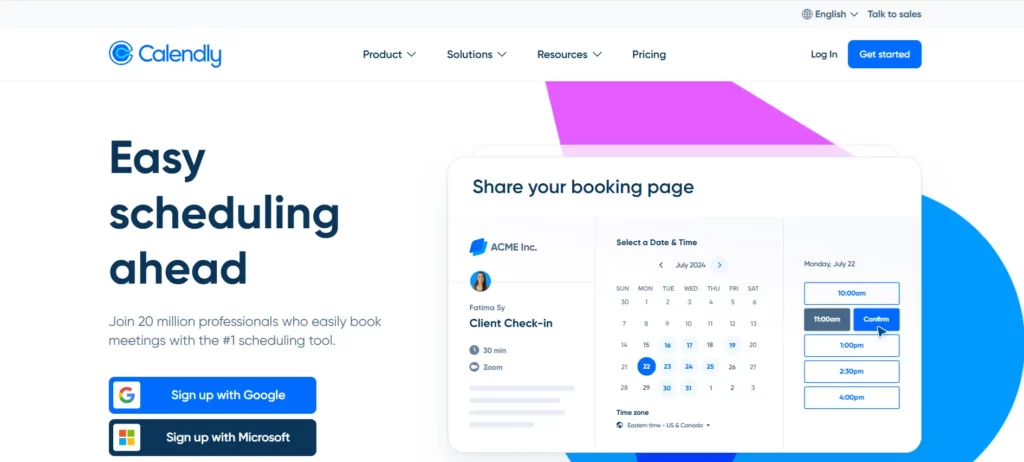
Calendly is a widely adopted scheduling tool known for its user-friendly interface and seamless integration with various platforms. It simplifies the scheduling process by allowing clients to book appointments based on your real-time availability, eliminating the back-and-forth of traditional scheduling methods. This automation is particularly beneficial for coaches working with L&D professionals, as it streamlines the administrative aspects of client management.
Key Features
- Integration capabilities: Calendly integrates with major calendar platforms like Google Calendar, Outlook, and iCloud, ensuring your availability is always up-to-date.
- Automated reminders: The platform sends automated email and SMS reminders to clients, reducing no-shows and ensuring timely attendance.
- Customizable scheduling: You can set up different event types with specific durations, locations, and instructions, tailoring the scheduling experience to your needs.
- Mobile accessibility: Calendly offers mobile apps for iOS and Android, allowing you to manage your schedule on-the-go.
Pricing
Calendly offers a free plan with basic features. For more advanced functionalities, the Standard plan starts at $10 per user per month when billed annually, the Teams plan ideal for growing businesses is priced at $16 per user per month (billed annually) and the Enterprise plan, suitable for large companies, starts at $15,000 per year.
Ratings
- G2: 4.7/5
- Capterra: 4.7/5
3. Clockwise
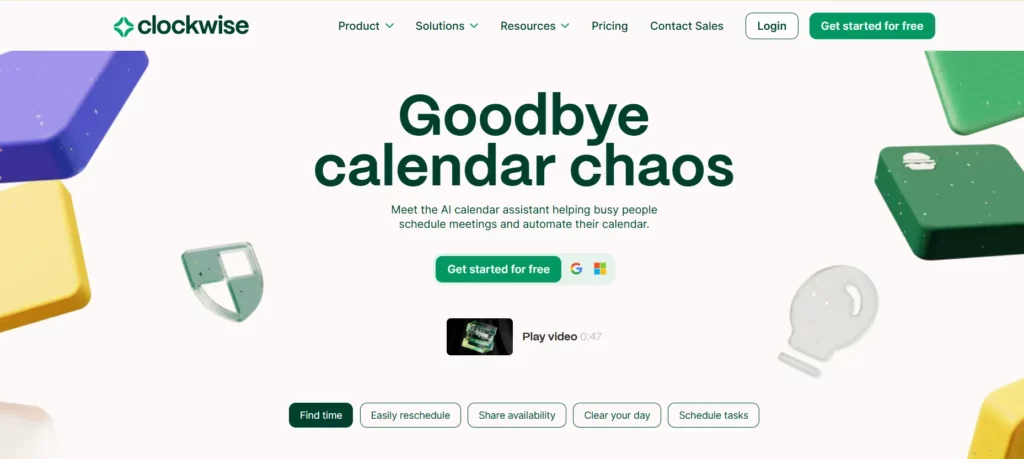
Clockwise is an AI-powered scheduling tool designed to help you optimize your team’s calendar by creating uninterrupted focus blocks. As a coach working with L&D professionals, you understand how valuable focus time is. Clockwise intelligently arranges your meetings, freeing up more time for strategic planning and deep work, ensuring your calendar works for you, not against you.
Key Features
- AI-driven calendar optimization: Automatically adjusts your schedule, protecting focus time by shifting meetings to available time blocks, so you can maximize productivity.
- Integration with major calendar platforms: Syncs with Google Calendar and Outlook, making it easy to integrate and streamline your entire scheduling process.
- Focus time protection: Allocates dedicated focus time in your calendar, reducing distractions and allowing you to concentrate on what’s important.
- Team-wide scheduling coordination: Ensures all team members’ schedules are synced and optimized, minimizing conflicts and maximizing availability for meetings.
Pricing
Clockwise offers a free plan for individuals. Paid plans for teams start at $6.75 per user per month, with a Business plan priced at $11.50 per user per month. Enterprise plans are available upon request.
Ratings
- G2: 4.8/5
- Capterra: 4.4/5
4. HubSpot Meetings
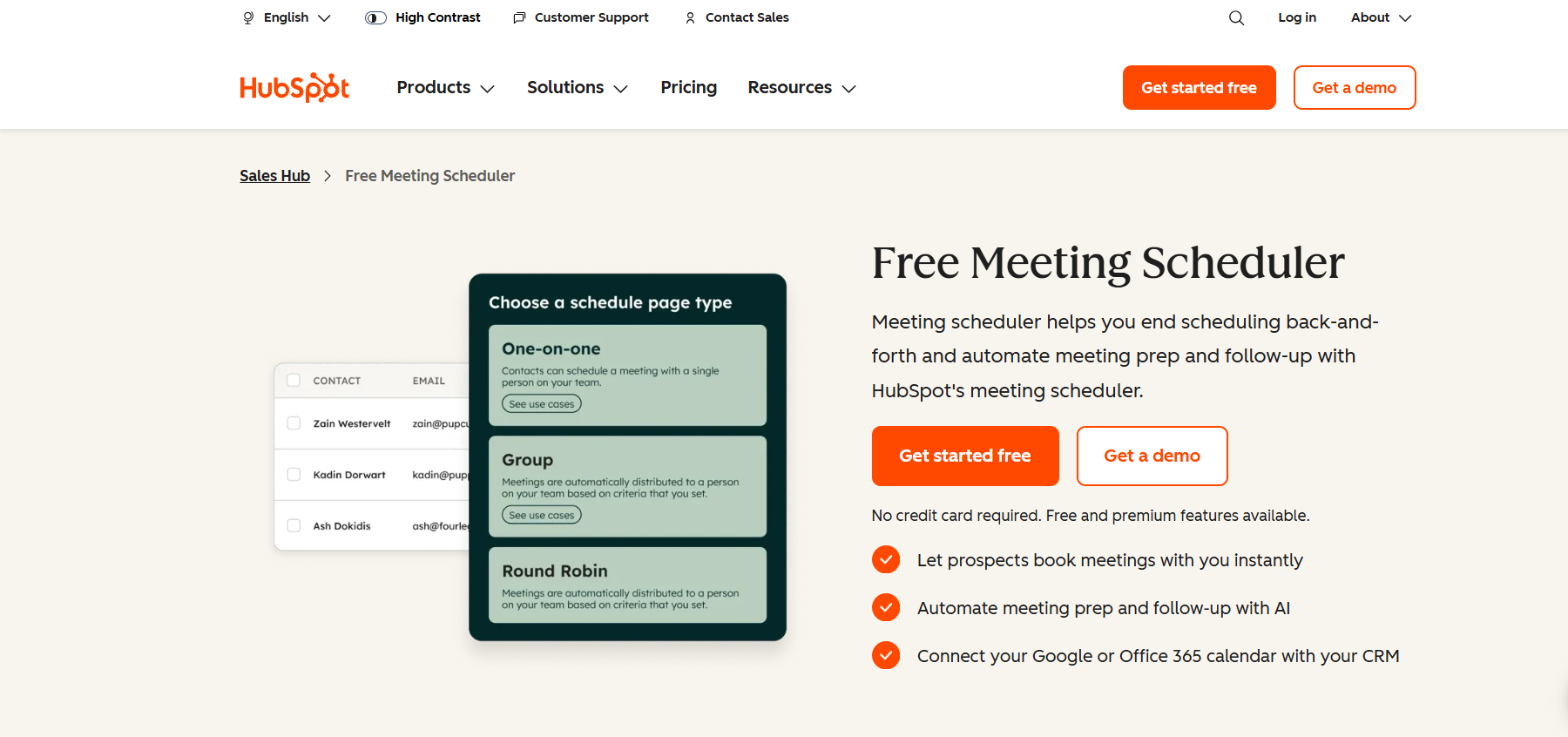
HubSpot Meetings is part of the HubSpot CRM, offering a seamless, robust scheduling solution that simplifies the booking process for you and your clients. As a coach, this tool helps you manage client appointments, streamline communication, and keep your calendar organized. The ability to book meetings based on your real-time availability reduces the back-and-forth, allowing you to focus more on delivering value to your L&D clients.
Key Features
- Real-time calendar synchronization: Syncs with Google Calendar and Office 365 to keep your availability updated, ensuring you never double-book.
- Customizable booking links: Create personalized links for different types of meetings, making it easy for clients to book with you without confusion.
- Automated reminders: Sends email reminders to your clients automatically, ensuring they show up on time and reducing no-shows.
- Group and round-robin scheduling: Enables team scheduling, ensuring that multiple team members can be available for meetings, making scheduling more efficient.
Pricing
HubSpot Meetings is free with basic features. If you need more advanced functionalities, the Sales Hub Starter plan starts at $752 per month.
Ratings
- G2: 4.4/5
- Capterra: 4.4/5
5. Doodle

Doodle is a widely used scheduling tool that simplifies group scheduling through its intuitive polling feature. As a coach working with L&D professionals, you can leverage Doodle to coordinate meetings, workshops, or training sessions efficiently. By allowing participants to select their preferred time slots, Doodle helps you find the most suitable time for everyone involved, saving time and reducing scheduling conflicts.
Key Features
- Group polls: Create polls where participants can vote on their preferred meeting times, making it easy to find a consensus.
- 1:1 scheduling: Set up individual meetings with clients or team members, streamlining one-on-one sessions.
- Booking pages: Share personalized booking links with clients, allowing them to schedule meetings based on your availability.
- Calendar integration: Sync with Google Calendar, Outlook, and iCloud to keep your schedule up to date.
Pricing
Doodle offers a free plan with basic features. Paid plans start with the Pro plan at $6.95 and Team plan at $8.95 per user per month, providing additional features like custom branding, unlimited polls, and advanced integrations. Enterprise plans are available upon request.
Ratings
- G2: 4.5/5
- Capterra: 4.4/5
6. Picktime
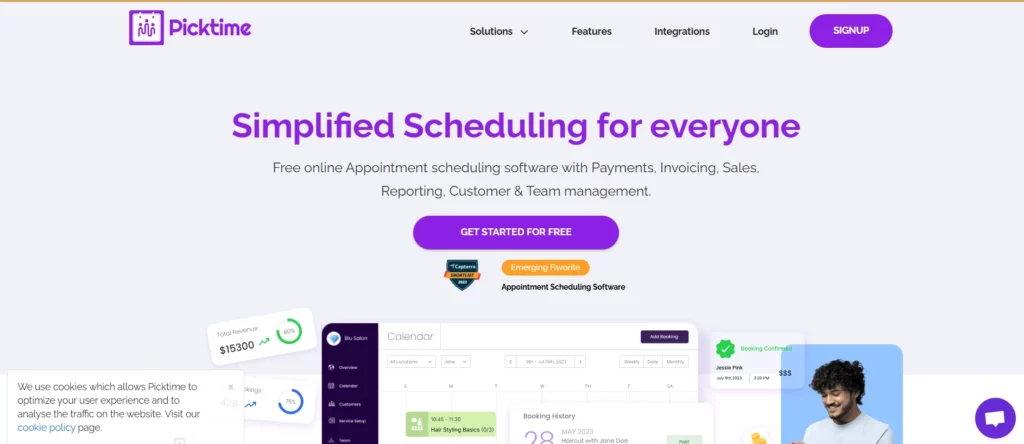
Picktime is a comprehensive scheduling platform that provides unlimited appointments through a customizable online booking page. Ideal for coaches working with L&D professionals, Picktime allows you to manage appointments, classes, and team schedules efficiently. With features like calendar synchronization, automated reminders, and payment integration, Picktime helps streamline your scheduling process, allowing you to focus more on delivering value to your clients.
Key Features
- Unlimited appointments: Schedule as many appointments as needed without restrictions.
- Online booking page: Create a personalized booking page for clients to book appointments at their convenience.
- Calendar synchronization: Integrate with Google Calendar, Outlook, and Apple Calendar to keep your schedule up to date.
- Automated reminders: Send email and SMS reminders to clients, reducing no-shows and ensuring timely attendance.
- Payment integration: Accept payments through PayPal, Stripe, and Square, streamlining the financial aspect of your coaching services.
Pricing
Picktime offers a free plan with essential features. Paid plans start at $3 per user per month when billed annually, providing additional functionalities like SMS reminders, invoicing, and advanced reporting.
Ratings
- G2: 4.8/5
- Capterra: 4.1/5
7. Acuity Scheduling

Acuity Scheduling is a comprehensive scheduling tool that empowers you to manage appointments, accept payments, and automate reminders—all in one platform. As a coach working with L&D professionals, Acuity allows you to create customized booking pages, enabling clients to schedule sessions based on your real-time availability. This automation reduces administrative workload, allowing you to focus more on delivering value to your clients.
Key Features
- Customizable booking pages: Design personalized booking pages where clients can select services, schedule appointments, and complete intake forms.
- Client management: Keep track of client details, session history and preferences, ensuring you’re always prepared for each session.
- Payment integration: Accept payments through platforms like Stripe, Square, or PayPal, facilitating upfront payments or deposits.
- Automated reminders: Send email and SMS reminders to clients, reducing no-shows and ensuring timely attendance.
- Calendar synchronization: Sync with Google, Outlook, and iCloud calendars to keep your schedule up to date.
Pricing
Acuity Scheduling offers plans starting at $16 per month for the Starter Plan, $27 per month for the Standard Plan and $49 per month for the Premium Plan. Custom Plan details are available upon request. For other details, you can visit their pricing page.
Ratings
- G2: 4.7/5
- Capterra: 4.8/5
8. Sign In App (formerly 10to8)
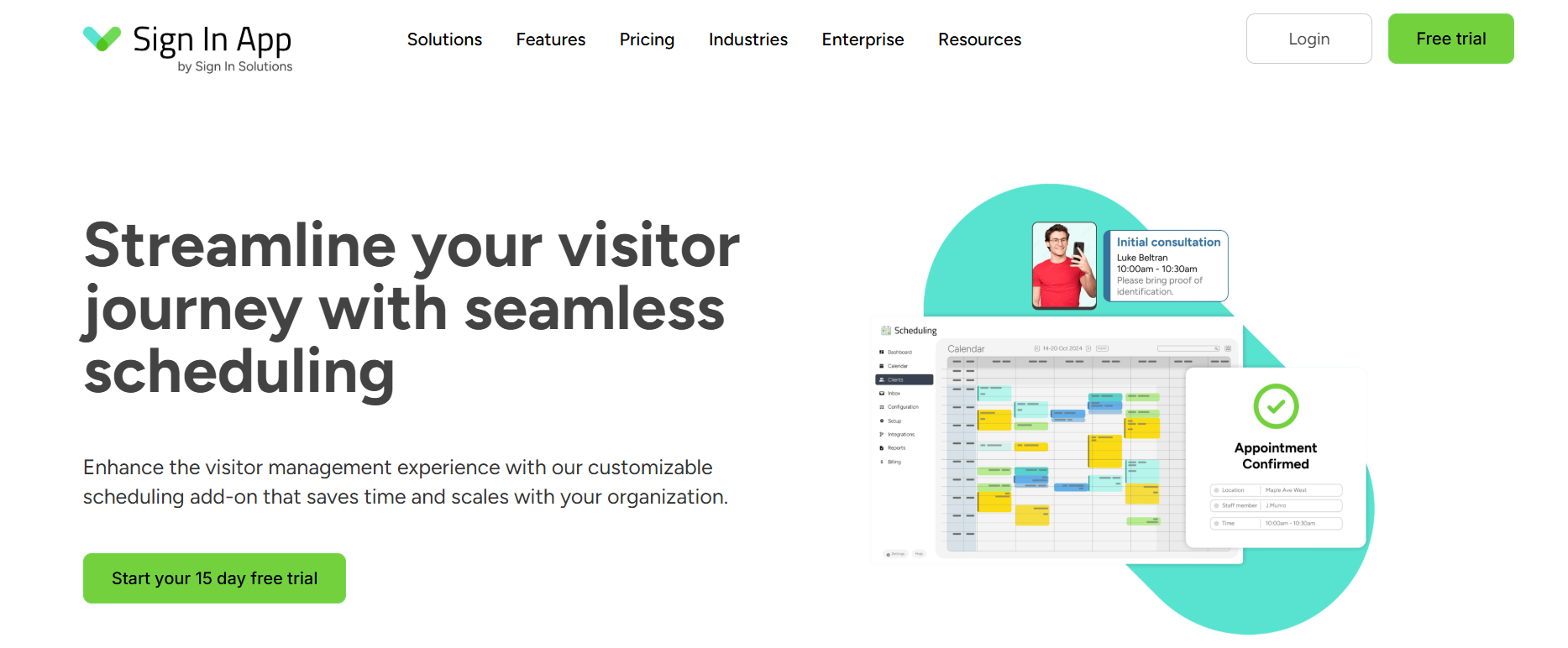
Sign In App is a cloud-based scheduling platform designed to automate booking appointments and manage schedules efficiently. It is ideal for those of you working with L&D professionals, offering features like automated reminders, calendar synchronization, and payment integrations, which streamline the scheduling process and enhance the client experience.
Key Features
- Automated reminders: Send email, SMS, and voice call reminders to clients, reducing no-shows and ensuring timely attendance.
- Calendar synchronization: Integrate with Google Calendar, Outlook, and iCloud to keep your schedule up to date.
- Payment integration: Accept payments through platforms like PayPal, Stripe, and Square, facilitating upfront payments or deposits.
- Customizable booking pages: Create personalized booking pages for clients to schedule appointments at their convenience.
- Visitor and staff sign-in: Includes secure and streamlined sign-in processes for visitors and staff, expanding its utility beyond just scheduling.
Pricing
Sign In App offers plans starting at $600 per site per year for the Core Plan, $1,200 per site per year for the Enhanced Plan and $1,800 per site per year for the Pro Plan. As you opt for more advanced plans, they unlock premium features and priority support.
Ratings
- G2: 4.6/5
- Capterra: 4.7/5
Also read: Best Group Coaching Platforms & Frameworks for L&D Professionals in 2025
Implementation Tips for Coaches
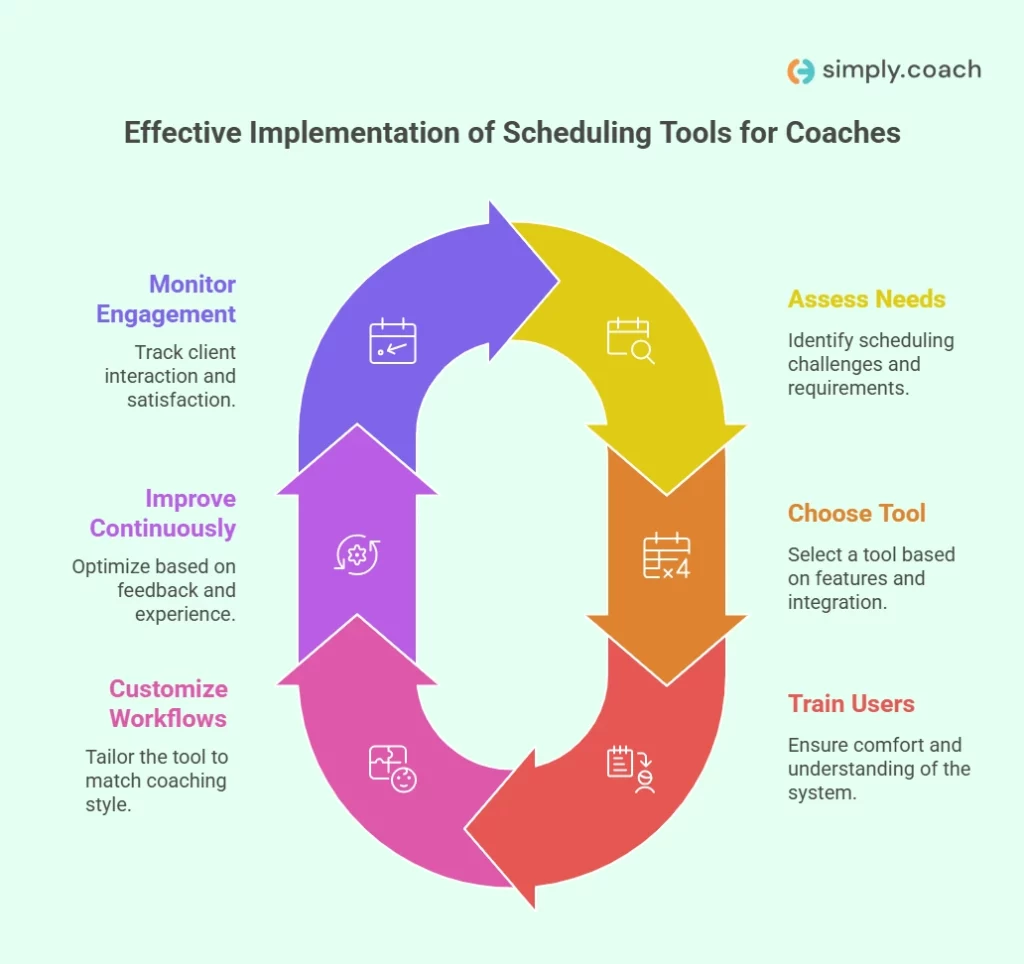
Successfully integrating a scheduling tool into your coaching practice requires thoughtful planning and execution. By considering your unique needs, selecting the right tool, and ensuring both you and your clients are comfortable with the system, you can maximize its effectiveness and streamline your workflow.
- Assessing needs: Understand the specific scheduling challenges you face with your coaching programs. Identify whether you need features like group scheduling, recurring sessions, or integration with other tools.
- Choosing the right tool: Evaluate scheduling tools based on key features such as automation, ease of use, and integration capabilities with your existing systems (calendars, CRMs, payment platforms).
- Training and onboarding: Ensure both you and your clients are comfortable with the new scheduling system. Provide clear instructions and offer support during the transition period to avoid confusion.
- Customizing workflows: Tailor the scheduling tool to suit your coaching style, whether it’s one-on-one sessions, group coaching, or corporate programs. Set up workflows that match your needs.
- Continuous improvement: Regularly assess your scheduling system and make improvements based on feedback from clients and your own experience. Optimize for efficiency and convenience over time.
- Monitoring client engagement: Track how clients interact with your scheduling system and adjust to ensure the best possible user experience. A well-managed process will increase client satisfaction and reduce no-shows.
Conclusion
As a coach working with L&D professionals, managing your schedule effectively is essential to delivering impactful coaching. By using the right automating scheduling tools for L&D professionals, you can save valuable time, reduce administrative burdens, and improve the client experience. These tools can help you streamline your workflows, allowing you to focus more on what matters most: your clients’ growth and success.
Simply.Coach is the perfect solution for coaches like you, providing an all-in-one digital coaching platform that integrates scheduling, client management, goal tracking, and reporting. With features like automated reminders, cohort-based journeys, and seamless integrations, Simply.Coach simplifies your business operations, allowing you to focus on delivering exceptional coaching.
FAQs
1. Can I set up different availability for individual coaching sessions and group workshops?
Yes, platforms like Simply.Coach and Acuity Scheduling allow you to customize your availability based on the type of session. This feature ensures that your calendar reflects your specific coaching offerings accurately.
2. Is it possible to collect client feedback automatically after each session?
Absolutely. Tools like Simply.Coach enable you to automate the collection of client feedback post-session, providing valuable insights into your coaching effectiveness and areas for improvement.
3. How can I manage time zone differences when scheduling sessions with international clients?
Scheduling tools such as Calendly and Simply.Coach automatically detect and adjust for time zone differences, ensuring that both you and your clients are on the same page regarding meeting times.
4. What features should I look for in a scheduling tool to support group coaching programs?
For group coaching, consider features like cohort-based scheduling, automated reminders, and progress tracking. Platforms like Simply.Coach are specifically designed to support these needs, streamlining the management of group sessions.
5. Can I accept payments through my scheduling platform?
Yes, many scheduling platforms, including Simply.Coach and Acuity Scheduling, offer integrated payment processing through services like Stripe and PayPal, allowing you to manage bookings and payments in one place.