
When a client joins your coaching agency, the first thing they see may be a login page, an invitation email or an app. If each carries a different company’s identity, the experience can feel disconnected from the service your coaches deliver. A consistent identity helps clients recognize the agency at every step.
A white label coaching platform lets an agency put its identity on some or all of that experience. The practical question is which parts change. A custom logo on a shared portal, an address on your own domain and an app listed under your business name are different products.
TL;DR
Start by listing every place a client encounters your agency, from the invitation email to the login address and mobile experience. Then ask each vendor which surfaces can carry your brand and which plan unlocks them. A portal on your own domain is not the same as a separate app-store listing, and a branded app experience can still require clients to download the vendor’s app. Consider the number of coaches and client organizations you need to support, too. Compare the answers in a demo and get the details of setup, ongoing costs and ownership in writing.
What Does White Label Mean for an Agency?
Vendors use the term for different things, so list the parts of the client experience your agency needs to brand before you compare plans.
A branded portal may show your name, logo and colors after a client signs in. A custom domain changes the web address they use to reach it. Branded email can extend that identity to invitations and reminders, but the sender address and template may be controlled separately.
Mobile adds another distinction. A shared app can display your branding after login while still appearing under the vendor’s name in an app store. A separate listing under your business name is a different arrangement.
Ask who owns the listing, who handles updates and what happens if you change providers. Apple explains how an organization’s developer name appears in its store; that identity can differ from the branding inside an app.
The software for coaches your agency chooses also needs to support scheduling, client management and the work your team does between sessions. Branding is most useful when the experience behind it supports the service you sell.

How We Compared These Platforms
The comparison focuses on branding details an agency can ask a vendor to demonstrate before signing.
What we compared: Three platforms that describe branding for coaching delivery, including portal identity and domain options.
How we chose them: Each publishes information about a branded client experience relevant to coaching businesses.
Where the details come from: The providers’ own product, pricing and help pages.
What we left out: Platforms whose branding details we could not confirm on a current page of their own.
What to check: Ask each provider to confirm the current plan, implementation requirements and client-facing experience for your agency.
Which Platforms Match Your Branding Needs?
Use the comparison as a starting point for a conversation about the specific surfaces your agency wants to brand and the plan it expects to buy.
| Platform | Published branding detail | Question for the vendor |
|---|---|---|
| CoachingPortal | Branded signed-in experience on the vendor’s app and a vendor subdomain. | Does the shared app meet your requirement for a separate app-store identity? |
| Simply.Coach | Surge includes a white-labelled platform on your own domain; Optima adds white-labelled email. | Which client organizations, coaches and communications can carry distinct branding? |
| upcoach | Its help page describes a custom domain, with a note that an upgraded plan is required. | Which plan and setup steps apply to your organization? |
1. CoachingPortal
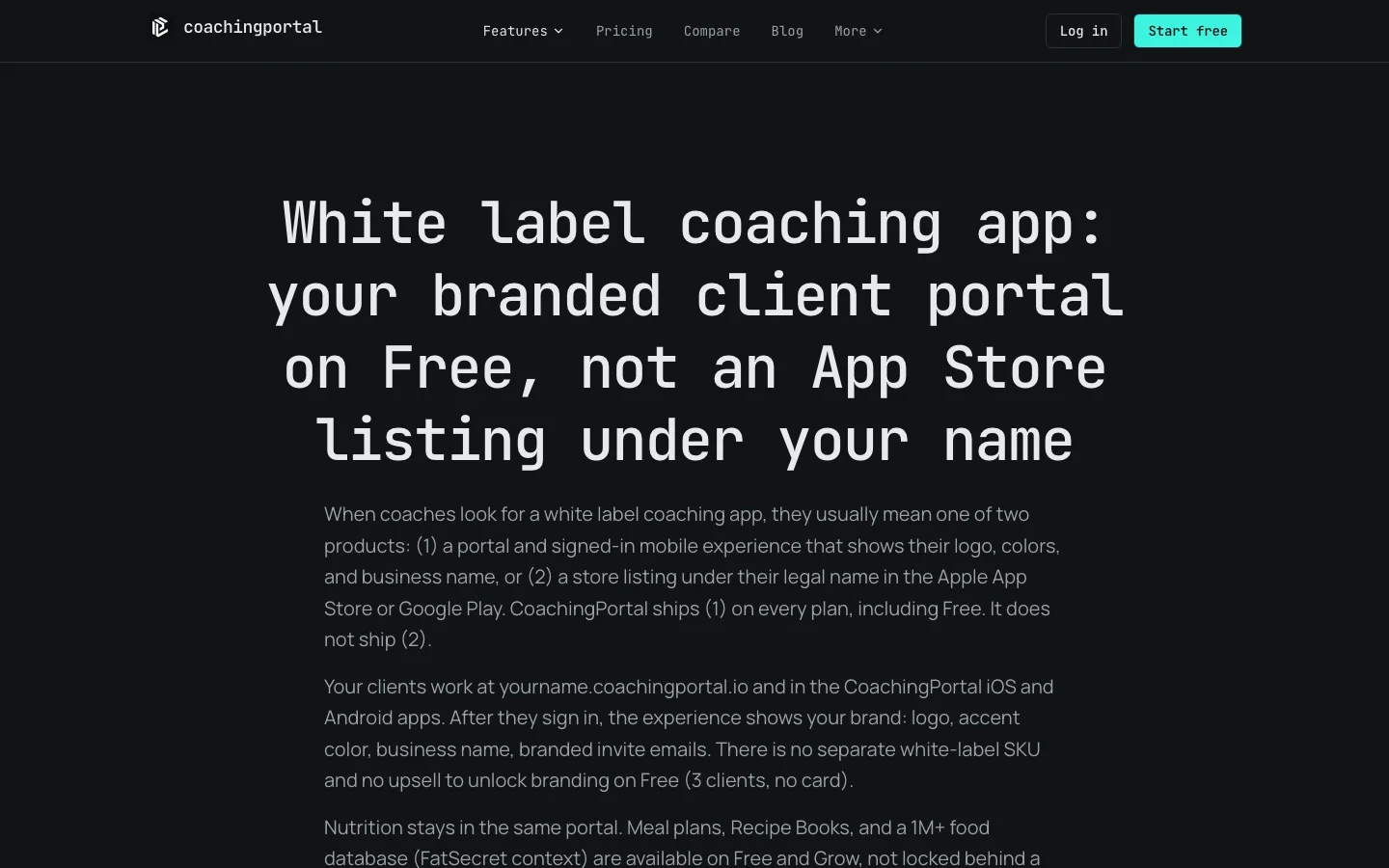
CoachingPortal describes a branded client portal and signed-in mobile experience under the coach’s identity. Its white-label page distinguishes this from a coach-named app-store listing and describes a subdomain under coachingportal.io. For an agency, the key decision is whether the shared app and that address meet the client experience it wants to offer.
2. Simply.Coach
This comparison is published by Simply.Coach.
Simply.Coach’s business pricing page states that Surge includes a white-labelled platform on your own domain and that Optima adds white-labelled email. Its multi-coach page describes branded company showcase pages and a profile for each coach. Ask the team to show how your domain, coach profiles and client-facing communications work together for the plan you are considering.
3. upcoach
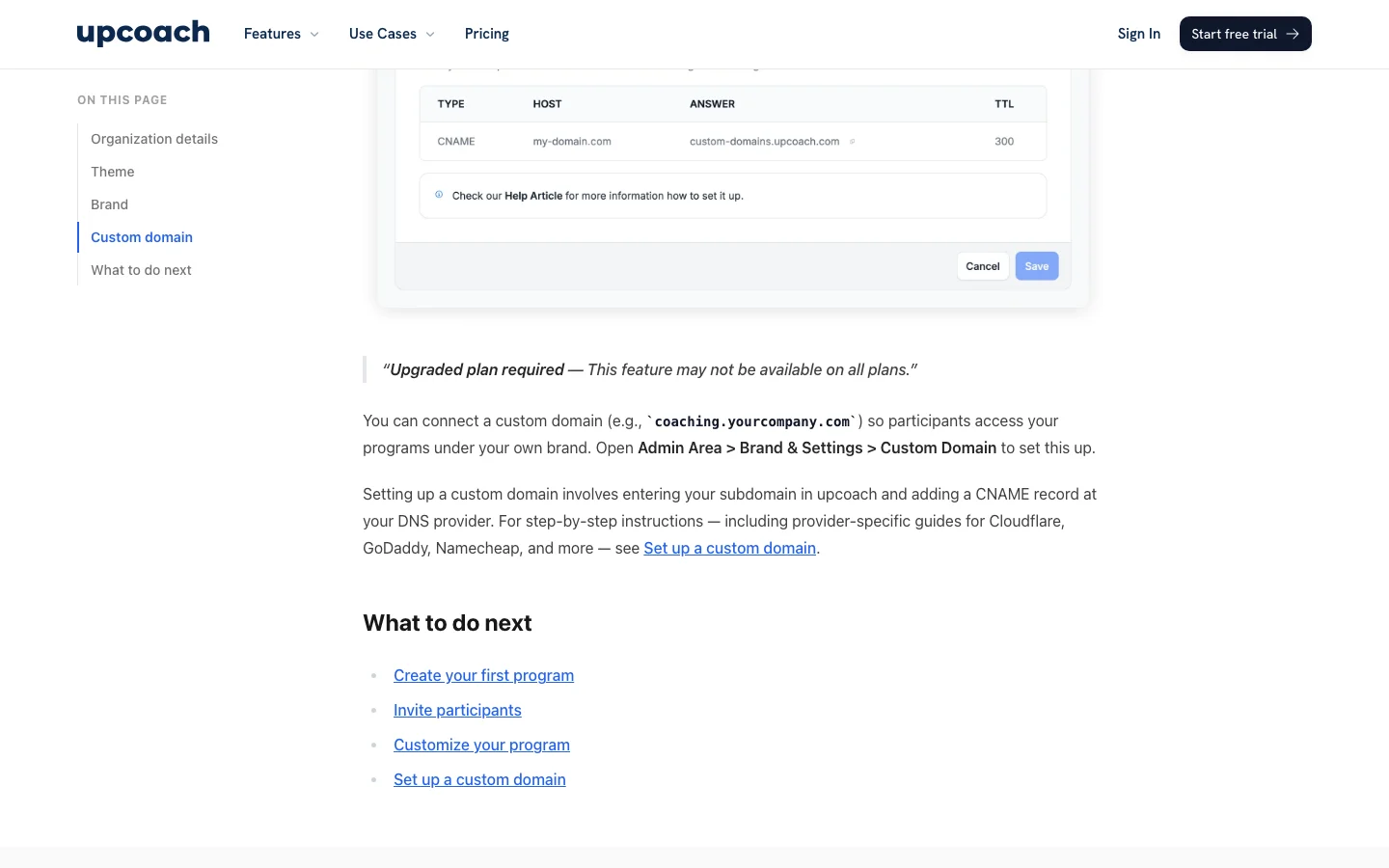
upcoach’s organization setup guide says you can connect a custom domain so participants reach your programs under your own brand. It marks this as requiring an upgraded plan and says the feature may not be available on all plans. Ask which plan supports the setup you need and what clients will see on mobile and in the app stores.
What Should You Ask Before Choosing?
A useful demo follows the same path a client and an associate coach will take, from invitation through to a completed engagement.
Open a test invitation and follow it to the login page. Ask whether your logo, colors and sender identity appear before and after login, and whether the provider’s name remains visible anywhere. Check if each client organization needs a separate branded space or if a single agency identity is enough.
Next, open the experience on a phone. Is it a mobile web portal, a shared vendor app with your brand inside it, or a separate app-store listing? If you need a separate listing, ask about the developer account, approval process, maintenance and what happens if the contract ends.
Apple’s organization enrollment guidance explains the account requirements for its store.
Finally, check the plan for every coach and client organization you expect to add. Request the total cost of branding, setup and any additional seats. Compare it with your broader coaching software pricing and account for payment processing fees if the platform collects client payments.
Conclusion
The right level of white labelling depends on what your clients need to see and how your agency delivers coaching. A logo may be enough for one team, while another needs its own domain, branded email and separate experiences for client organizations.
Simply.Coach offers a white-labelled platform on its Surge plan, with email white-labelling on Optima. Compare that offer with your agency’s actual client experience and ask for a demonstration before making the decision. Ask for an example that reflects the number of coaches and client organizations in your program.
Key Takeaways
- Define the surfaces. List where clients will see your agency’s brand, from their invitation to the portal.
- Check the domain. A vendor subdomain and your own domain are different choices, with different setup requirements and responsibilities for your team.
- Clarify the app. Branding inside a shared app does not imply your own store listing under your agency name.
- Review the plan. Ask which branding features and coach capacity are included at your chosen tier.
- Test the experience. Test invitations, login and the mobile experience with a coach and a sample client.
- Confirm ownership. Get implementation, maintenance and exit terms in writing before your clients move across to a new system or provider.
When a team of coaches deliver under one agency name, a consistent client experience can be hard to maintain across separate tools. Simply.Coach for multi-coach businesses brings coaching programs, coach profiles and client delivery into one place. Ask the team how your branding requirements fit the available plans.
Frequently Asked Questions (FAQs)
How much does a white label cost?
Costs depend on the provider, plan, branding features and the number of coaches or clients. Ask for a quote that separates setup, recurring fees, additional seats and any mobile app or domain charges, then compare the total against your expected team size.
Where can I buy white label apps?
Coaching software providers offer different forms of branded mobile access. Some use a shared app with branding after sign-in; others may offer a separate store listing. Ask each provider which arrangement it offers, who owns the account and who maintains the listing.
What is a white label coaching platform?
It is coaching software that lets a business apply its identity to parts of the client experience. Depending on the provider and plan, that can include a logo, colors, a portal, custom domain or email. The exact scope varies.
Is a branded portal the same as a custom domain?
No. A portal may show your logo and colors while remaining at an address owned by the software provider. A custom domain lets clients use an address under your own domain. Ask the provider which plan includes it and how setup works.
Does a white-label app have its own app-store listing?
Not necessarily. Some services brand the experience inside a shared vendor app, while a separate app-store listing is a different arrangement. Ask whose name appears on the listing and who is responsible for the developer account, updates and approvals.
Can each client organization have different branding?
That depends on the product and plan. An agency may want one identity across every engagement or separate co-branded spaces for client organizations. Show the vendor both scenarios and ask which settings each administrator can control.
What should an agency check before signing?
Test the invitation, login, portal and mobile experience with a coach. Confirm domain setup, email branding, additional seat charges, support and the exit process. Put the agreed features and responsibilities in the order or contract.