
As a business consultant, managing complex client data and delivering accurate insights can take hours of work. You often juggle spreadsheets, reports, and presentations, trying to keep analysis consistent and actionable. Without the right tools, small errors can snowball into missed opportunities and flawed recommendations.
The right consulting tools help you organize research, visualize data, and communicate insights clearly. They reduce repetitive work and allow you to focus on solving client problems instead of struggling with manual processes. Each tool can support a specific stage in your consulting workflow, from market research to reporting.
In this blog, we explore nine categories of consulting tools that you can integrate into your practice. You will see how each tool functions, why consultants rely on them, and practical ways to use them for business success. This guide will help you build a structured toolkit for efficient, accurate, and impactful consulting.
Key Takeaways
- Data analytics platforms and project management software help you collect, clean, visualize, and organize client data, tasks, timelines, and milestones for faster, accurate, and actionable insights.
- Industry research databases and competitive intelligence tools provide verified market trends, competitor activity, and emerging patterns to support proactive strategy and client decisions.
- Financial modeling and business intelligence tools allow scenario analysis, forecasting, and interactive reporting to quantify risks and present clear insights.
- Virtual collaboration platforms and communication tools enable hybrid workshops, secure file sharing, real-time coordination, and streamlined team alignment.
- AI-powered tools automate research, detect patterns, synthesize data, and reduce manual analysis, helping you deliver faster, evidence-based recommendations.
- Simply.Coach centralizes client profiles, engagement tracking, session history, and follow-ups in a purpose-built platform to keep your consultancy organized and outcome-focused.
How Business Consulting Tools Scale Your Practice
As a consultant, your credibility depends on structured execution, data-backed insights, and consistent delivery. Business consulting tools strengthen how you analyze information, manage engagements, collaborate with stakeholders, and present recommendations. When used effectively, they improve both the quality of your advisory work and the efficiency of your operations.
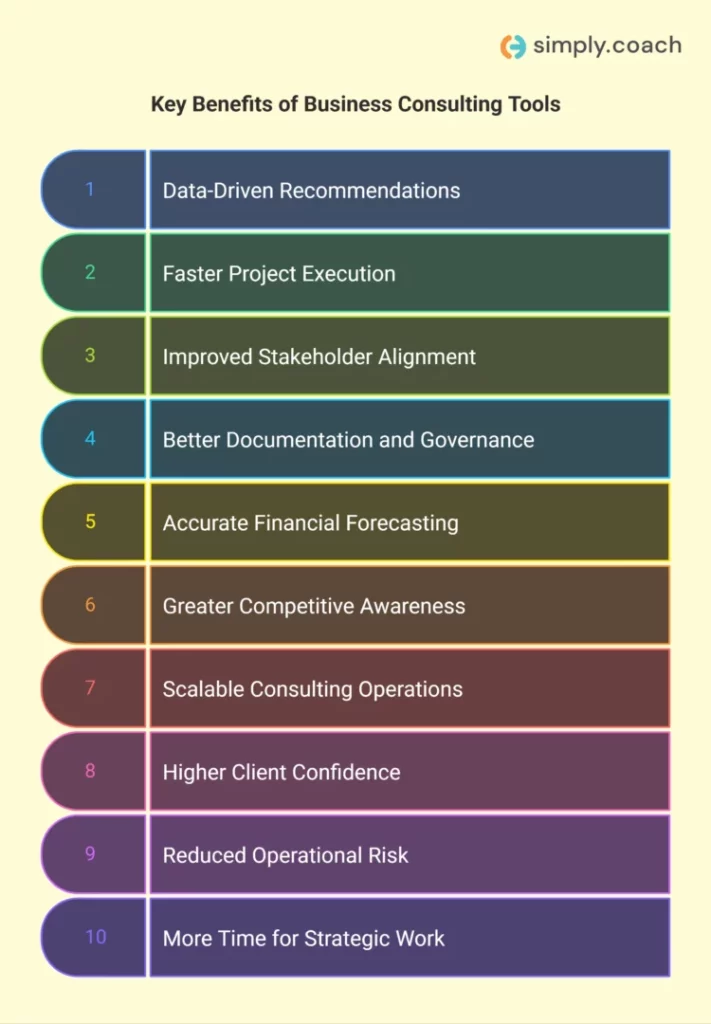
Key benefits:
- Stronger data-driven recommendations: Analytics and intelligence tools allow you to validate assumptions with real market, financial, and operational data instead of relying on intuition.
- Faster project execution: Project management and automation tools reduce manual coordination, streamline workflows, and help you meet deadlines without compromising quality.
- Improved stakeholder alignment: Collaboration and communication platforms ensure clients, internal teams, and leadership stay aligned on deliverables, timelines, and priorities.
- Better documentation and governance: Structured file sharing, recorded meetings, and centralized knowledge systems reduce miscommunication and create clear audit trails.
- Enhanced forecasting and financial modeling accuracy: Advanced modeling software improves scenario planning, valuation accuracy, and risk analysis.
- Greater competitive awareness: Market intelligence tools help you track competitor activity and industry shifts, allowing you to advise proactively rather than reactively.
- Scalability of consulting operations: Standardized tools and templates allow you to manage multiple clients simultaneously without operational chaos.
- Higher client confidence and credibility: Interactive dashboards, structured reports, and professional collaboration environments signal analytical rigor and operational maturity.
- Reduced operational risk: Automated alerts, centralized communication, and integrated systems lower the likelihood of missed updates, calculation errors, or data inconsistencies.
- More time for strategic thinking: By automating repetitive administrative and analytical tasks, tools allow you to focus on high-value advisory work and executive-level decision support.
Ultimately, business consulting tools enhance precision, efficiency, and client trust, enabling you to deliver measurable impact rather than just strategic recommendations.
Also read: Best Time Tracking and Invoicing Software for Consultants
Data Analytics Platforms (Best for Data Analysis and Insights)
Data analytics platforms provide structured ways to collect, clean, and visualize client data efficiently. These tools help you spot trends, uncover opportunities, and present insights in a way clients can easily understand. Using these platforms, you can create dashboards, generate reports, and explore patterns without spending hours on manual processing.
1. Tableau
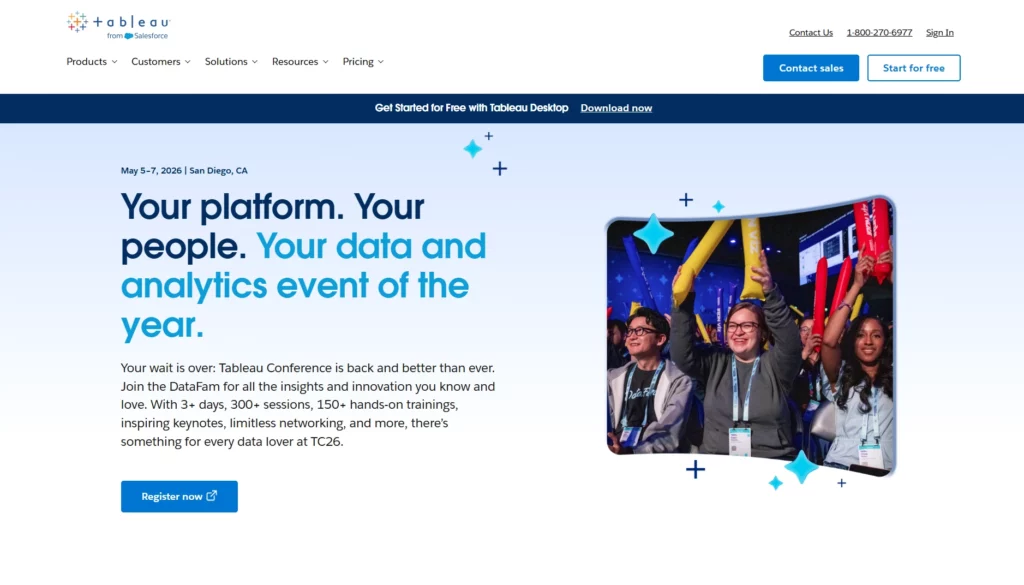
Tableau enables you to create interactive dashboards and visualizations, helping you present complex data clearly to clients.
Key features:
- Drag-and-drop dashboard creation: Build charts and visualizations without coding.
- Multi-source connectivity: Pull data from spreadsheets, databases, or cloud platforms in real time.
- Geospatial mapping: Map client data geographically for visual trend analysis.
- Collaborative publishing: Share dashboards with teams or clients via Tableau Server or Tableau Online.
2. Power BI
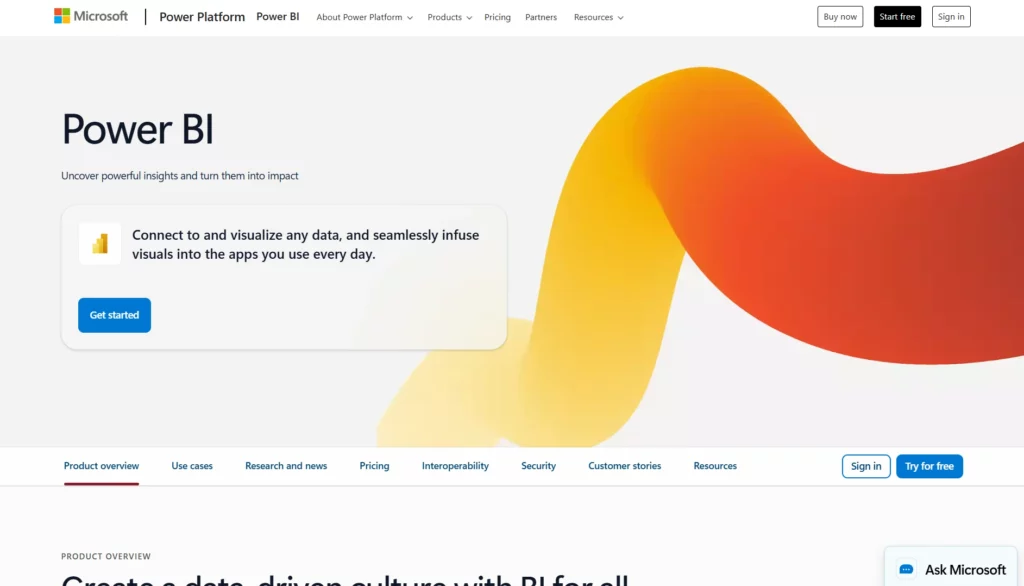
Power BI connects to multiple data sources and turns raw data into interactive reports for better client decision-making.
Key features:
- AI-assisted insights: Detect trends and anomalies without advanced formulas.
- Custom visual library: Design reports tailored to client needs.
- Real-time dashboard updates: Monitor live data as it flows into your reports.
- Mobile-friendly access: View and interact with dashboards on any device.
3. Qlik Sense
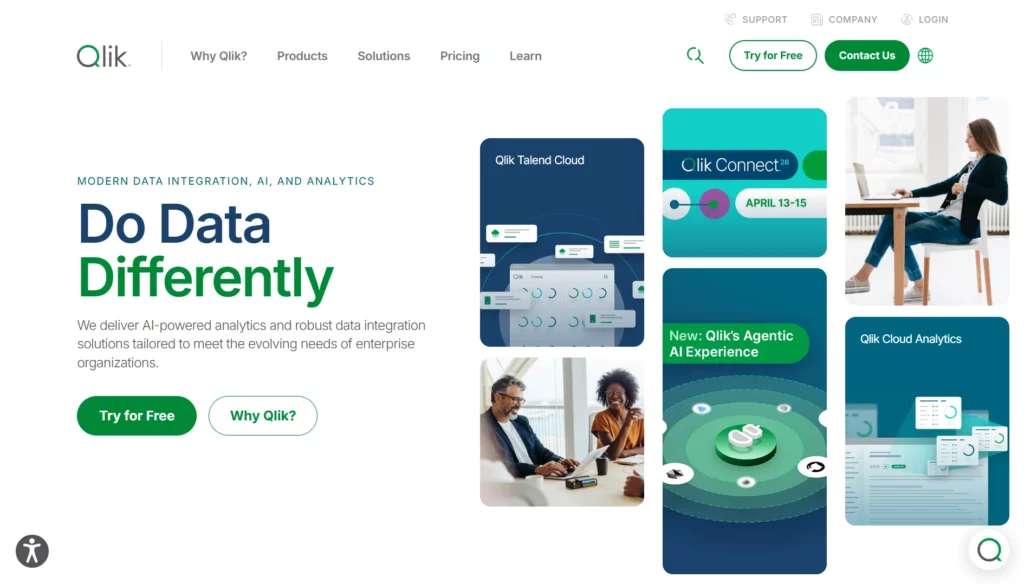
Qlik Sense helps you explore relationships in data, revealing insights you may not find with traditional analysis.
Key features:
- Associative engine: Automatically links all data points for flexible exploration.
- AI-powered suggestions: Recommends visualizations based on your dataset.
- Cloud or on-premise deployment: Flexible options depending on client requirements.
- Responsive mobile dashboards: Insights accessible across devices during client meetings.
4. Supermetrics
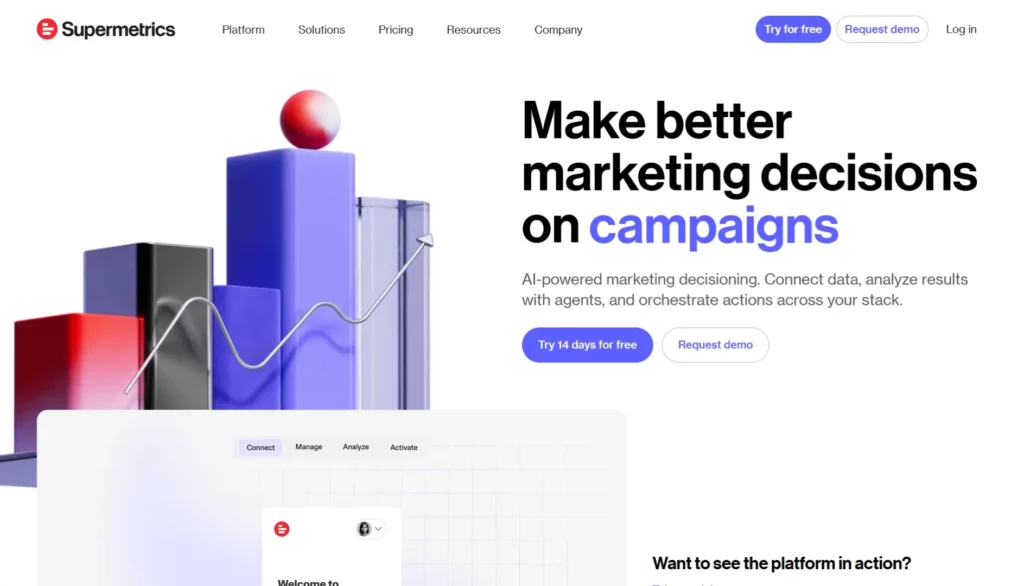
Supermetrics automates data transfer from multiple sources into your reporting tools, saving time on manual work.
Key features:
- Pre-built connectors: Pull data from platforms like Google Ads, Facebook, or Shopify.
- Automated reporting: Schedule data refreshes and report updates automatically.
- Data transformation: Join, clean, and enrich data before analysis.
- Exportable dashboards: Move clean data into spreadsheets or BI tools for insights.
Project Management Software (Best for Engagement Planning and Delivery)
Project management software gives you a central place to plan work, assign tasks, track progress, and keep clients informed. These tools help you break down complex engagements into actionable steps you can monitor and adjust in real time. Using structured project software also improves coordination with teams and clients.
5. Asana
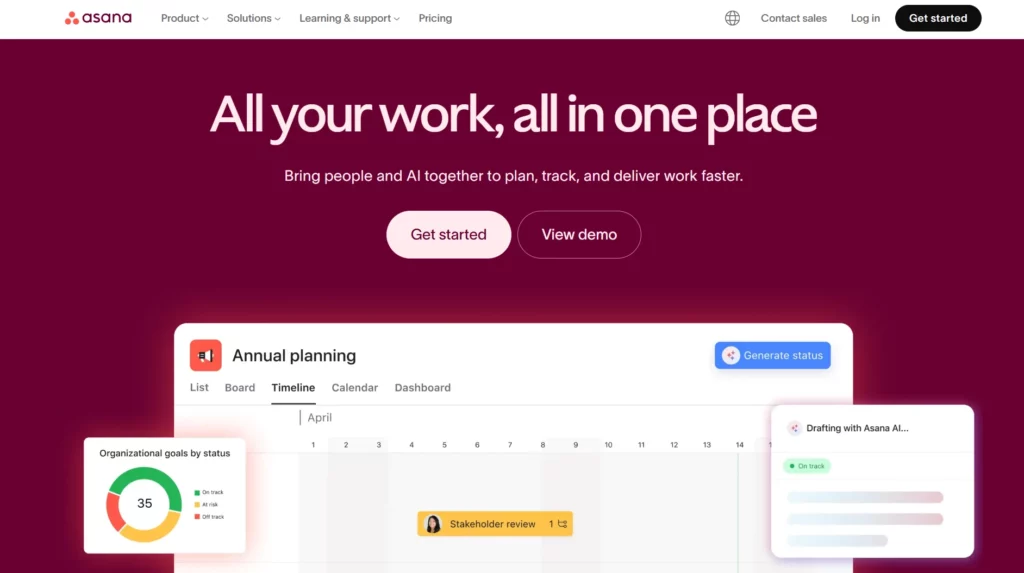
Asana helps you organize consulting work into clear tasks, timelines, and project boards that everyone can follow.
Key features:
- Task lists and due dates: Assign tasks, set deadlines, and track work completion with clarity.
- Timeline view: Visualize project milestones and dependencies to prevent bottlenecks.
- Project templates: Use ready‑made frameworks for repeatable consulting processes.
- Team calendars: See project tasks across dates to align team and client schedules.
6. Trello
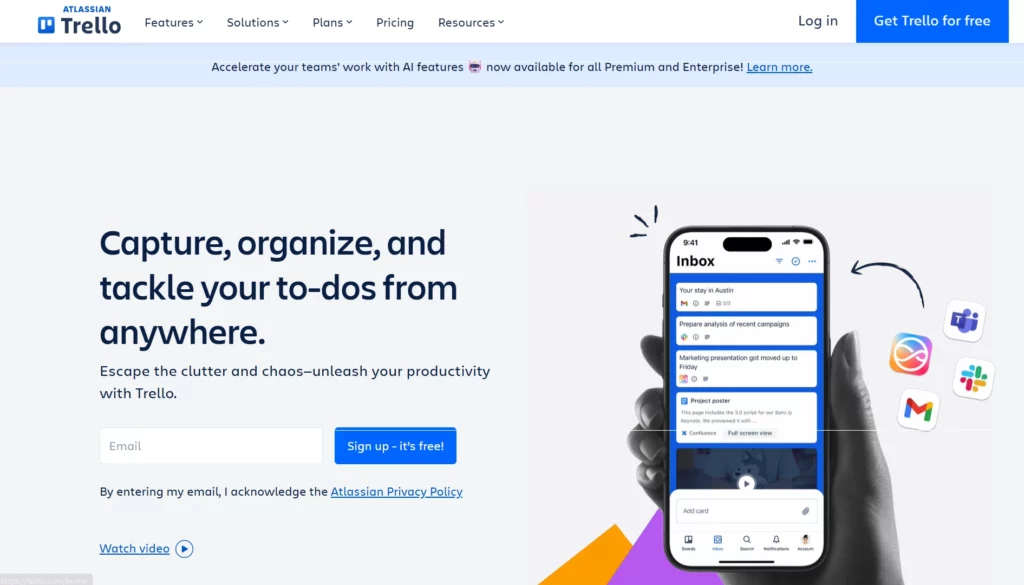
Trello uses boards and cards to keep your consulting tasks lightweight, visual, and easy to update.
Key features:
- Kanban boards: Drag cards across stages to track work in progress.
- Custom labels and tags: Categorize tasks by priority, client, or consultant.
- Integrations: Connect with tools like Google Drive, Slack, and calendar apps.
- Checklists and due dates: Break tasks into steps and set reminders to stay on track.
7. Monday.com
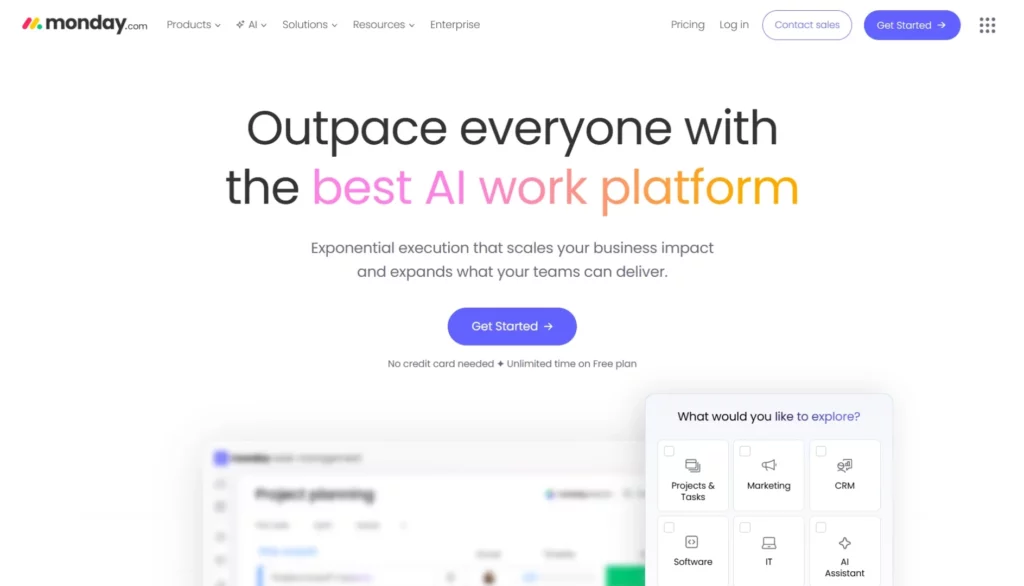
Monday.com gives you flexible project boards that you can tailor to your consulting workflow and team structure.
Key features:
- Custom workflows: Build boards that match how your consulting teams plan and execute work.
- Automations: Set triggers for status changes and deadline reminders to reduce manual follow‑up.
- Dashboards and reports: See work progress, bottlenecks, and performance at a glance.
- Multiple views: Switch between list, timeline, table, or chart views for different needs.
Industry Research Databases (Best for Market Insight and Competitive Context)
Industry research databases give you access to validated statistics, market forecasts, and competitive intelligence you can use in strategy reports. These platforms help you understand trends, benchmark performance, and justify action plans with trusted third‑party data. Using them saves time on data collection and increases the reliability of your insights.
8. Statista
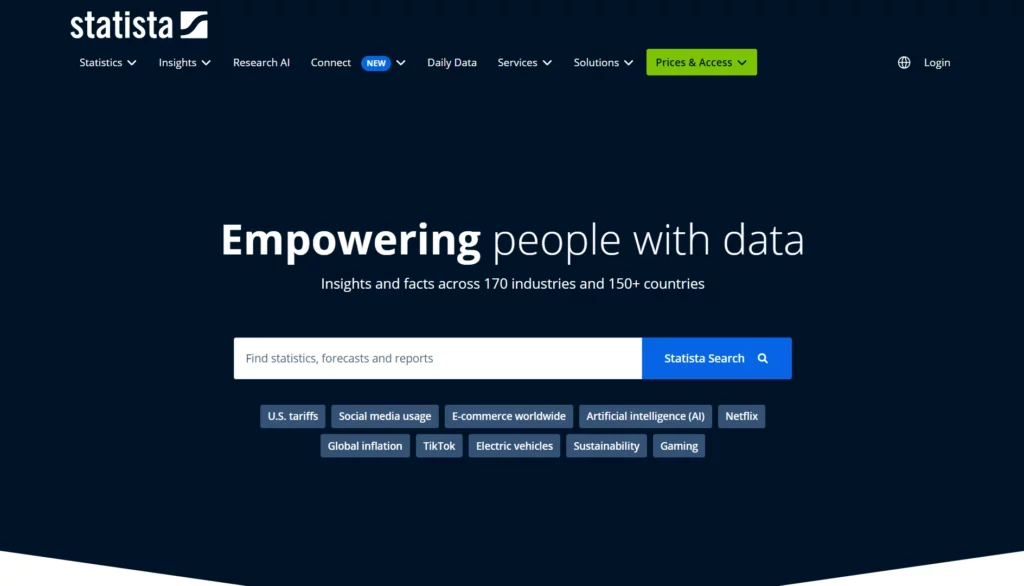
Statista aggregates statistics, studies, and forecasts from trusted sources to give you clear market insights in one place.
Key features:
- Industry data library: Over a million statistics across markets and sectors in easy‑to‑read charts.
- Market forecasts: Forward‑looking estimates to support planning and scenario work.
- Exportable visuals: Download charts and tables for client presentations and reports.
- Topical dossiers: Curated research on specific industries, regions, and use cases.
9. IBISWorld
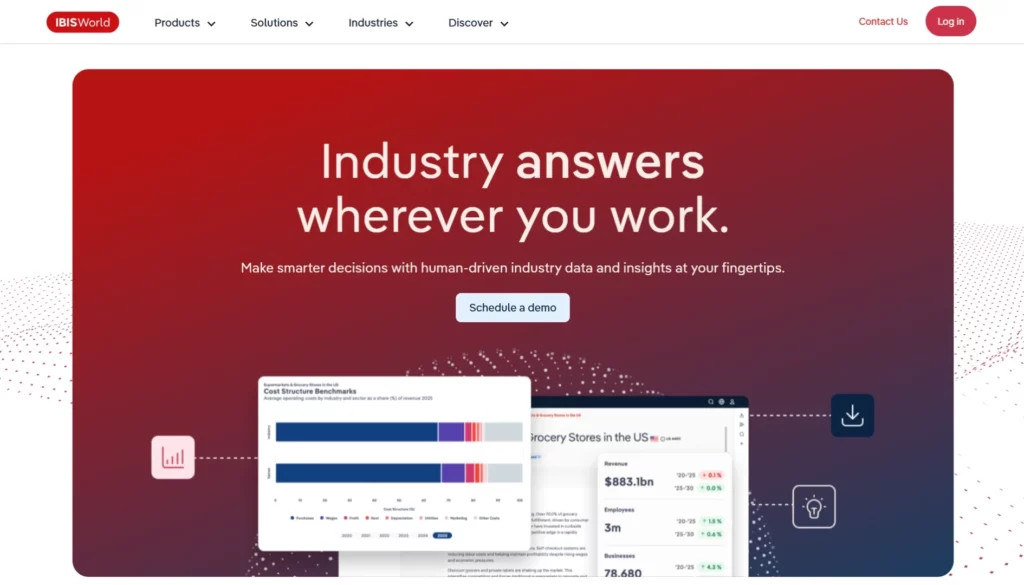
IBISWorld provides detailed industry research reports with segmentation, risk ratings, and performance metrics you can trust.
Key features:
- Industry reports: Deep analysis of industry drivers, challenges, and outlook.
- Competitive landscape: Breakdown of market share, entry barriers, and rival dynamics.
- Data tables and forecasts: Historical performance and projections to support client planning.
- Risk metrics: Quantified risk indicators for industry and economic variables.
10. Forrester Research
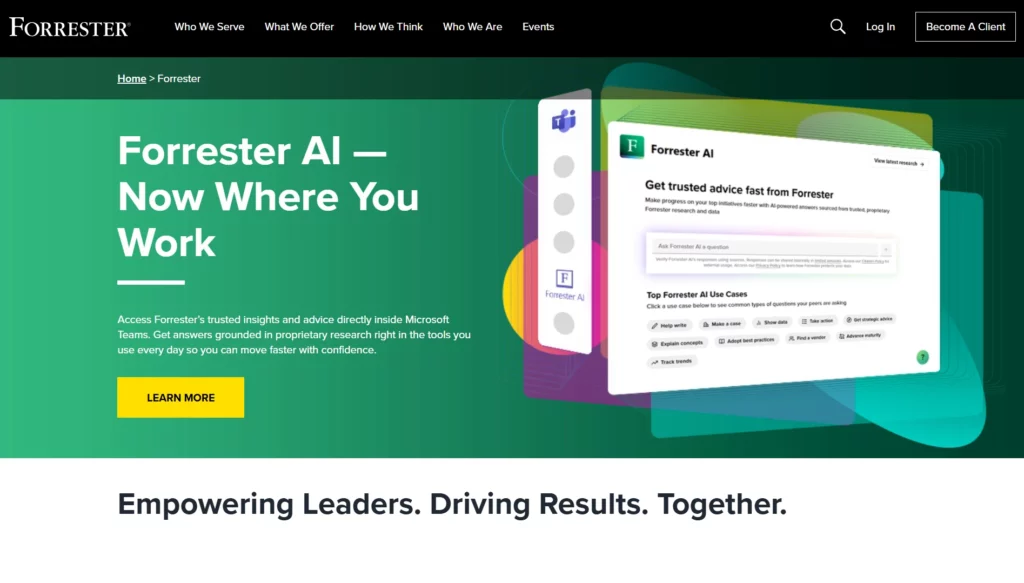
Forrester delivers research on market trends, technology impact, and customer behaviour you can use to shape strategic client advice.
Key features:
- Market trend reports: Insight into emerging business and tech trends.
- Wave evaluations: Vendor evaluations that help with tool and partner selection.
- Customer experience studies: Data‑driven analysis for growth and engagement strategies.
- Analyst briefings: Direct access to expert interpretation of research findings.
Financial Modeling Software (Best for Forecasts and Scenario Analysis)
Financial modeling software provides a controlled environment to organize assumptions, calculate projections, and stress-test results. These tools help you compare scenarios, quantify risk, and present numbers that clients can understand and rely on.
11. Microsoft Excel
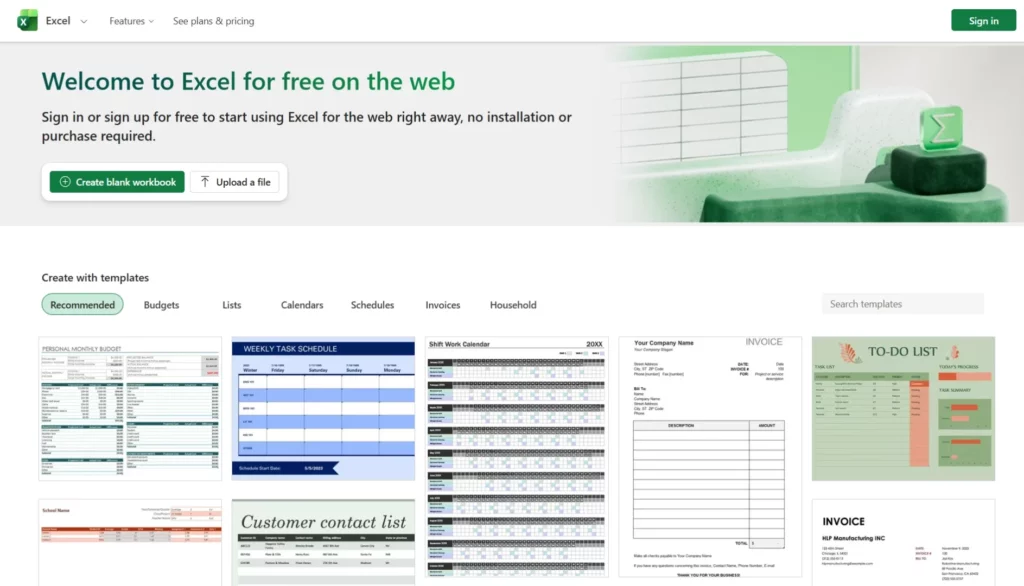
Excel is the industry’s foundational modeling environment, letting you create custom forecasts and perform detailed what-if analysis.
Key features:
- Advanced functions: Use XLOOKUP, INDEX/MATCH, and array formulas for robust calculations.
- PivotTables: Summarize and explore large datasets quickly and flexibly.
- Scenario Manager: Build and compare different future assumptions in one model.
- Goal Seek & Data Tables: Test outcomes as inputs change.
12. MATLAB
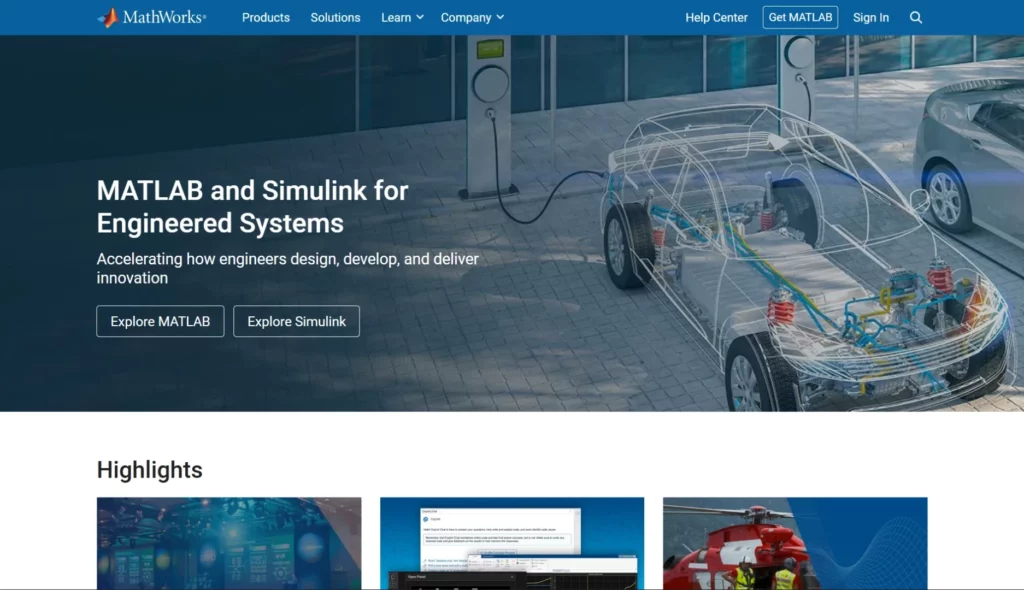
MATLAB is designed for quantitative and algorithm-driven modeling when projects demand a high degree of mathematical precision.
Key features:
- Matrix and math engines: Handle advanced statistical, optimization, and numerical tasks.
- Simulation environments: Model system behavior with time-based input variations.
- Script automation: Repeat model runs with custom coded procedures.
- Specialized toolkits: Acquire finance, econometrics, and forecasting extensions.
13. Quantrix Modeler
Quantrix Modeler is a multi-dimensional modeling platform consultants use for complex forecasting, sensitivity testing, and strategic business planning.
Key features:
- Multi-dimensional structures: Build models that go beyond two-dimensional spreadsheets.
- Formula consistency: One formula applies across multiple scenarios automatically.
- Scenario and sensitivity tools: Compare business cases with controlled variables.
- Collaborative model sharing: Publish models to share logic and assumptions with teams.
Customer Relationship Management (CRM) Systems (Best for Tracking Client Relationships)
CRM systems let you organize contacts, deals, and outreach in one place so you never miss a touchpoint or status change. These tools help you keep client data structured, track pipelines, and log interactions automatically, which leads to more predictable outcomes and smoother client engagement.
14. Simply.Coach
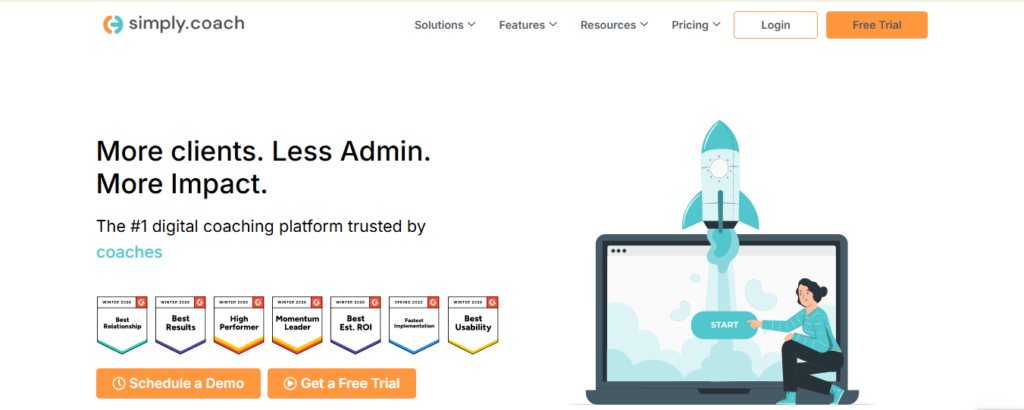
Simply.Coach gives you client management tools built specifically for consulting and coaching workflows.
Key features:
- Centralized client workspaces: Maintain structured profiles for every client with session notes, documents, goals, and engagement history stored in one secure dashboard.
- Session scheduling and management: Sync Google or Outlook calendars, manage session bookings, and track upcoming meetings without switching tools.
- Reusable consulting journeys: Build repeatable consulting or coaching programs with predefined milestones, resources, and session structures to standardize delivery across clients.
- Stakeholder collaboration: Add sponsors, HR leaders, or managers to share progress reports and align consulting outcomes with organisational objectives.
- Contracts, invoicing, and payments: Manage agreements, generate invoices, and track payments directly within the platform to streamline administrative tasks.
- Impact and ROI reporting: Generate automated reports showing client progress, engagement insights, and measurable impact of consulting interventions.
Simply.Coach combines CRM‑like client tracking with coaching‑specific interaction tools so your consultancy workflows stay organized and purposeful.
15. HubSpot CRM
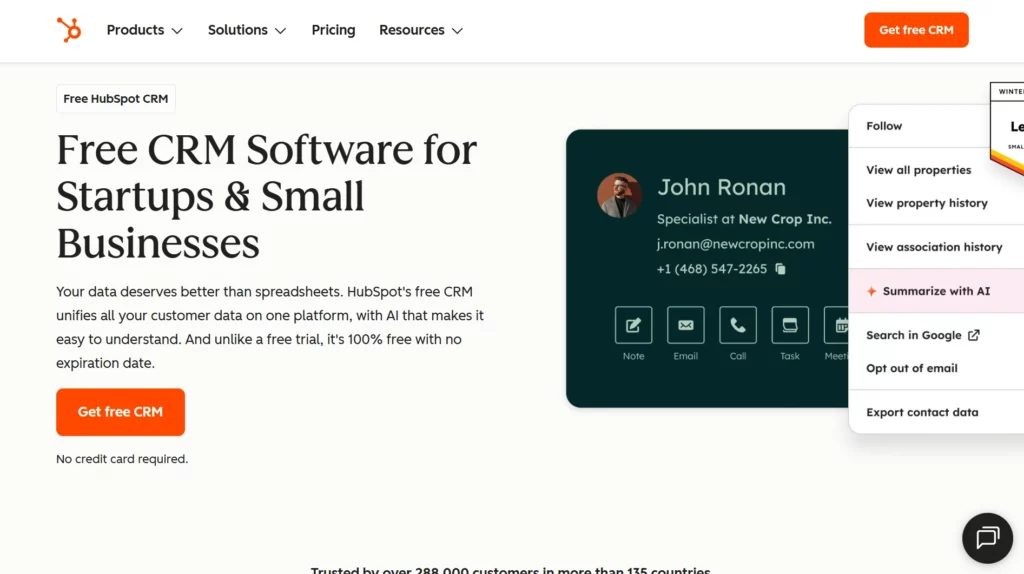
HubSpot CRM collects and manages your client and lead information in one accessible database.
Key features:
- Contact and deal tracking: Keep comprehensive records of interactions and pipeline stages.
- Email tracking and engagement: Monitor opens, clicks, and replies to keep communication timely.
- Meeting scheduling: Sync calendars and book client meetings directly from the CRM.
- Free tier available: Start managing your client base without upfront software cost.
HubSpot CRM scales from simple contact lists into deeper client lifecycle tracking as your consulting practice grows.
16. Zoho CRM
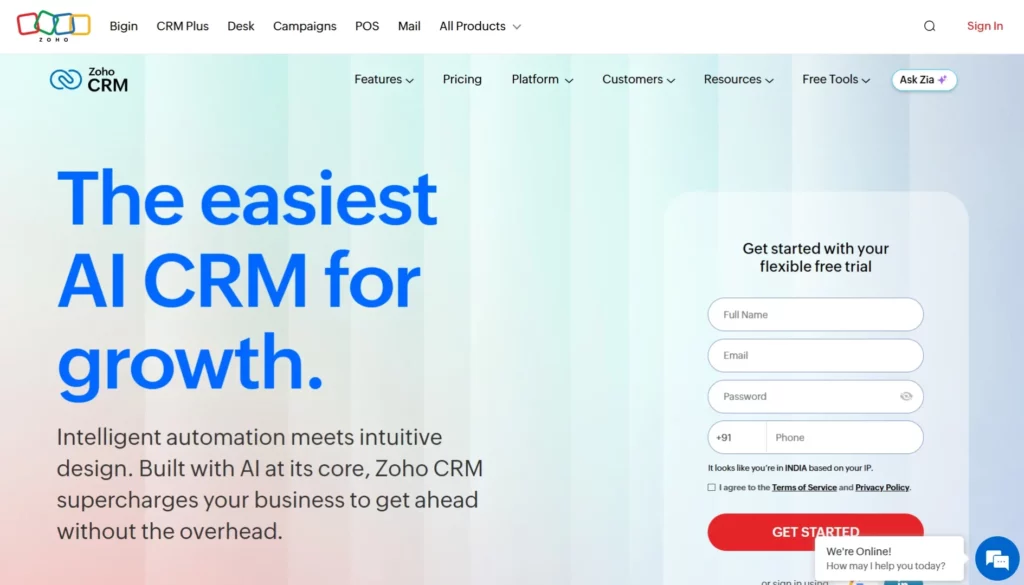
Zoho CRM gives you a unified platform for managing leads, contacts, and customer interactions.
Key features:
- 360° client view: Centralize emails, calls, and notes so you always know where each relationship stands.
- Multichannel communication: Engage clients by email, phone, chat, or social and store history automatically.
- AI assistant (Zia): Use predictive insights and automation to spot trends and improve follow‑ups.
- Customization options: Tailor modules, layouts, and dashboards to match your consulting process.
Zoho CRM’s suite of automation and reporting tools helps you nurture relationships and organise client pipelines with minimal manual effort.
Also read: 7 Best CRM Softwares for Consultants in 2026
Business Intelligence (BI) Tools (Best for Interactive Reporting and Dashboards)
As a business consultant, you need to deliver insights that your clients can act on quickly, and raw spreadsheets often fail to show trends clearly. BI tools let you unify multiple data sources, build interactive dashboards, and present data in a way that highlights key performance drivers and patterns.
17. Domo
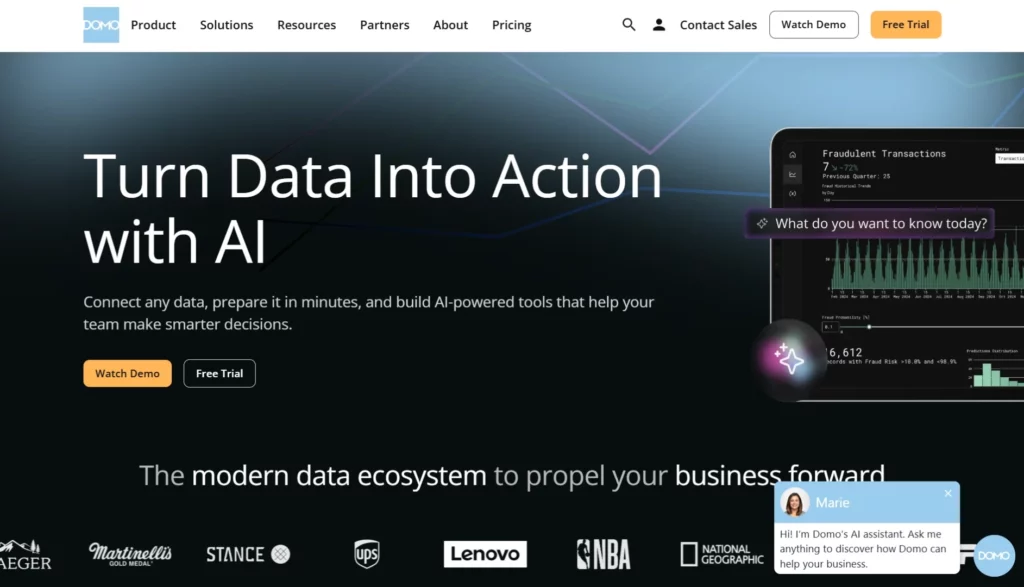
Domo lets you connect all your client data from cloud apps, databases, and on-prem systems, so you can build real-time dashboards and track metrics that matter for your consulting projects.
Key features:
- 1000+ connectors: Integrate data from multiple sources without engineering work.
- Interactive dashboards: Create real-time dashboards with drag-and-drop visualizations.
- Automated alerts: Get notifications when key metrics change.
- Mobile BI: Access reports and dashboards on iOS and Android devices.
18. Looker
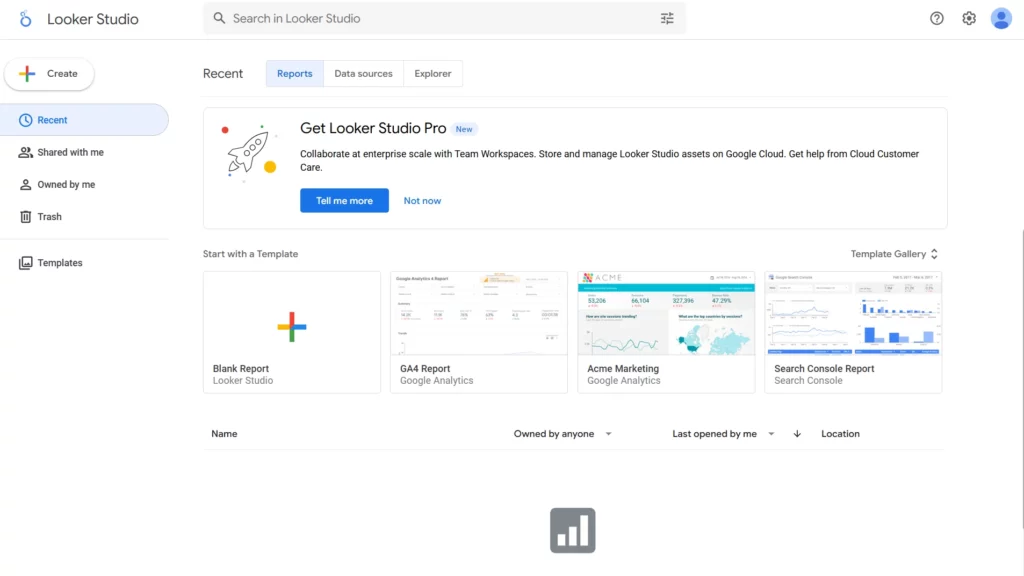
Looker, part of Google Cloud, gives you governed data models and live dashboards so you can deliver consistent, accurate analytics across clients and teams.
Key features:
- Reusable data models: Define metrics once and reuse across dashboards.
- Live dashboards: Dashboards reflect up-to-date data from all sources.
- Custom analytics: Wide range of visualizations and chart types.
- Data governance: Maintain consistency and reliability across reports.
19. IBM Cognos Analytics
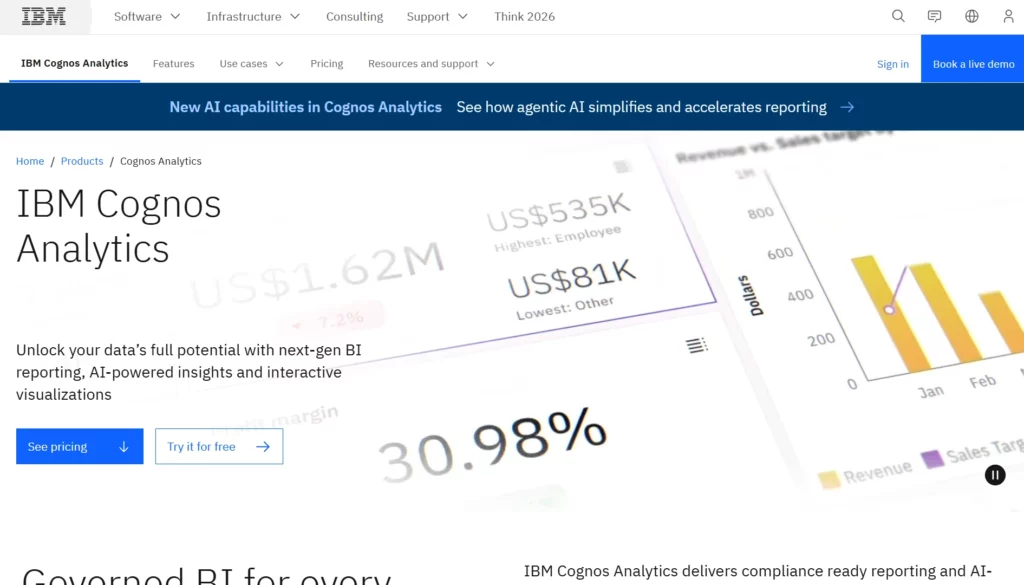
IBM Cognos Analytics provides interactive dashboards, AI-assisted insights, and reporting tools so you can uncover patterns and present actionable intelligence to your clients efficiently.
Key features:
- Interactive dashboards: Drag-and-drop visualizations for stakeholder reporting.
- AI insights: Predictive analytics to identify trends and risks.
- Natural language queries: Ask questions in plain language and get instant answers.
- Report authoring: Export reports in PDF, Excel, HTML, and more.
Competitive & Market Intelligence Tools (Best for Tracking Competitors and Market Shifts)
Competitive and market intelligence tools help you monitor competitors’ actions, industry trends, and customer behavior signals. These tools allow you to stay informed, validate strategy assumptions, and guide clients with data that supports confident decision‑making.
20. AlphaSense
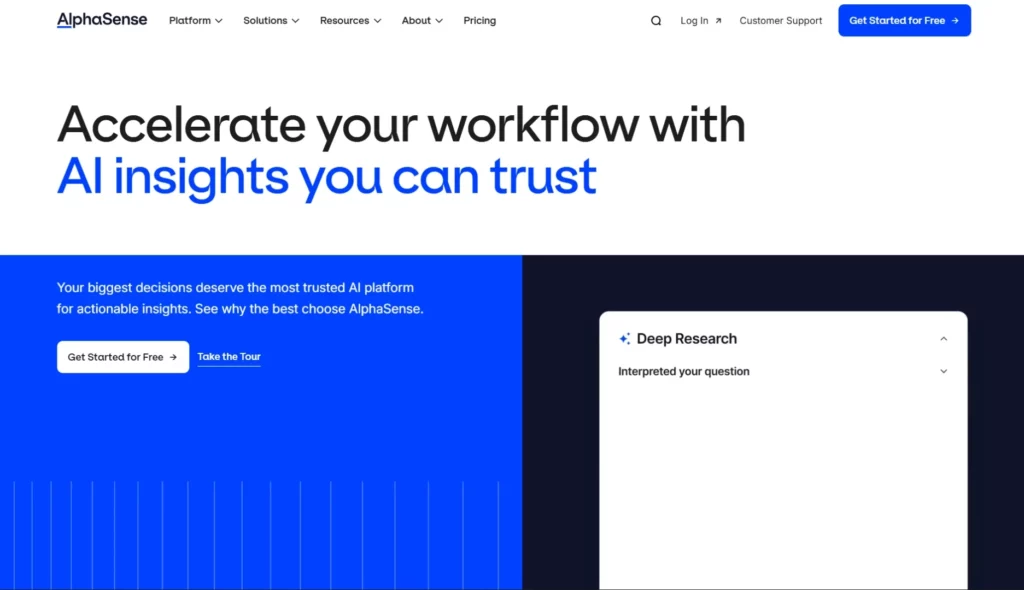
AlphaSense uses AI to scan filings, news, research reports, and transcripts so you can quickly identify competitor moves and market trends that matter for your consulting work.
Key features:
- AI‑powered search: Scan millions of documents for insight with natural language queries.
- Earnings call transcripts: Review competitor commentary and executive language on performance.
- Research aggregation: Access industry research from top analysts in one place.
- Alerts & trend tracking: Get notifications when topics or competitors show unusual movement.
21. Crayon
Crayon tracks competitors’ digital footprints, helping you see changes in messaging, pricing, product releases, and content strategies so you can adapt client tactics.
Key features:
- Digital activity tracking: Monitor competitor websites, blogs, and social channels automatically.
- Competitive dashboards: Centralize insights into messaging shifts and strategic changes.
- Win/loss insights: Understand patterns in competitor positioning that impact client offers.
- Custom alerts: Receive updates when targeted competitors make changes.
22. Google Alerts
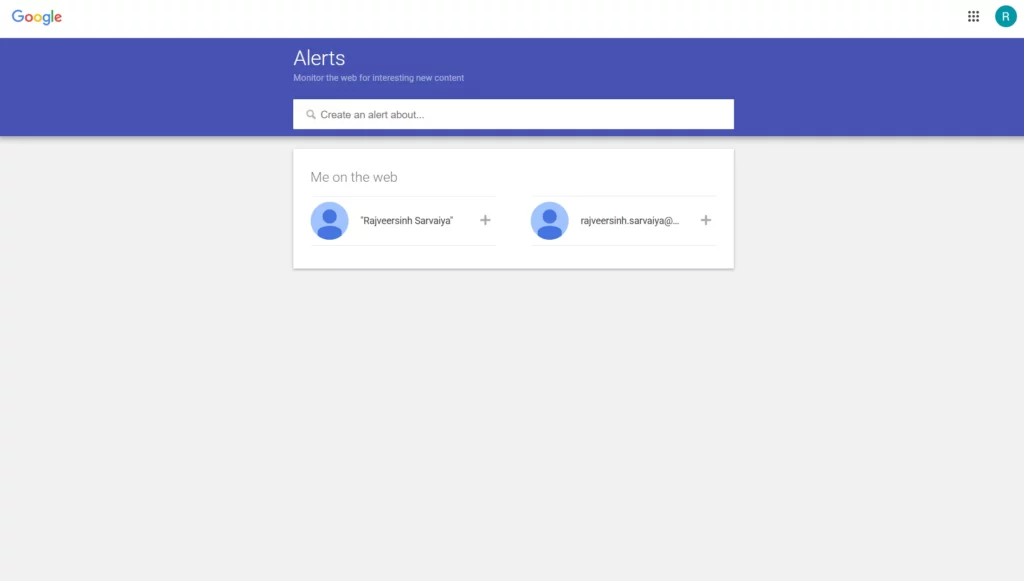
Google Alerts lets you monitor news, blogs, and web content so you can quickly catch competitor announcements and emerging trends affecting your clients.
Key features:
- Custom keyword alerts: Receive notifications when specific competitors, products, or topics appear online.
- Email delivery: Get updates directly in your inbox for timely action.
- Trend spotting: Track mentions over time to spot emerging patterns.
- Flexible sources: Monitor news, blogs, web pages, or videos depending on your focus.
Qualitative Insight & Synthesis Tools (Best for Unstructured Data Interpretation)
As a business consultant, you often work with interview transcripts, workshop notes, and open‑ended feedback. These sources contain rich insights, but without the right tools it’s hard to organize and analyze them clearly.
Qualitative insight tools help you capture unstructured data, identify themes, and synthesize findings into reports clients can act on. They reduce manual effort and help you translate conversations into structured insight that supports strategic recommendations.
23. Dovetail
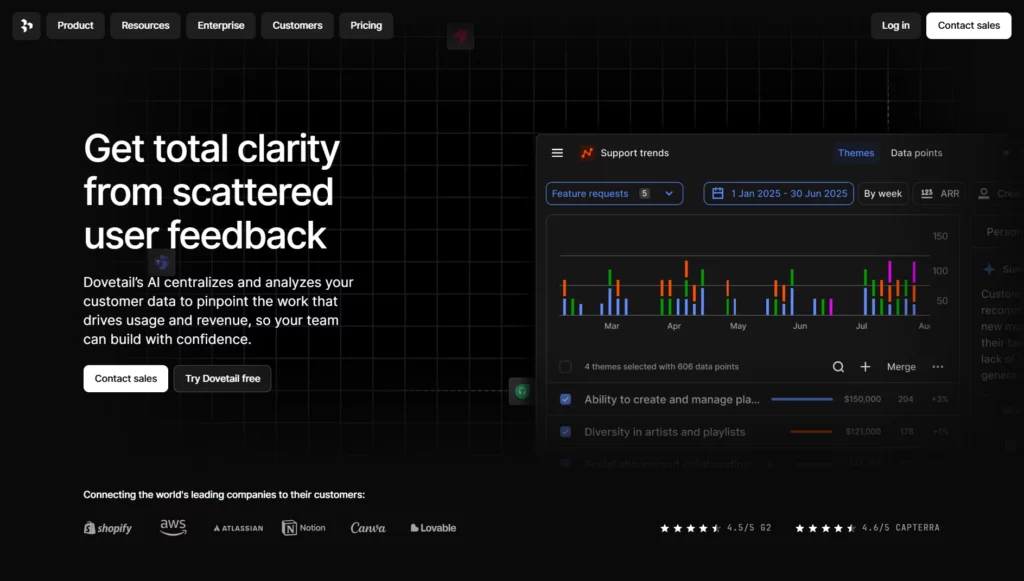
Dovetail helps you collect, categorize, and analyze qualitative data such as interview notes and customer feedback so you can surface key insights fast.
Key features:
- Tagging and coding: Mark patterns in transcripts and notes for thematic analysis.
- Visualization dashboards: See themes, sentiment, and patterns in your qualitative data.
- Collaborative workspace: Invite teams to contribute to annotation and analysis.
- Exportable reports: Create summaries you can include in client deliverables.
24. Otter.ai
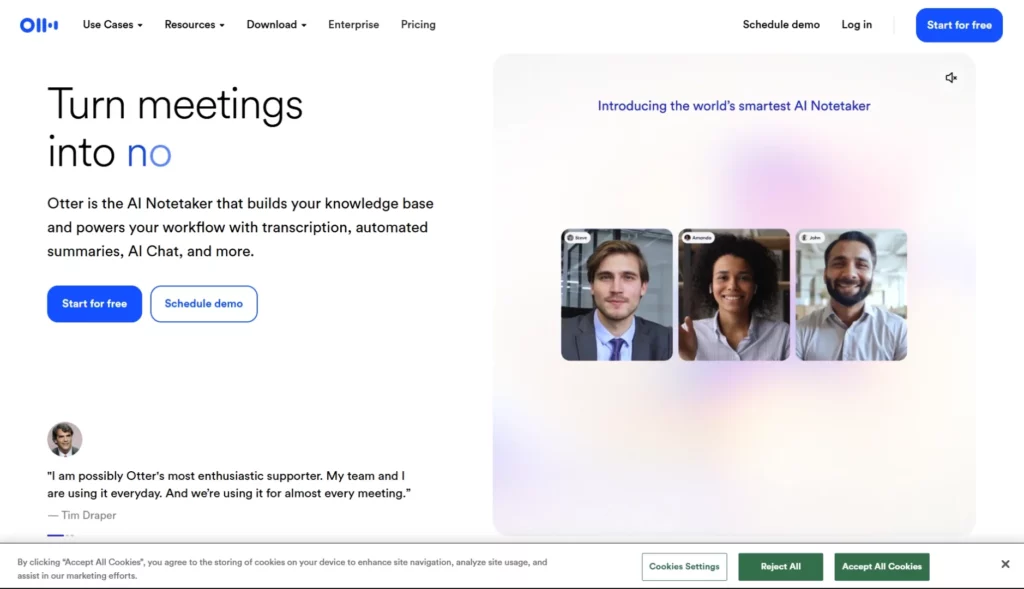
Otter.ai automatically records and transcribes client interviews and workshops, helping you capture every detail without manual note‑taking.
Key features:
- Live transcription: Convert speech to text in real time during meetings.
- Speaker identification: Separate spoken content by individual participants.
- Searchable transcripts: Quickly locate key terms and phrases across sessions.
- Export and share: Save transcripts to PDF, TXT, or cloud storage.
25. Notion
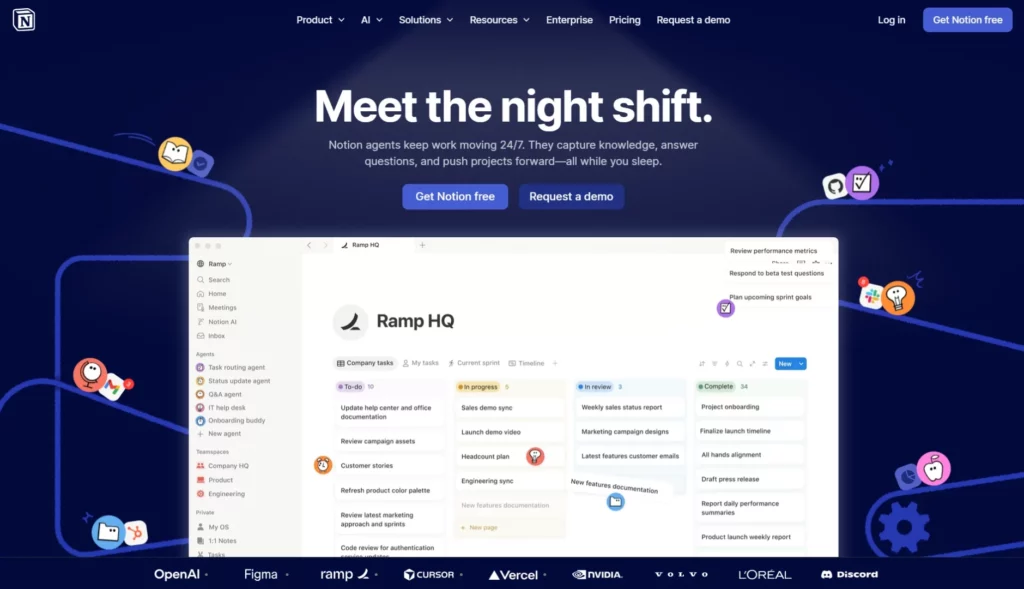
Notion helps you capture, organize, and connect qualitative insights across projects and teams so your knowledge base remains structured and accessible.
Key features:
- Custom databases: Create structured tables for interviews, notes, and insights.
- Linked pages: Connect related insights, frameworks, and client contexts.
- Templates and workflows: Use reusable layouts for consistent data capture.
- Comments and collaboration: Invite team edits and discussions in real time.
Virtual Collaboration and Communication Platforms
As a consultant, you run client workshops, internal planning sessions, steering committee reviews, and cross-functional updates across locations. You need structured communication, secure file sharing, and real-time collaboration that works reliably under enterprise conditions. These platforms support structured delivery, documentation, and stakeholder coordination in hybrid consulting engagements.
26. Microsoft Teams
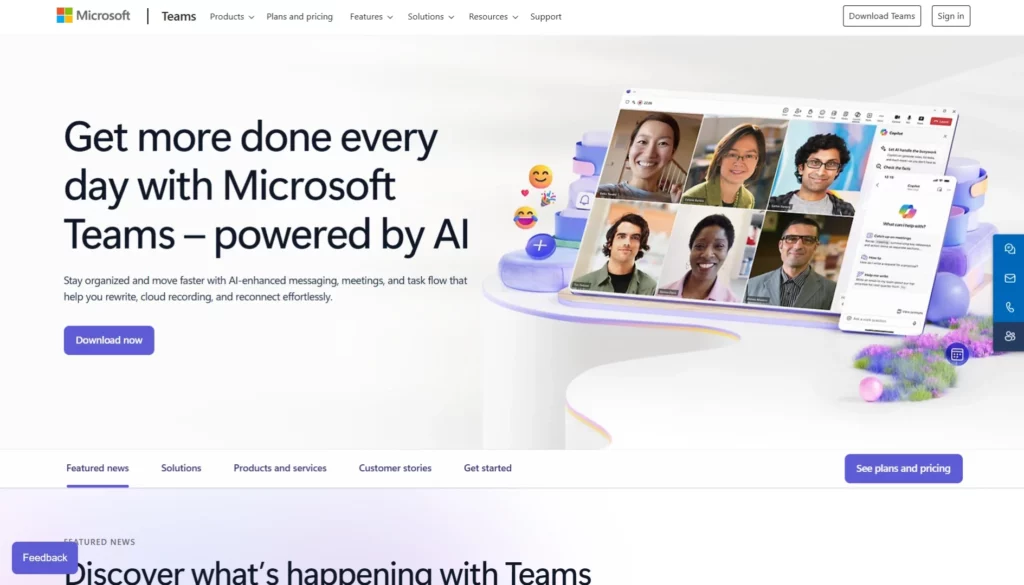
Microsoft Teams is widely adopted in enterprise environments and integrates directly with Microsoft 365, making it a practical choice when your clients already operate within that ecosystem.
Key features:
- Integrated Microsoft 365 collaboration: Co-author Word, Excel, and PowerPoint files within Teams without switching platforms.
- Channel-based structure: Organize discussions by client, project phase, or workstream to reduce email dependency.
- Scheduled and recorded meetings: Automatically store recordings in OneDrive or SharePoint for governance and documentation.
- Enterprise-grade compliance: Supports data retention policies, eDiscovery, and regulatory compliance requirements.
27. Zoom
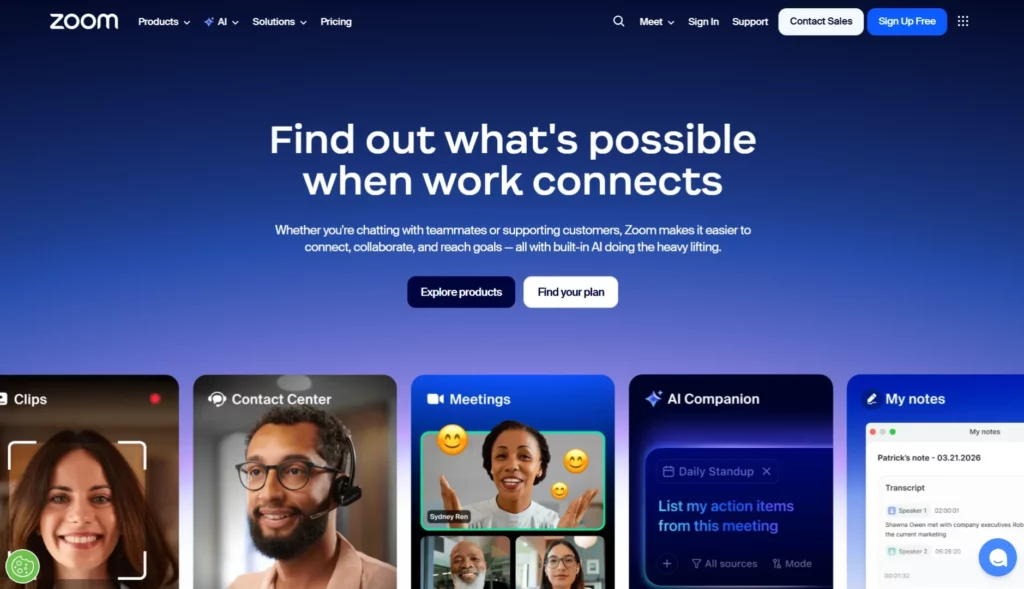
Zoom is commonly used for external client meetings, executive briefings, and large workshops because of its stable video infrastructure and structured meeting controls.
Key features:
- High-capacity video meetings: Support large participant groups with stable performance.
- Breakout rooms: Divide participants into smaller working groups during strategy sessions.
- Webinar functionality: Host moderated client events with Q&A, polling, and attendee management.
- Meeting transcripts and cloud recordings: Maintain accurate documentation for follow-up reports.
28. Slack
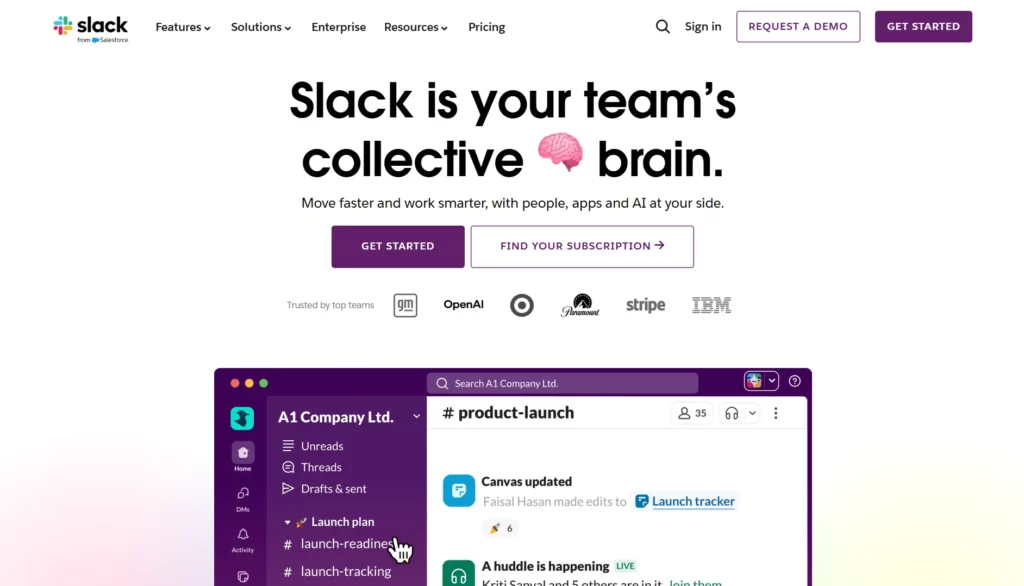
Slack supports fast-moving internal coordination, especially during active consulting engagements where quick decisions and clarifications are required.
Key features:
- Channel-based messaging: Separate internal teams by client or project to maintain structured communication.
- Searchable archive: Retrieve historical discussions and shared documents quickly.
- Workflow builder: Automate recurring processes such as approval requests or status updates.
- Third-party integrations: Connect with CRM systems, project management tools, and cloud storage platforms.
29. Miro
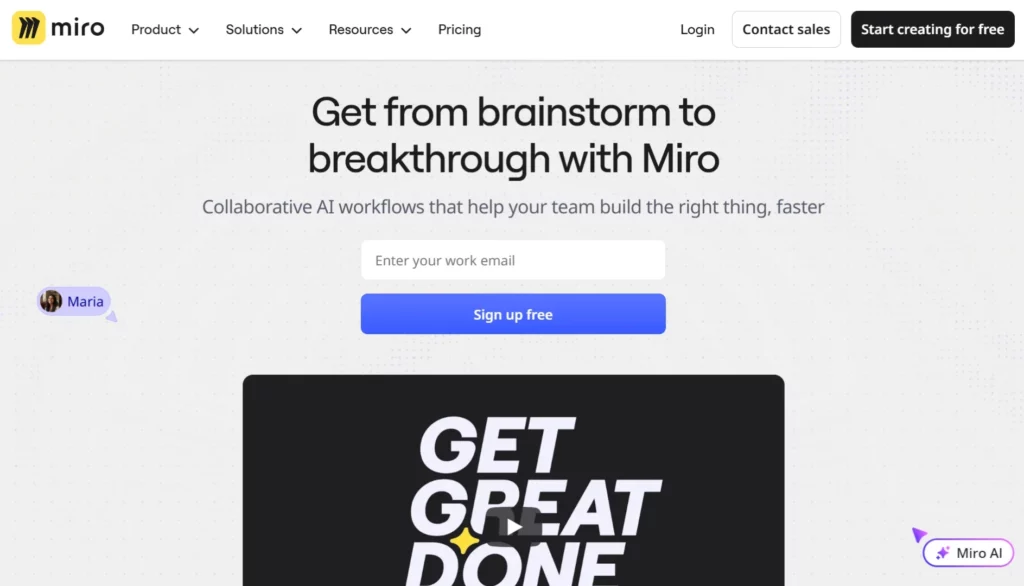
Miro is frequently used in consulting workshops for visual collaboration, especially when mapping strategy frameworks, customer journeys, or operating models.
Key features:
- Pre-built workshop templates: Includes templates for SWOT analysis, business model canvas, and agile planning.
- Real-time multi-user editing: Participants can contribute simultaneously with comments and sticky notes.
- Presentation mode: Convert whiteboards into structured walkthroughs for stakeholder sessions.
- Export and sharing controls: Download boards as PDFs or control access permissions for client security.
Also read: Top 9 Business Consulting Platforms to Scale Your Business in 2026
Conclusion
Modern business consulting depends on structured systems that reduce error and improve execution. The tools covered in this guide address specific stages of your workflow, from research and modeling to reporting and stakeholder coordination. Analytics and BI platforms improve data accuracy and insight clarity. Project management and collaboration tools protect timelines and documentation standards. When integrated properly, these systems make your advisory delivery measurable, repeatable, and operationally disciplined.
Client management remains the foundation of sustainable consulting growth. Simply.Coach provides a centralized environment to manage client records, goals, documentation, scheduling, and follow-ups in one secure consulting platform. Instead of relying on disconnected spreadsheets and generic CRMs, you operate with structured engagement tracking designed for consulting workflows. This improves transparency, accountability, and client continuity across projects. When your delivery systems and client management platform work together, your consulting practice becomes more scalable, controlled, and outcome-focused.
FAQs
1. What technology skills should a business consultant have?
Strong technology skills include advanced spreadsheet modeling, dashboard and data visualization creation, basic database querying, and familiarity with collaboration platforms used in client environments.
2. How do consultants choose the right tool for a client project?
Consultants assess project objectives, client tech stack compatibility, data volume and complexity, reporting needs, and integration requirements before selecting tools.
3. Can small consulting firms use the same tools as large firms?
Yes. Many enterprise-grade tools offer scalable pricing and feature sets, letting smaller firms adopt the same platforms used by larger consultancies.
4. Are consulting tools covered by data privacy regulations?
Most leading consulting tools comply with data protection standards such as GDPR and industry-specific security requirements, but you must verify based on client location and data type.
5. How do AI tools change the way consultants do research?
AI research assistants and synthesis tools speed up fact-finding, summarise large text sources, and support hypothesis exploration without manual document scanning.