An HR manager asks you to coach twelve managers across three offices, and within a week your inbox is full of rescheduled sessions and missed invites. Automated scheduling software fixes that by letting participants book from your live availability, sending reminders and syncing every calendar. For HR coaching programs, the best tool is one that also handles groups, time zones and reporting HR can read.
Between HR managers, employees and external coaches, the logistics can take more time than the coaching. Below are ten automated scheduling tools for coaches who work with HR teams, from simple booking links to platforms that run whole programs. If you already know your program’s needs, go straight to How to Choose a Scheduling Tool for an HR Coaching Program.
TL;DR
Coaches who work with HR teams need scheduling that runs without them: self-booking, automatic reminders, calendar sync, time zone handling and group sessions. Calendly, YouCanBookMe and Doodle are quick to set up for booking links and group polls. Acuity Scheduling, Setmore, Picktime, Trafft and SimplyBook.me add payments, classes and team calendars, and most start on a free plan. Together is built for mentoring programs that pair employees. Simply.Coach puts scheduling inside a coaching platform with goals, notes and reports HR can use to see progress across a program. Choose by the size of the program, whether you run groups and how much reporting HR expects.
Why Automated Scheduling Is Essential For Coaches Working With HR Teams
When you coach HR teams, managing their training schedules can take over your week. Automated scheduling tools take that work on, so you can focus on the sessions rather than the logistics.
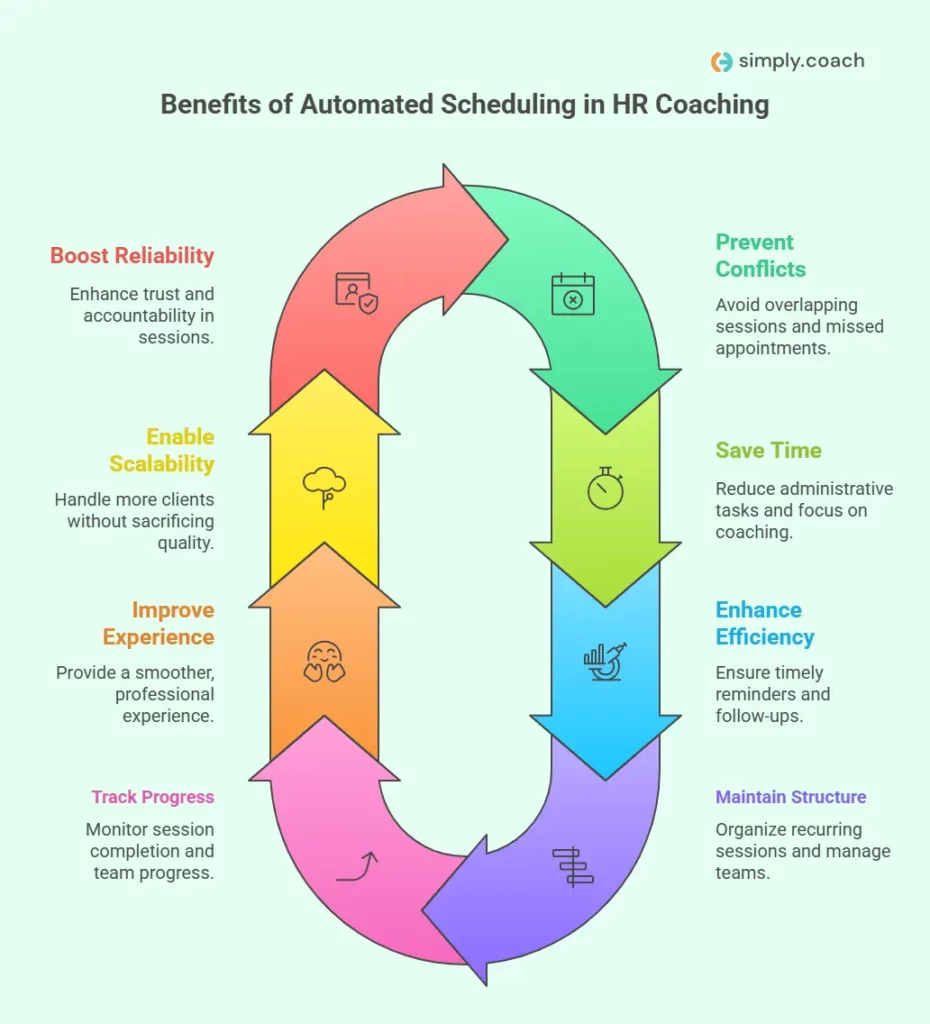
- Prevent scheduling conflicts: Automation avoids overlapping sessions and missed appointments, so participants turn up at the right time.
- Save time on admin: No more back-and-forth over times, which leaves more of your week for coaching.
- Keep programs on track: Automated reminders and calendar sync mean participants do not miss sessions or follow-ups.
- Maintain a structured schedule: Recurring sessions let you run several HR teams without confusion.
- Track session progress: Many tools report on completed sessions, so you can show progress across the teams you coach.
- Improve the client experience: Fewer scheduling problems and cancellations give HR teams a smoother, more professional experience.
- Grow without losing quality: As your practice grows, automation lets you take on more participants without adding admin.
- Build reliability and accountability: Automation keeps you and the HR teams on top of commitments, which builds trust.
Reminders do real work here. In healthcare, a Cochrane review found that text message reminders increase attendance at appointments compared with no reminders, though the evidence was of low to moderate quality.
Scheduling also shapes how group work runs, and these group coaching tools for HR teams cover the frameworks and platforms for coaching people together. The figure below splits the work between the software, HR and you.

How We Chose These Scheduling Tools
What we compared: Ten automated scheduling tools a coach can use with HR teams, from booking links to a mentoring platform and a coaching platform.
How we chose them: Each books sessions from your availability, sends reminders and syncs with common calendars, and each is on sale today.
Where the details come from: Each vendor’s own website and pricing page. Where a price did not load for our check, no price is quoted.
What we left out: Review-site ratings, which change daily and could not be checked at the source, and shift-rostering tools for hourly staff.
Limits of the method: We have not run every tool with an HR team, so treat each entry as a shortlist to trial rather than an endorsement.
Top 10 Automated Scheduling Tools for Coaches Working with HR Teams
Whether you coach individual HR professionals or run sessions for whole teams, these ten tools cut scheduling admin and keep participants engaged. Prices were checked on each vendor’s pricing page on October 16, 2026.
1. Together
Together is mentoring software that helps organizations pair mentors with colleagues, schedule sessions and track how programs go. It is most useful for HR teams that run structured mentoring or coaching programs across a company.
Best for: HR teams running company-wide mentoring programs that need matching and reporting.
Not for: Independent coaches who only need clients to book one-to-one sessions.
Key features:
- Matching: Pair mentors with the colleagues they support, without matching by hand.
- Session scheduling: Connect any calendar provider and book sessions inside Together.
- Programs: Run mentoring, development, colleague connect and coffee chat programs.
- Reporting and surveys: Track participation and gather feedback on each program.
- Microsoft Teams: Use Together inside Microsoft Teams.
Pricing: No price was shown on Together’s pricing page when we checked on October 16, 2026; it offers demos instead.
2. Calendly
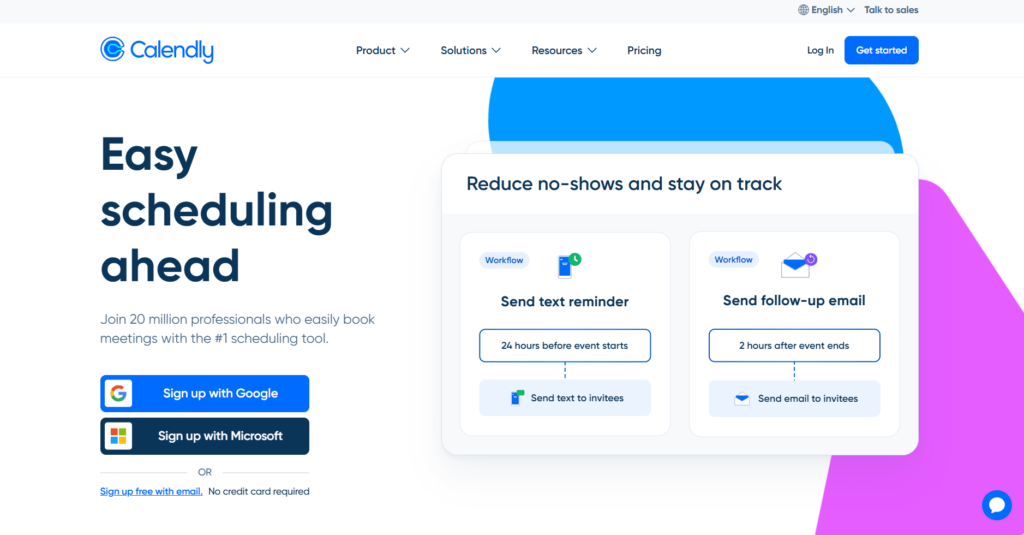
Calendly is a straightforward automated scheduling tool that ends the back-and-forth of emails. HR team members book coaching sessions, group meetings and reviews from your availability, without overlaps or missed appointments.
Best for: Coaches who want a quick booking link for HR participants.
Not for: Coaches who need program reports for HR or client goals next to each booking.
Key features:
- Automated scheduling: HR team members book from your availability, so you schedule nothing by hand.
- Time zone detection: Times adjust to each participant’s time zone, which helps with global teams.
- Calendar integration: Sync with Google, Outlook/Office 365 and Exchange calendars to avoid double bookings.
- Meeting polls: Find a time that works for a group of participants.
- Event types: Set up different session types, each with its own length and availability.
Pricing: Calendly has a free plan. Standard costs $10 per seat a month and Teams $16 per seat a month, billed yearly, and Enterprise starts at $15,000 a year.
3. YouCanBookMe
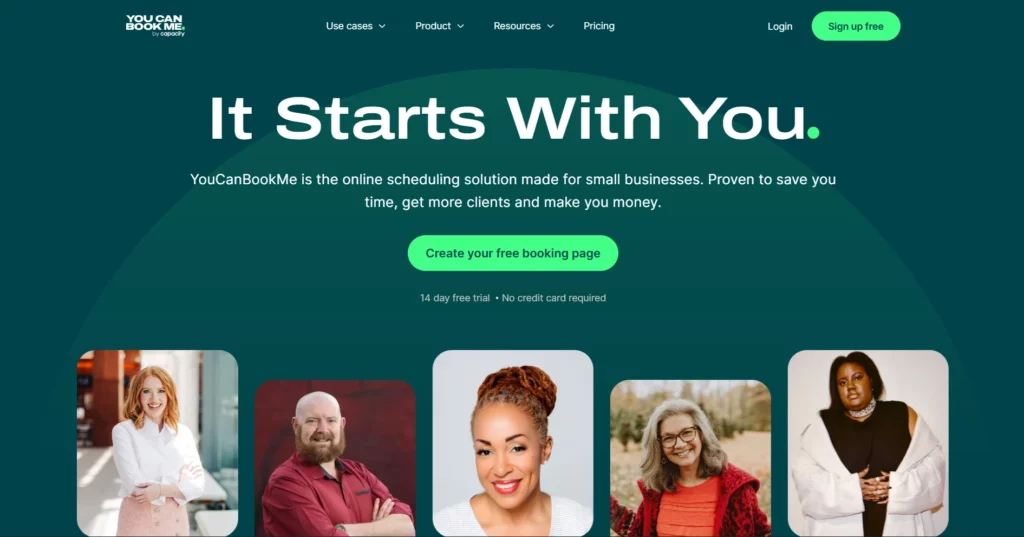
YouCanBookMe lets HR team members book appointments from your real-time availability. With automatic reminders and a customizable booking page, you reduce no-shows and keep your sessions organized while it handles the logistics.
Best for: Coaches who want a highly customizable booking page with text reminders.
Not for: Coaches who need program reporting or client records in the same tool.
Key features:
- Customizable booking pages: Brand your booking page with your logo, colors and background.
- Automated messages: Confirmations, reminders and follow-ups by email and text.
- Calendar integrations: Check Google, Apple and Microsoft calendars for availability.
- Time zones and meeting links: Handle time zones and create Zoom, Google Meet or Microsoft Teams links for each call.
- Group sessions and polls: Run group sessions and let participants vote on a time.
Pricing: YouCanBookMe has a free plan and a 14-day free trial; its paid prices did not load for our check on October 16, 2026.
4. Doodle
Doodle helps HR teams pick the best time for a meeting without back-and-forth emails. You propose time options in a poll and participants choose what works, which suits group sessions and large team meetings.
Best for: Coaches who schedule group sessions across busy calendars.
Not for: Coaches who want payments or client management with their bookings.
Key features:
- Group polls: Find the time that suits everyone in a group.
- Booking page: Share a branded link with your logo for one-to-one bookings.
- Calendar connections: Connect your team’s calendars so meetings are coordinated automatically.
- Time zones: Everyone sees proposed times in their own time zone.
- Sign-up sheets: Let participants choose a slot from a list.
Pricing: Doodle has a free version and a paid Pro plan; the Pro price did not load for our check on October 16, 2026.
5. Simply.Coach
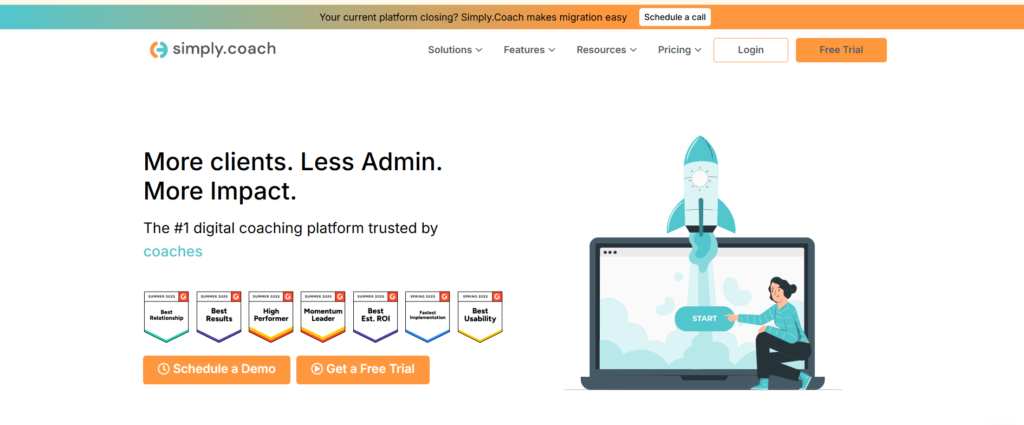
Simply.Coach is the platform we build, so it is the one we know best, and it is held here to the same criteria as the other tools. It is a digital coaching platform that automates scheduling, client management and program delivery for coaches working with HR teams, and it syncs with your calendars to prevent conflicts.
It works for one-to-one clients and for group coaching across HR teams. Beyond scheduling, it tracks progress, sets goals and records notes, so the program’s record sits with each participant.
Best for: Coaches and HR teams who want scheduling tied to goals, notes and program reports.
Not for: Coaches who only need a booking link and no client management.
Key features:
- Automated scheduling: Clients book from your availability, with automatic time zone conversion.
- Calendar integration: Connect Google, Microsoft and Apple calendars to sync appointments and avoid double bookings.
- Automated reminders: Custom reminder emails and text messages go out before sessions.
- Group coaching support: Run group coaching sessions and track progress for each participant.
- Client management: Track progress, set goals and keep session notes in one place.
- Payment integration: Collect fees through Stripe or PayPal.
- Reporting and analytics: Report on engagement, progress, cohort or group progress, sessions, reschedules and cancellations.
Pricing: Plans are listed on the pricing page, separately for solo coaches and for businesses and L&D teams, with a 14-day free trial.
| To know more about Simply.Coach, watch these detailed videos: Simply.Coach | The Enterprise-grade Coaching Management PlatformSchedule your Meetings and Coaching Sessions | Simply.Coach |
6. Acuity Scheduling
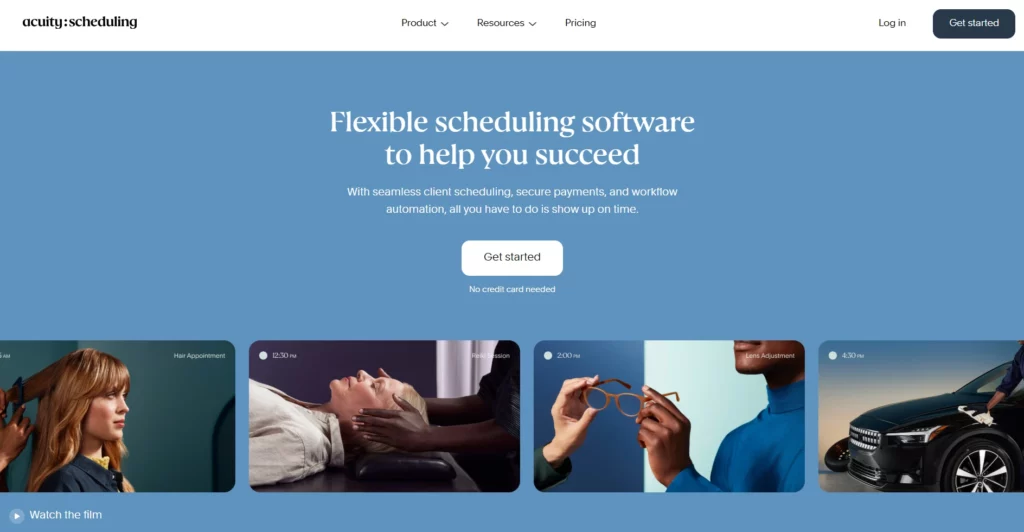
Acuity Scheduling lets HR team members book from your real-time availability, with automated reminders, calendar sync and intake forms. It works for one-to-one coaching and for group workshops.
Best for: Coaches who need intake forms and payments before sessions.
Not for: Coaches who want a free plan, since Acuity offers a free trial instead.
Key features:
- Intake forms: Collect what you need from participants before each session.
- Automated reminders: Email reminders on every plan, and text reminders from the Standard plan.
- Calendar sync: Connect Google, Outlook and iCloud calendars to prevent double bookings.
- Payment processing: Accept payments through Stripe, Square or PayPal.
- Group classes: Run group classes, workshops and events alongside one-to-one sessions.
Pricing: Acuity has no free plan. Starter costs $16 a month billed annually, or $20 paid monthly, with a 7-day free trial.
7. Setmore
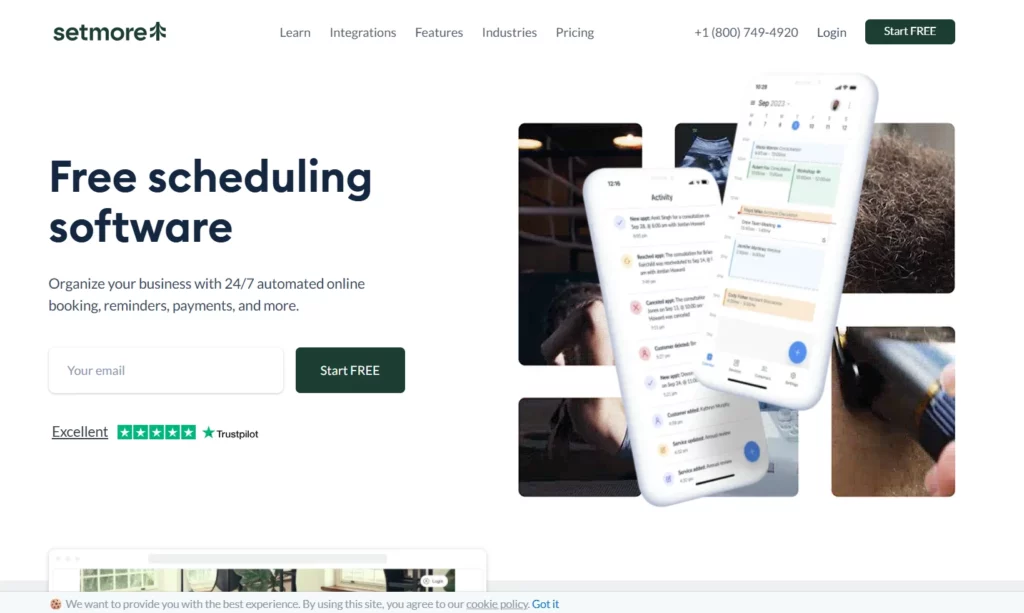
Setmore lets HR team members book appointments through an online booking page, with reminders, calendar sync and payments. It suits coaches who want a free plan that covers a small team.
Best for: Coaches with a small team who want a free plan for several users.
Not for: Coaches who need program reports or client goal tracking.
Key features:
- Online booking page: Participants view your availability and book sessions.
- Confirmations and reminders: Automatic messages before each appointment.
- Calendar sync: Connect Google Calendar to keep your schedule organized.
- Payment integration: Accept payments through Square and Stripe.
- Class booking: Run group sessions and workshops for several participants.
Pricing: Setmore is free for up to 4 users. Pro costs $5 per user a month billed annually, or $12 paid monthly.
8. Picktime
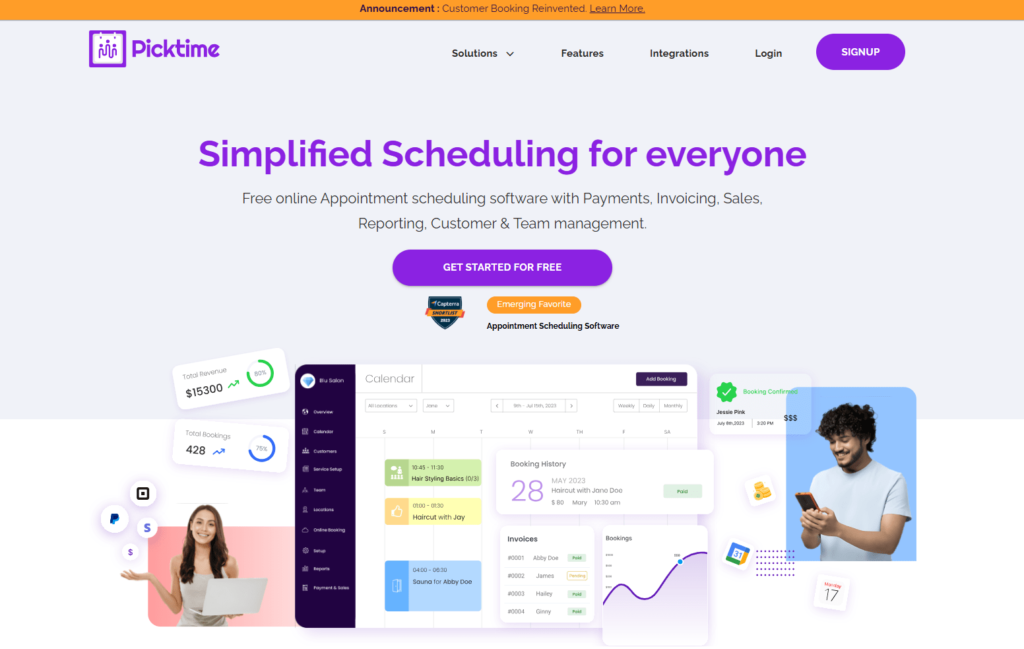
Picktime simplifies appointment management for HR coaching sessions, with reminders, resource management and payments. It suits coaches who run sessions across several locations or book rooms for training.
Best for: Coaches who book rooms or run sessions in several locations.
Not for: Coaches who want session notes and goals in the same tool.
Key features:
- Online booking: A booking page and website widget for participants to book sessions.
- Automated reminders: Text and email reminders before appointments.
- Resource management: Manage rooms and equipment for training sessions.
- Multiple locations: See what is happening across all your locations at once.
- Payment integration: Accept payments through PayPal, Square or Stripe.
Pricing: Picktime has a free plan for up to 3 users. Paid plans start at $3 per user a month, billed annually.
9. Trafft
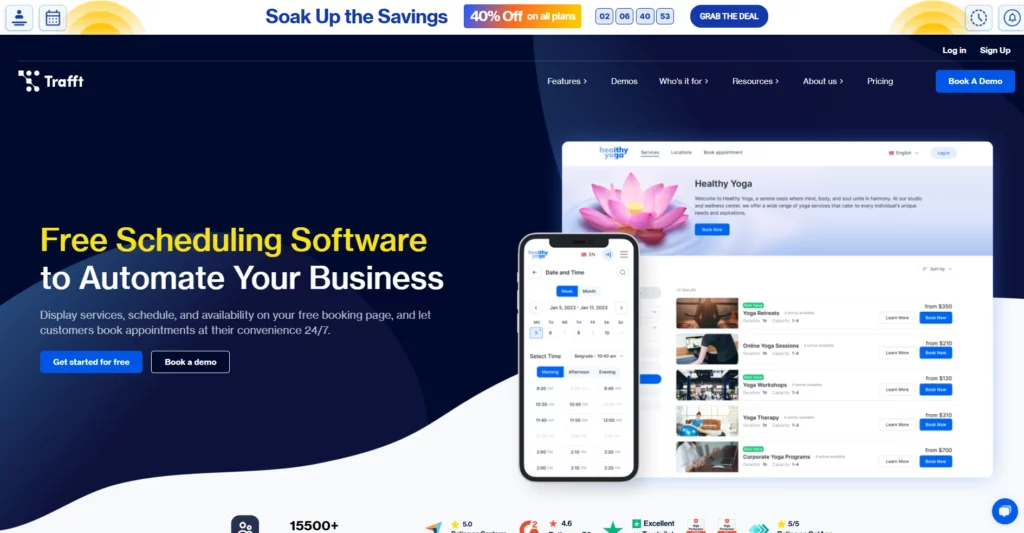
Trafft is scheduling software that handles bookings, staff schedules, client records, payments, reminders and reports from one dashboard. It suits coaches who run recurring sessions for several teams or locations.
Best for: Coaching teams that run recurring sessions across locations.
Not for: Solo coaches who only need a simple booking link.
Key features:
- Recurring appointments: Participants can book a series of sessions at once.
- Calendar sync: Connect Google, Outlook and Apple calendars, from the Mini plan.
- Payment processing: Take card payments through Square on every plan, and Stripe or PayPal from the Growth plan.
- Automated reminders: Email reminders before each appointment, with text by credits or WhatsApp.
- Group booking and team management: Host group sessions and manage several staff and locations.
Pricing: Trafft has a free plan with 1 user and 100 appointments a month; its paid prices did not load for our check on October 16, 2026.
10. SimplyBook.me
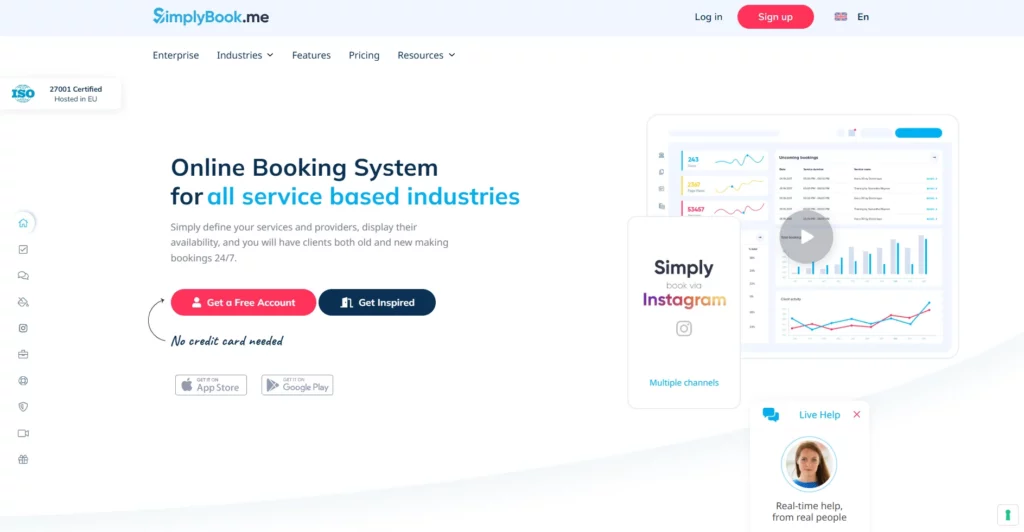
SimplyBook.me is a flexible online booking system with a wide range of custom features, including a booking website, reminders and payments. You can tailor it closely to the way your coaching program runs.
Best for: Coaches who want a branded booking website with many optional features.
Not for: Coaches who want goal tracking and program reports for HR.
Key features:
- Booking website: A booking site and widgets that match your brand.
- Automated reminders: Reminders and updates by email, text or WhatsApp.
- Payment processing: Accept payments and deposits through PayPal, Stripe, Square and other providers.
- Calendar sync: Sync bookings with Google or Outlook calendars.
- Social booking: Let participants book through Facebook and Instagram.
Pricing: SimplyBook.me has a free plan with 50 bookings a month. Basic costs €11.9 a month billed annually, as shown for our location.
What to Look for in Scheduling Tools for Coaching HR Teams
The right features save you time, keep sessions running smoothly and make the program easier for HR to manage. Check each tool against this list before you commit.
| Key feature | Why it matters to you |
|---|---|
| Automated scheduling and reminders | A tool that books and reminds participants on its own saves you time and keeps HR teams from missing sessions. |
| Customizable session templates | Templates for HR training sessions save setup time and keep sessions consistent with your goals. |
| Integration with video conferencing platforms | Zoom or Teams links created with each booking end the manual sharing of meeting links. |
| Time zone management | Automatic time zones prevent confusion when you coach HR teams across regions. |
| Client self-scheduling capabilities | When participants book, reschedule or cancel themselves, your admin drops and the process is more flexible. |
| Session analytics and reporting | Attendance and engagement data help you measure the program and show HR the results. |
| Mobile accessibility | A mobile-friendly tool lets participants manage sessions on the go. |
| Data security and compliance | Compliance with rules such as GDPR or HIPAA matters when you handle sensitive HR information. |
| Custom branding options | A branded booking page keeps a professional image and reinforces your brand. |
HR coaching has its own pressures beyond scheduling. This look at coaching for human resources covers the benefits and challenges coaches meet in that work.
How to Choose a Scheduling Tool for an HR Coaching Program
Start from the program, not the tool. A company-wide mentoring program, a cohort of managers in group coaching and a handful of one-to-one clients each need something different from scheduling software. The 2025 ICF Global Coaching Study found that coaches who use digital coaching platforms rely on them mainly for virtual sessions and for scheduling and client management.
Weigh how many participants book, whether sessions run in groups or across locations, and what HR expects to see at the end. If HR wants attendance and progress across the program, reporting matters as much as booking. Coaches who also bill clients can compare scheduling and invoicing software that covers both jobs.
The safest way to choose is to trial a shortlist with a real group before you commit, as the figure shows. For more options built for coaching practices, this side-by-side of coaching scheduling software compares four tools in depth.
Conclusion
Managing the logistics of HR coaching can be overwhelming, but the right automated scheduling software takes most of it off your plate. It prevents conflicts, cuts admin and keeps HR teams on track with their development goals.
Booking tools handle the calendar well, and a mentoring platform suits company-wide matching. When you want scheduling, client management and program reports in one place, Simply.Coach brings them together, so you and HR can see how the program is going without extra spreadsheets.
Stephen T, Human Resources Consultant,
Shares his thoughts: “My experience with Simply.Coach has been fantastic. The responsive support team and features like Google Docs integration, private notes, and Google Calendar scheduling have been invaluable in managing my workload. It’s the best solution for my needs.

Key Takeaways
- Automate the booking. Self-booking from your availability ends the back-and-forth with HR and participants.
- Remind every participant. Automatic reminders keep sessions and follow-ups from slipping in busy teams.
- Plan for time zones. Tools that convert times automatically prevent confusion across offices and regions.
- Support groups as well as individuals. HR programs often mix cohorts and one-to-one sessions.
- Give HR the numbers. Attendance and progress reports show the program’s value to the people who fund it.
- Check data protection. HR information is sensitive, so confirm each vendor’s security and compliance claims.
- Trial before you commit. Run a shortlist with a real group for a few weeks and keep the tool that participants and HR find easiest.
Running coaching for HR teams means juggling many calendars and reporting results to the people who fund the program. Simply.Coach’s coaching software for HR teams, built for HR and L&D programs, automates scheduling and reminders, converts time zones and reports on progress across every participant.
Frequently Asked Questions (FAQs)
Which scheduling tools are best for HR coaching programs?
It depends on the program. Together suits company-wide mentoring with matching, Calendly and YouCanBookMe suit simple booking links, and Doodle suits group polls. Simply.Coach suits coaches and HR teams who want scheduling tied to goals, notes and program reports in one place.
What scheduling tools send automatic reminders?
All ten tools on this list send reminders. Calendly does it through Workflows on paid plans, Acuity sends text reminders from its Standard plan, YouCanBookMe, Picktime and SimplyBook.me send email and text, and Simply.Coach sends custom reminder emails and text messages before sessions.
Is there free automated scheduling software?
Yes. Calendly, YouCanBookMe, Doodle, Setmore, Picktime, Trafft and SimplyBook.me all have free plans or versions, checked on October 16, 2026. Free plans cover basic booking, while text reminders, payments and team features usually need a paid plan.
Can scheduling software handle time zones for global HR teams?
Yes. Calendly detects each participant's time zone, Doodle shows proposed times in each person's own zone, YouCanBookMe handles time zones for you, and Simply.Coach converts time zones automatically. This matters most when one program spans several offices or regions.
How do I schedule group coaching sessions for an HR team?
Use a tool with group sessions or polls. Doodle and YouCanBookMe let participants vote on a time, Acuity and Setmore support group classes, and Simply.Coach runs group coaching with progress tracked for each participant. Book recurring sessions upfront so the cohort keeps a steady rhythm.
Which scheduling tools work with Google Calendar and Outlook?
Most of them. Calendly, YouCanBookMe, Acuity, Trafft and SimplyBook.me connect to Google and Outlook calendars, Setmore connects to Google Calendar, and Simply.Coach connects Google, Microsoft and Apple calendars at the same time so every booking stays in sync.